Dropbox alternative for agencies that deliver files to clients
Dropbox is great for syncing files across devices. Tarkle Send is made for delivering files to clients on your own domain. Here is when each one fits.
Dropbox is a sync tool, not a delivery tool
Dropbox is one of the most recognized file storage products in the world. Desktop sync is fast, reliable, and familiar. Most professionals already know how to use it, and for teams that store and share files internally across devices, Dropbox does exactly what it promises. It has earned its reputation through years of consistent performance in a category it helped define.
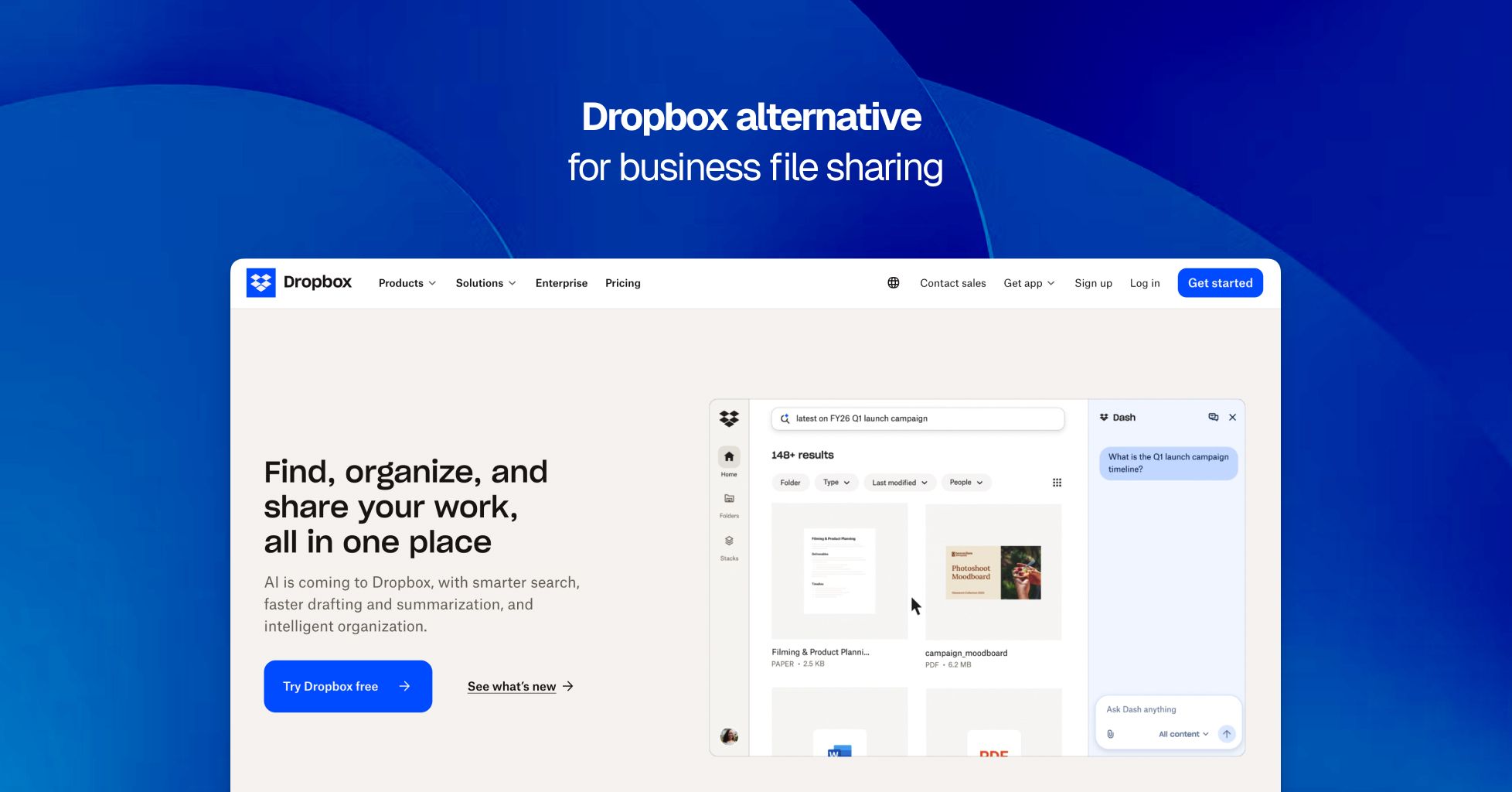
The gap for agencies, photographers, and studios is not about what Dropbox does. It is about what Dropbox was never designed for. When you share a Dropbox link with a client, they land on a Dropbox-branded page at a dropbox.com URL. Your business name does not appear anywhere in that experience. There is no setting on any Dropbox plan that changes this, including Dropbox Business, Business Plus, and Enterprise. For teams where file delivery is a professional touchpoint, that limitation shapes the client experience in ways that matter.
Tarkle Send approaches the problem differently. It is a file sharing and delivery platform designed specifically for agencies, studios, and service businesses that send files to external clients. Every file goes through your own domain, with your logo and colors on the download page. The recipient never sees Tarkle's name. That distinction, a branded client-facing experience versus a generic cloud storage link, is why teams choose one tool for internal work and a different one for everything that reaches a client.
What Dropbox does well
Dropbox desktop sync remains one of the smoothest implementations available. Files stay identical across laptops, phones, and tablets without manual effort. The mobile apps are polished, version history makes it easy to recover earlier file states, and the integrations with Microsoft Office and Google Workspace are mature. For teams that primarily need automatic device backup and internal file access, Dropbox delivers reliably.
It is also worth noting that Dropbox has invested significantly in collaboration features. Dropbox Paper, Replay for video review, and shared team folders serve real internal workflows. If your primary use case is keeping your own team aligned on shared files across devices, Dropbox handles that well. The product was designed for that purpose, and it shows.
Where Dropbox falls short for client-facing teams
Dropbox was architected around sync. Sharing is a secondary feature layered on top of that foundation. The distinction becomes visible in four areas that directly affect teams whose primary use case is delivering files to paying clients.
No custom domain on any plan
There is no Dropbox plan that lets you deliver files through your own domain. Every shared link points to dropbox.com. If you want clients to receive files at files.yourstudio.com or deliver.youragency.com, Dropbox has no mechanism to support that. This is not a feature gated behind a higher tier. It does not exist in the product at any price.
Per-user pricing increases with every hire
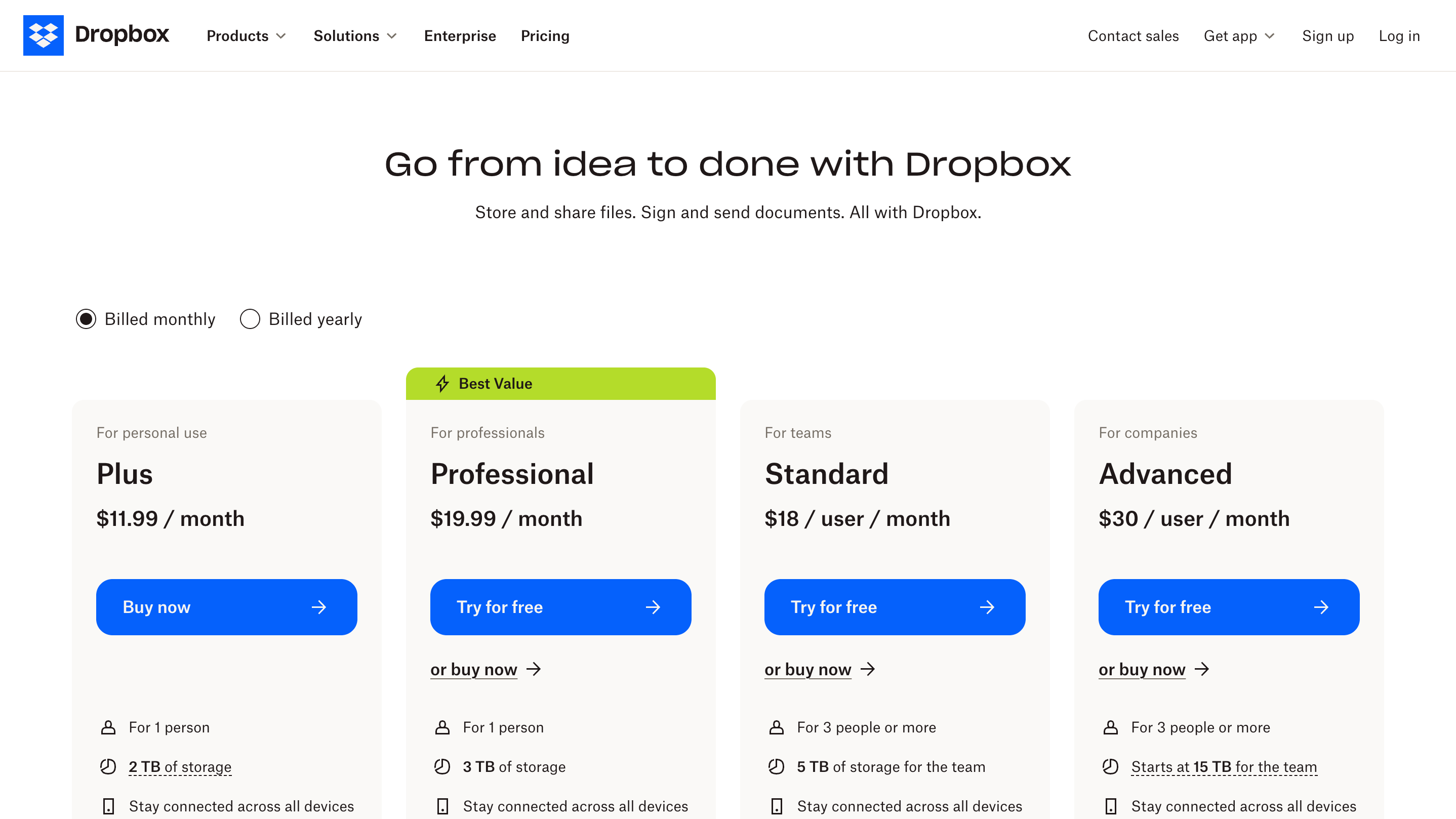
Dropbox Business starts at approximately $18 per user per month with a minimum of three users, which means $54 per month before a single file is shared. A five-person creative team pays roughly $90 per month. A ten-person agency pays $180. Every additional team member adds to the bill, even though the clients who actually receive your files never occupy a seat. The pricing model rewards small teams and penalizes growth.
No branded recipient experience
Dropbox has no concept of a dedicated client workspace where a recipient logs in and sees their project files under your agency's name. There is no branded download page, no recipient portal, and no way to charge for a file download. For agencies that deliver finished creative work, strategy documents, or production files as part of a paid engagement, the absence of any client-facing presentation layer means the last step of your professional process looks generic.
Every shared link carries Dropbox branding
When a client clicks your link, the page shows the Dropbox logo, Dropbox color scheme, and a dropbox.com URL bar. Your agency name, your logo, and your brand identity are absent from the experience. For studios and agencies that invest in presentation as part of their value proposition, this is a branding gap that repeats with every file you send.
Who benefits from switching
Not every Dropbox user needs an alternative. If you use Dropbox exclusively for internal sync and backup, it may be exactly the right tool. The teams that benefit from a different approach are those where the file link is part of the client experience, where the download page is the last impression before an invoice or a project sign-off.
Creative agencies delivering brand identities, campaign assets, and finished work. Photography and video studios sending final edits, galleries, and raw deliverables. Marketing firms sharing campaign reports and ad creatives with clients who expect professional presentation. Architecture and interior design practices delivering renders, drawings, and specifications. Law firms and consultants sending proposals and signed documents. Freelance designers sharing deliverables with clients who judge quality from the first interaction to the last.
Tarkle Send pricing vs Dropbox pricing
Tarkle Send charges a flat monthly rate regardless of team size within the plan. Dropbox charges per user.
Tarkle Send Starter is $29 per month (billed yearly) for up to 15 team members, 3 TB storage, and up to 50 GB per transfer. Send Pro is $69 per month (billed yearly) for up to 30 team members, 9 TB storage, and up to 100 GB per transfer.
Dropbox Business requires a minimum of three users at approximately $18 each, totaling $54 per month to start. A five-person team pays about $90 per month. The cost scales linearly with headcount.
A five-person agency pays $29 per month on Tarkle Send Starter versus approximately $90 on Dropbox Business. At ten people, the comparison is $29 (still within the Starter plan) versus $180. The gap widens as the team grows because Tarkle Send pricing is flat and Dropbox pricing is per seat.
Both offer a free trial. Tarkle Send gives 7 days with full access. No credit card required, see all Tarkle Send plans.
You do not have to choose one
The most common setup among teams that adopt Tarkle Send is to keep Dropbox (or Google Drive) for internal sync and backup, and use Tarkle Send exclusively for everything that reaches a client. The two tools serve different purposes and do not conflict.
Tarkle Send includes file masking, which lets you link to files stored on Dropbox, Google Drive, or any external URL and deliver them through a branded Tarkle Send page on your domain. The files stay wherever you already store them. Your clients see a professional download page with your logo, your colors, and your domain in the URL bar. This means you do not need to migrate your existing storage to get the branded delivery experience.
What Tarkle Send includes
Every plan includes custom domain, branded download pages, file requests, direct download links, password protection, expiry dates, email capture before download, real-time Slack notifications when files are viewed or downloaded, and support for over 200 file types. Send Pro adds embedded upload and download widgets, a branded recipient portal, and expanded storage.
Tarkle Send also connects to Slack, Stripe, Figma, Loom, Mailchimp, Fathom, and Plausible. Explore all Tarkle Send features and integrations.