FileCloud alternative for agencies that need branded client delivery
FileCloud is built for regulated IT teams. Tarkle Send is for agencies that need white-label delivery, custom domains, and simple client access.
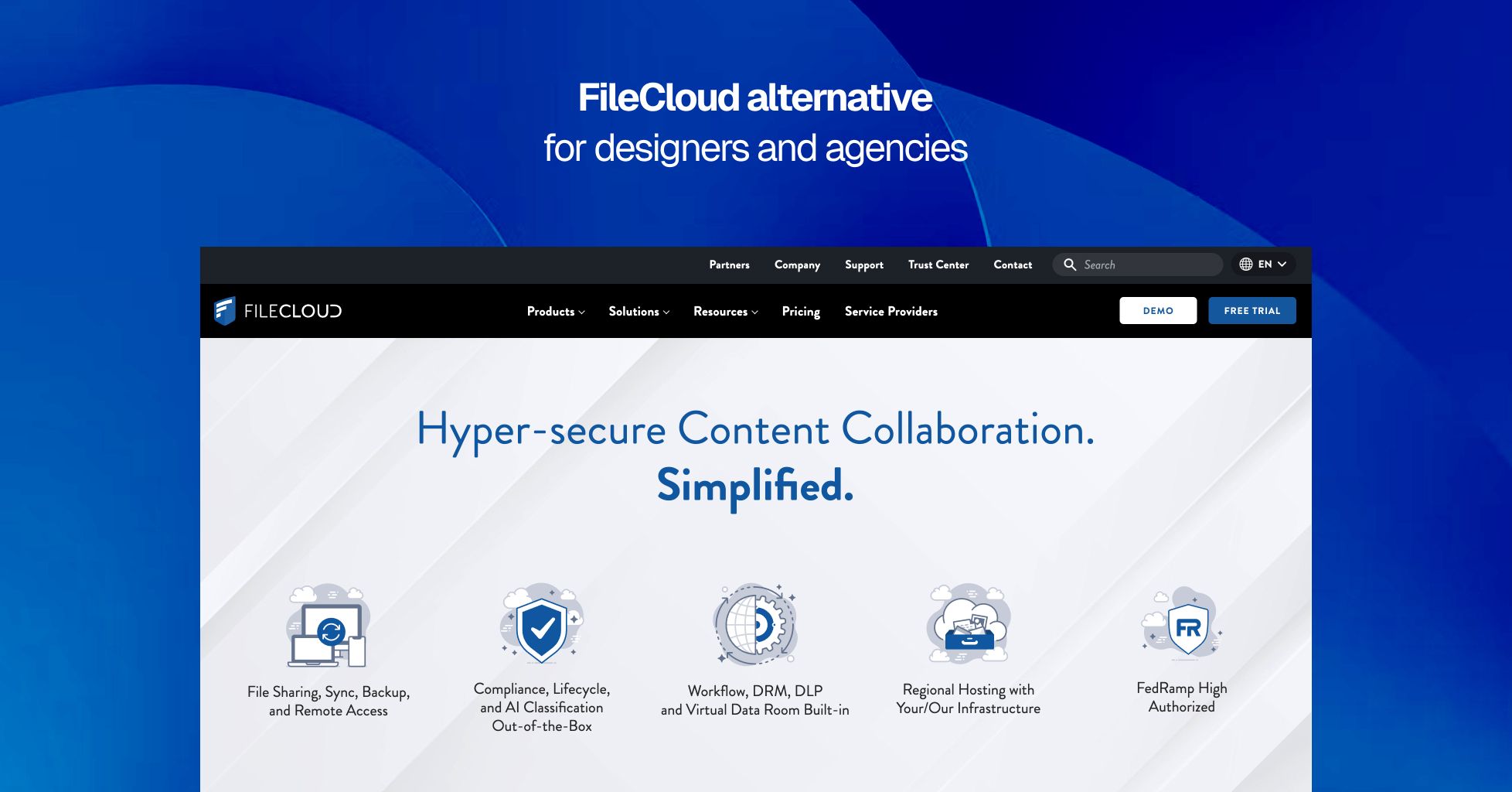
FileCloud is a serious enterprise platform. It does a lot: compliance dashboards, Digital Rights Management, Active Directory integration, workflow automation, audit logs, sync, backup, and a white-label client portal with custom branding. For IT teams managing regulated data, that breadth is the point. If the job is internal governance at scale, FileCloud makes sense.
The gap is fit. FileCloud is built for organizations that can handle setup, policy design, and procurement. Its SaaS plan starts with a 10-user minimum, and the features agencies actually want for client delivery sit behind higher tiers and a sales process. For a small studio or agency that needs branded delivery now, that is too much structure before the first file is sent.
Tarkle Send is built for the opposite use case. It gives agencies a branded client delivery experience on their own domain, with flat pricing, tracking, Slack notifications, and a file payment gate. Clients do not need to log into an enterprise portal just to receive work. They click a link, see the agency’s brand, and get the file.
What FileCloud does well
FileCloud’s compliance and governance tools are strong. Its Compliance Center covers standards and frameworks such as HIPAA, GDPR, ITAR, NIST 800-171, and Saudi Arabia’s PDPL. It includes audit trails, DLP, DRM, and policy controls for retention, classification, and access revocation. For regulated businesses, that level of control is the product.
Its white-label portal is also real. FileCloud can be configured with a custom domain, logo, login page background, email templates, and branded terms, and external recipients can be given guest access to a portal where they can view shared files. For MSPs and enterprises that want to present the platform as their own, that is a meaningful capability.
The platform also supports deep infrastructure needs. It integrates with Active Directory and NTFS permissions, supports self-hosted and managed deployment models, and offers sync, mobile apps, desktop clients, and file versioning. For IT teams replacing legacy file servers or building a governed internal file system, those are genuine strengths.
Where FileCloud falls short
FileCloud was built for IT-managed infrastructure, not quick client delivery. That shows up in the areas that matter most to agencies and studios.
The 10-user minimum creates a high entry point
FileCloud Online Essentials starts at $14 per user per month, billed annually, with a 10-user minimum. That means a floor of $140 per month before you get to any advanced portal features. For a five-person agency, the minimum commitment is already too high for the job. Tarkle Send starts at $29 per month for up to 15 team seats. It is easier to adopt and easier to justify.
Custom domain support is not the default buying path
FileCloud does support white-label branding and custom domain delivery, but the features agencies want most are tied to higher tiers and sales-led pricing. That is fine for enterprise procurement. It is not fine for a small team that wants to ship today without a procurement cycle. Tarkle Send includes custom domain delivery on every plan.
The product assumes enterprise configuration
Compliance dashboards, workflow automation, DLP rules, AD integration, and portal settings all take time to configure correctly. That is the right tradeoff for regulated IT, but it is overhead for a creative team that just needs to send files to clients. Tarkle Send keeps the setup light. The product is ready for client delivery without an internal admin project.
Client access is portal-first, not link-first
FileCloud’s client experience is account-based. External users are provisioned into a portal, then access files through that system. That model works for enterprise workflows, but it adds steps for simple delivery. Tarkle Send is link-first. Clients can open a branded file page without dealing with an account flow.
Who benefits from switching
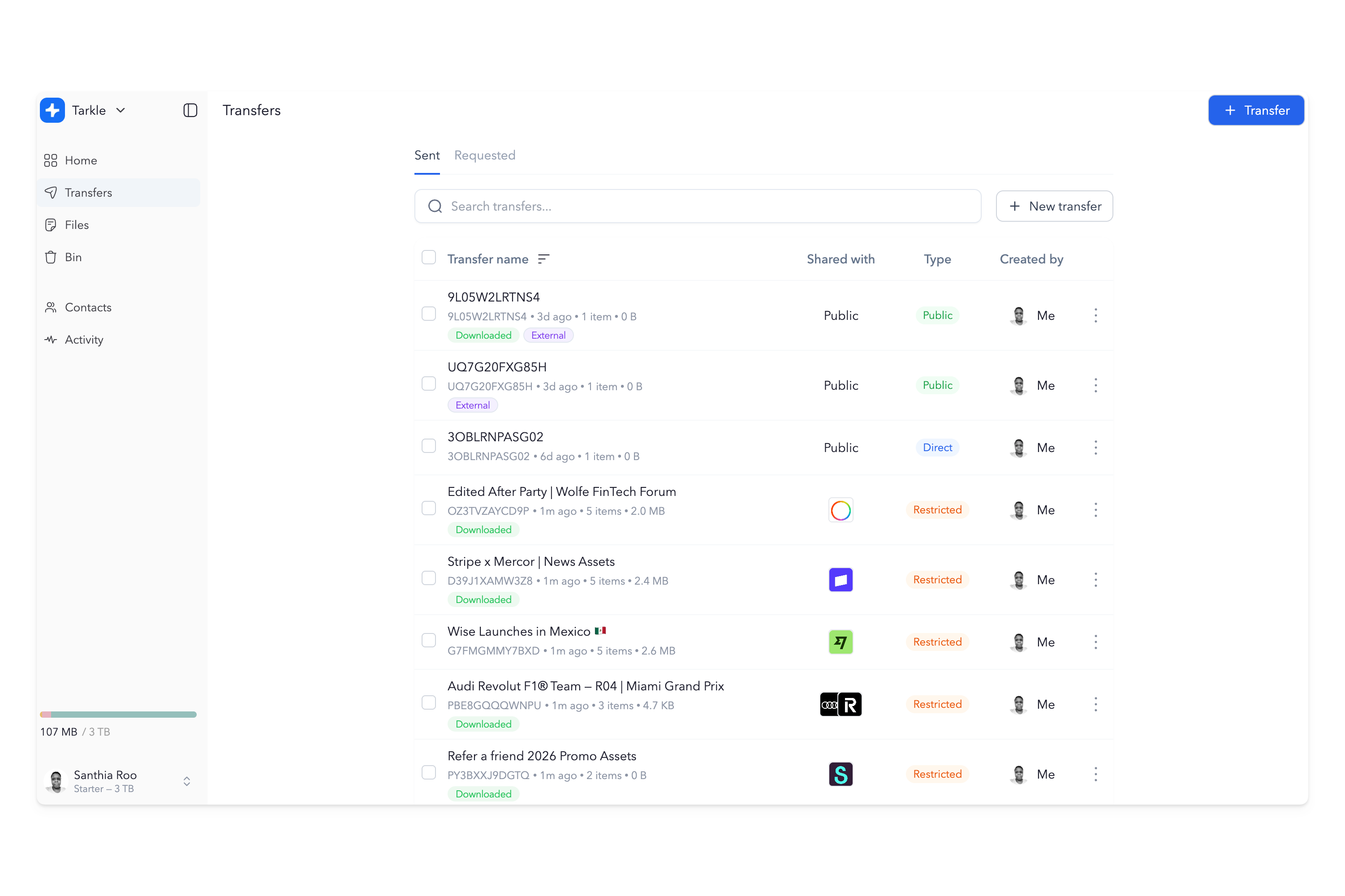
FileCloud is a better fit for regulated companies that need to control internal data, govern access, and manage compliance at scale. The businesses that usually need something else are those where the file link itself is part of the client experience.
Creative agencies delivering finished assets. Studios sending proofs, final files, and campaign deliverables. Marketing firms sharing reports and branded client materials. Consultants, law firms, and service businesses that want the handoff to look like their own brand from the first click. If the main job is client delivery, not enterprise file governance, Tarkle Send is the cleaner tool.
FileCloud pricing vs Tarkle pricing
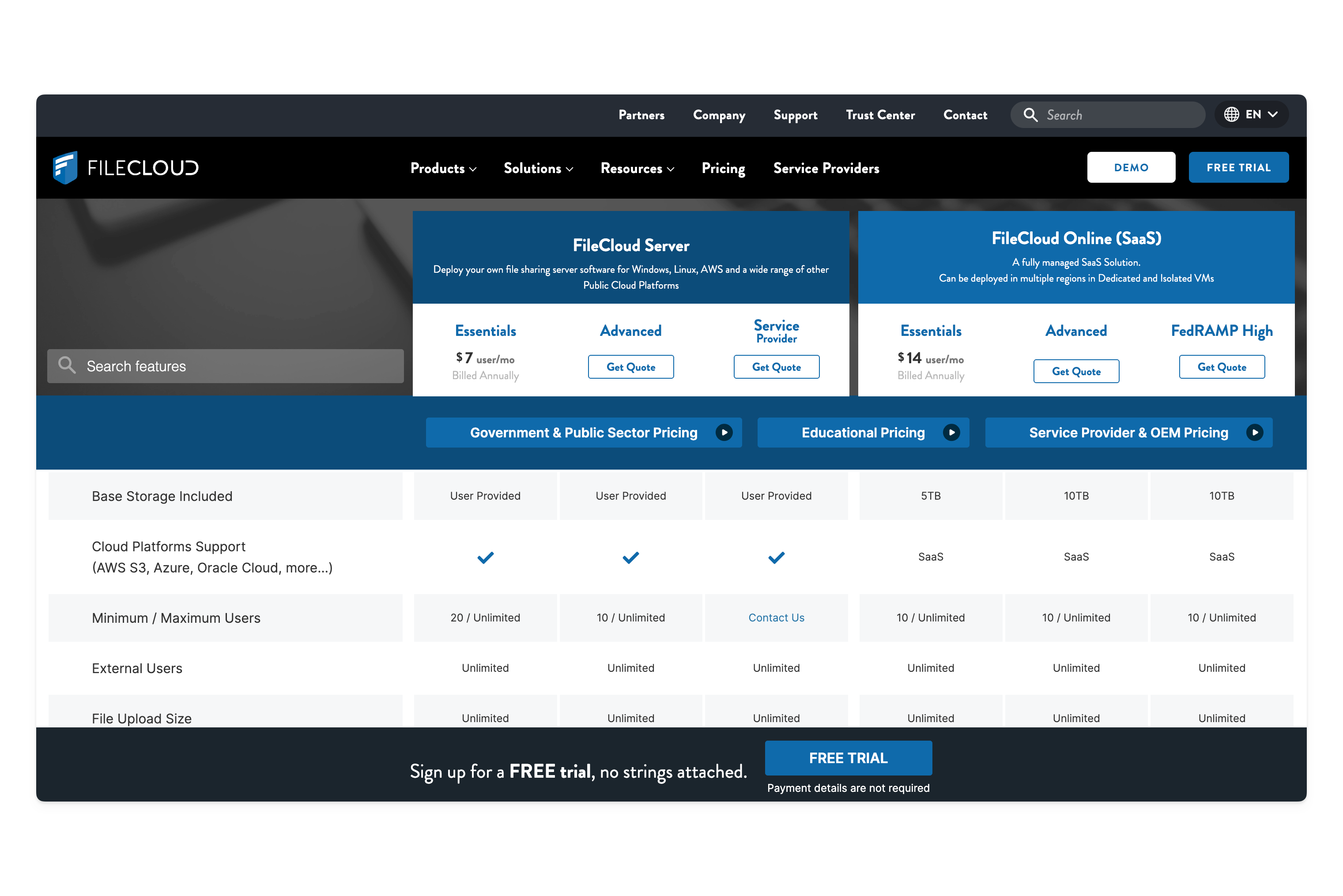
FileCloud Online Essentials starts at $14 per user per month billed annually, with a 10-user minimum and 5 TB included storage. That means a $140 monthly floor before advanced white-label features. FileCloud Advanced adds custom domain support and other governance features, but pricing is quote-based.
Tarkle Send costs $29 per month yearly, or $49 monthly, for up to 15 team seats, 3 TB storage, and 50 GB per transfer. Send Pro costs $69 per month yearly, or $99 monthly, for up to 30 team seats, 9 TB storage, and 100 GB per transfer. Both plans include custom domain delivery, branded download pages, tracking, and a 7-day free trial with no credit card required.
For an IT team that needs compliance and governance, FileCloud is the larger system. For an agency that needs branded client delivery, Tarkle Send is the simpler and cheaper fit.
You do not have to choose one
Some organizations can use both. FileCloud can handle internal file governance and regulated storage, while Tarkle Send handles everything that reaches a client.
That split makes sense when internal control and external presentation are different jobs. FileCloud keeps the back office covered. Tarkle Send keeps the client-facing side clean.
What Tarkle Send includes
Tarkle Send includes custom domain delivery, branded download pages, file requests, direct download links, password protection, expiry dates, email capture, real-time view and download tracking, Slack notifications, and support for over 200 file types. Send Pro adds embedded upload and download widgets, a branded recipient portal, and expanded storage.