Smash alternative for agencies that need branded file delivery on their own domain
Smash is fast for large transfers. Tarkle Send is for agencies that need branded delivery, tracking, and client-facing links on their own domain.
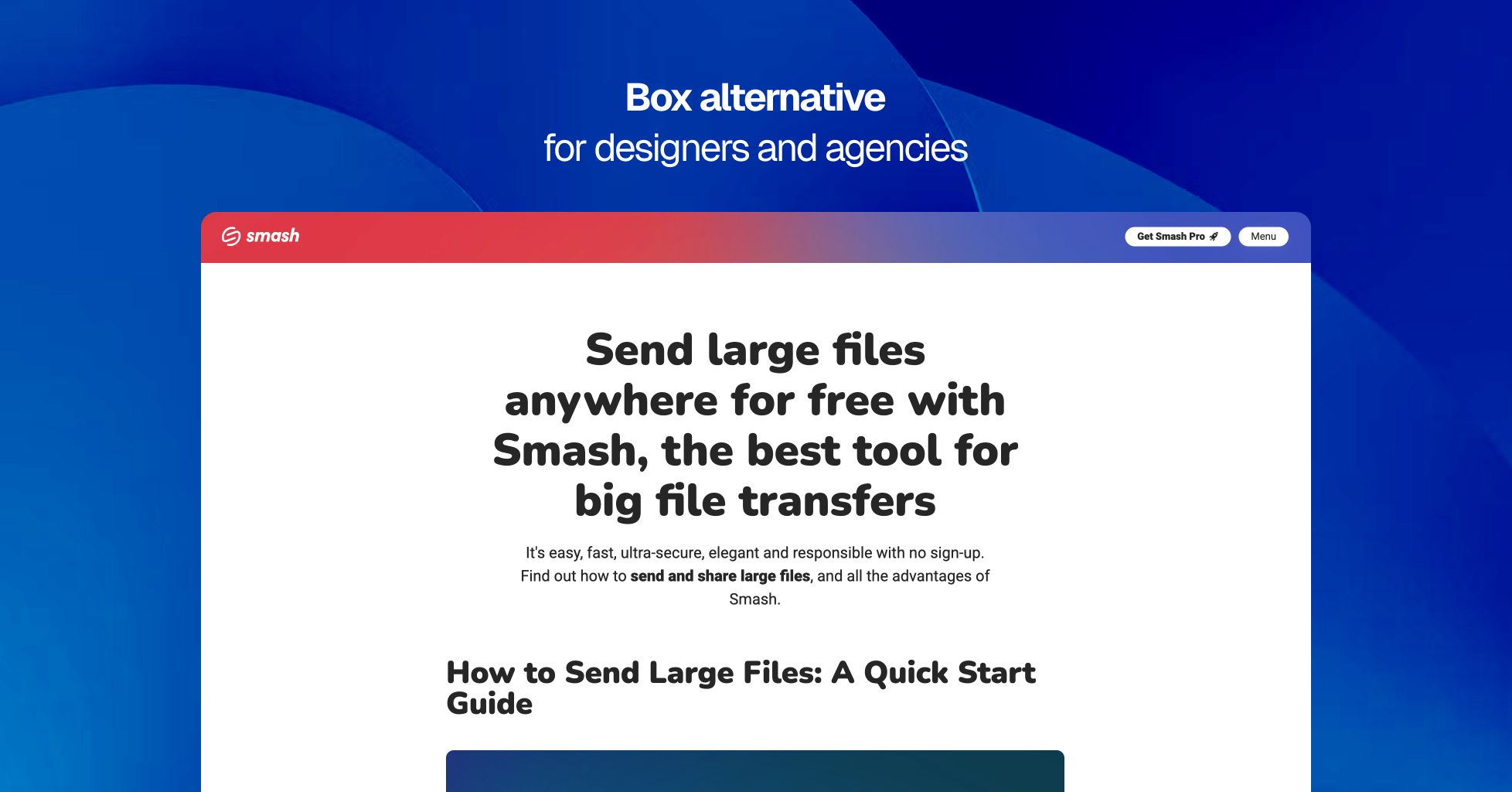
Smash is good at one thing: sending large files quickly. It is easy to use, works without much setup, and handles big transfers better than many older file-sharing tools. For freelancers or teams that only need to move a lot of data from one place to another, that matters. The interface is clean and the free plan is generous enough to make Smash useful for occasional sends.
The problem starts when file delivery is part of the client experience. Smash keeps the transfer centered on its own platform, not yours. On Pro and Team plans, links still live on a fromsmash.com subdomain. Custom domain delivery is only available on Enterprise, which moves it out of self-serve pricing and into a sales process. For agencies, studios, and client-facing businesses, that is a meaningful limit.
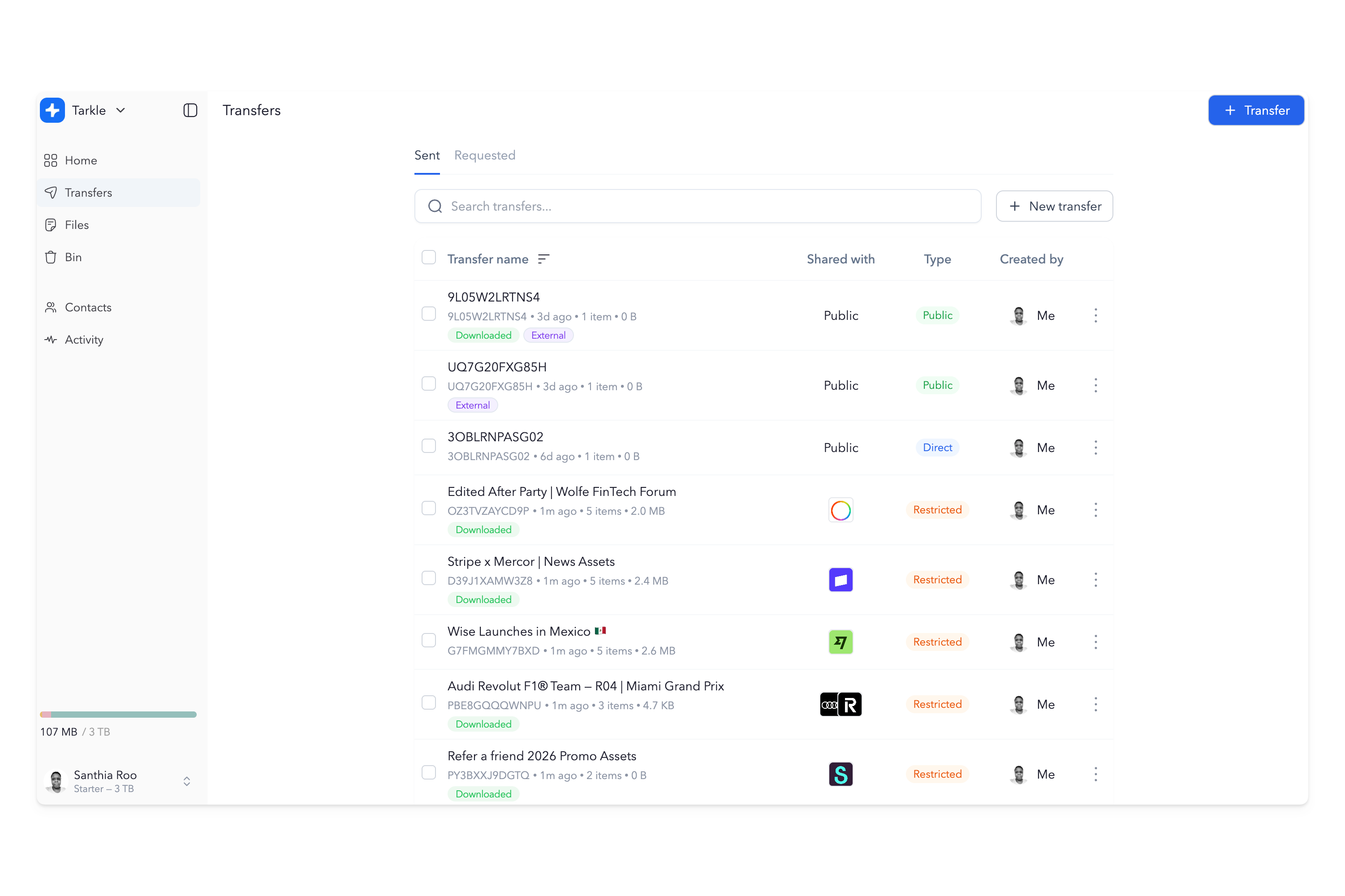
Tarkle Send is built for the opposite use case. It puts files on your own domain, with your branding on every download page, so the client sees your business, not the platform behind it. It also adds tracking, Slack notifications, and a file payment gate for teams that need delivery to be part of the service, not just a transfer event. If the file link is a client touchpoint, that difference is the whole point.
What Smash does well
Smash is strong at speed, simplicity, and large transfers. Its paid plans support transfers up to 250 GB on Pro and 1 TB on Team, with file availability up to 30 days. The platform also includes tracking, transfer history, password protection, branding controls, and download notifications. That makes it a practical option for people who want a polished large-file transfer tool without a lot of setup.
The free tier is also notable. Smash lets users send up to 2 GB per transfer with no account required, and larger uploads can still go through, though they may be queued. For one-off sends, that is enough to make Smash attractive to people who do not need a branded client portal or a custom domain.
Smash also puts some emphasis on infrastructure and sustainability. Its storage is distributed across regions, and the company describes the temporary storage model as part of its performance and carbon reduction approach. That may appeal to users who care about speed and the idea of ephemeral transfers.
Where Smash falls short
Smash was designed around a transfer, not a client relationship. That shows up in a few places that matter a lot for agencies and service businesses.
Custom domain is locked to Enterprise
On Smash Pro and Team, your link still uses a Smash subdomain like yourname.fromsmash.com. The URL always contains Smash. If you want a transfer page on your own domain, Smash requires the Enterprise plan and a sales conversation. That is a real barrier for small teams that want white-label delivery without enterprise pricing.
Tarkle Send includes custom domain delivery on every plan. The link is yours from the start.
File availability tops out at 30 days
Smash caps file availability at 30 days on paid plans. That is not a setting you can change to keep files around indefinitely. For businesses delivering work over a longer project cycle, that creates friction. Clients cannot return months later to find the same link waiting for them.
Tarkle Send keeps files until you delete them, so the delivery experience can match the length of the client relationship.
Branding is still Smash-branded
Smash lets you add a logo, background, and promotional message. That is useful, but it is still a Smash page. The client is on Smash infrastructure, using a Smash subdomain, seeing Smash as the platform. For businesses where the file link itself is part of the brand, that is not enough.
Tarkle Send replaces the platform frame with your own branded delivery page.
No built-in client portal on standard plans
Smash is built for individual transfers. It does not give you a dedicated client workspace where a customer can return and access files over time. That makes sense for temporary file sending, but it is not ideal for ongoing client delivery.
Tarkle Send gives agencies a branded client portal, which is the better fit when file access is part of the service.
Who benefits from switching
Smash is a good fit for people who mostly send large files and do not care about the URL or long-term file access. The teams that usually need something different are those where file delivery is client-facing and repeated over time.
Creative agencies delivering finished work, campaign assets, and brand files. Photography and video teams sending final galleries, edits, and review assets. Marketing firms sharing reports and deliverables that should live under the agency's name. Consultants, law firms, and studios that want the handoff to look professional from the first click.
If the client sees the link, the link should look like your business. That is the line Smash does not cross on its standard plans.
Smash pricing vs Tarkle pricing
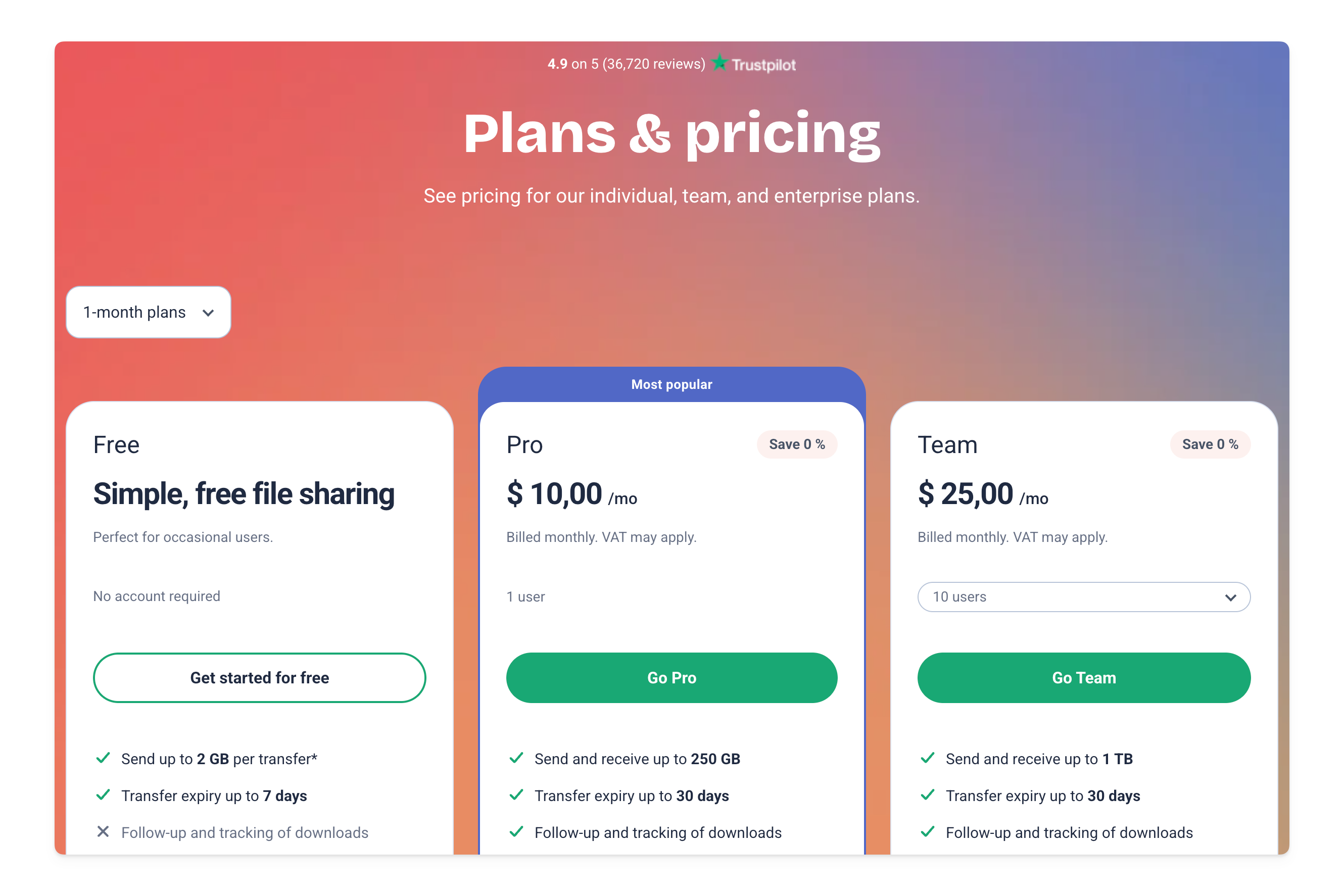
Smash Pro costs about $10 per month for one user, with up to 250 GB transfers, 30-day availability, tracking, history, and branding controls. Smash Team costs about $25 per month for up to 10 users and raises the transfer limit to 1 TB. Custom domain delivery sits behind Enterprise, which is quote-based.
Tarkle Send costs $29 per month yearly, or $49 monthly, for up to 15 team seats, 3 TB storage, and 50 GB per transfer. Send Pro costs $69 per month yearly, or $99 monthly, for up to 30 team seats, 9 TB storage, and 100 GB per transfer. Both plans include custom domain delivery, branded download pages, tracking, and a 7-day free trial with no credit card required.
For a solo user who only needs large transfers, Smash Pro is cheaper. For a team that needs branded client delivery on its own domain, Tarkle Send is the cleaner fit because the pricing is flat and the domain is included.
You do not have to choose one
Some teams use Smash for fast internal transfers and Tarkle Send for client delivery. That split makes sense if speed matters for one-off sends but the client experience still needs to stay branded.
Tarkle Send’s file masking feature also gives you another option. You can deliver files hosted elsewhere through your own branded page, so the client still sees your domain even if the file lives outside Tarkle.
What Tarkle Send includes
Tarkle Send includes custom domain delivery, branded download pages, file requests, direct download links, password protection, expiry dates, email capture, real-time view and download tracking, Slack notifications, and support for over 200 file types. Send Pro adds embedded upload and download widgets, a branded recipient portal, and expanded storage. Explore features and integrations.