Smash alternatives to test for client file delivery
Four Smash alternatives compared on the same questions: transfer size, link expiry, branding, portals and price.

Smash alternatives are worth a look when a team sends large files to clients and needs more than a quick link: a link that stays open longer, a download page with the company's own brand, or a place where clients can send files back. This list puts the same six questions to each tool: how large one transfer can be, how long the link lasts, whether the person downloading needs an account, what domain or branding is possible, whether there is a client portal or request form, and what each plan costs.
The questions to put to each tool
Ask these before you choose:
How large can one transfer be on the free plan?
How long does a link stay active, and can you set the end date?
Does the person downloading need an account?
Can you use your own domain or branding?
Is there a client portal or a request form for files that come back?
What does each plan cost?
Put the six questions in a spreadsheet first, then fill one row per tool from its own pricing page.
The figures below come from each tool's own pricing or home page. Plans change, so the live pricing page is the final word.
Smash alternatives, starting with Smash
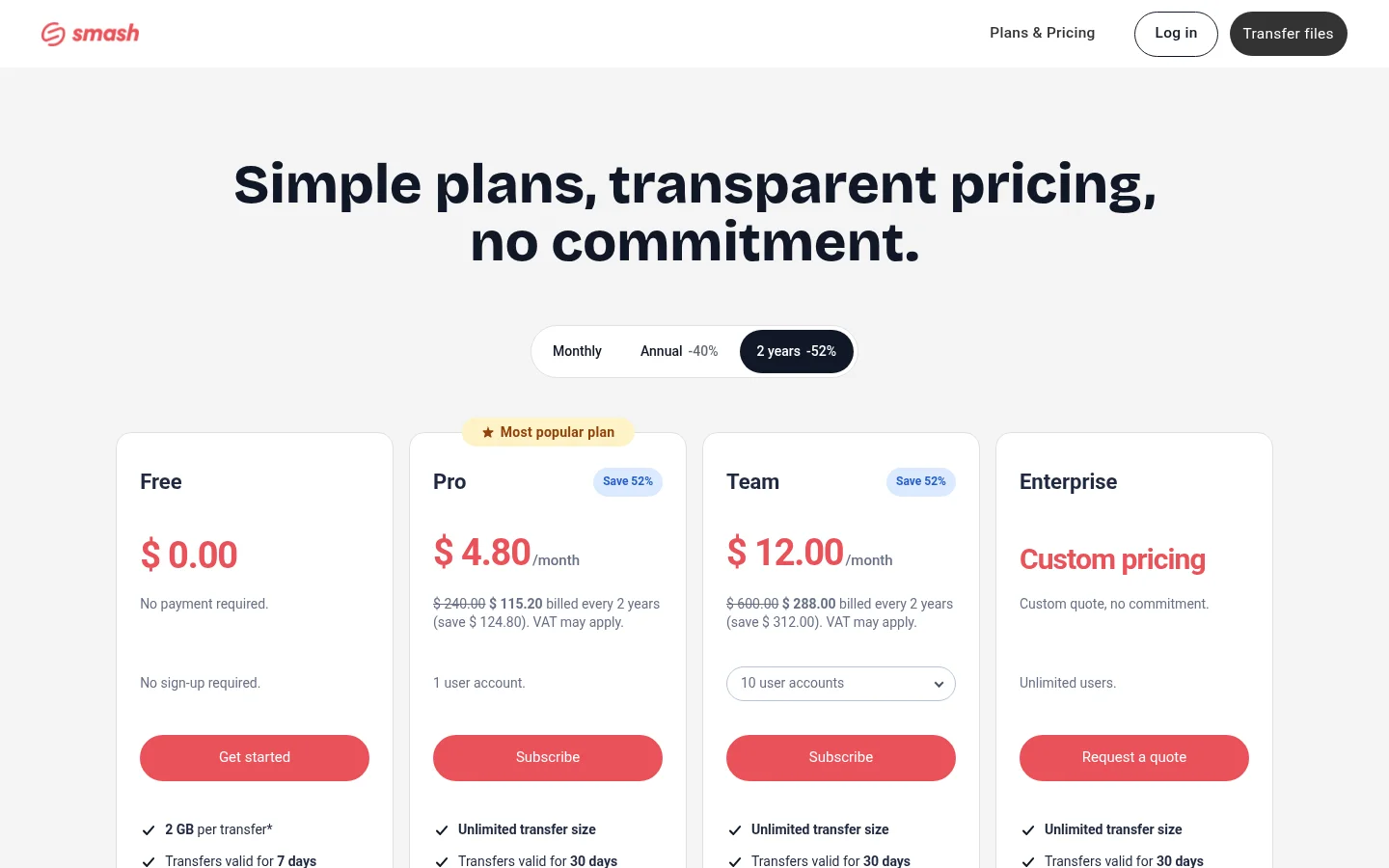
Smash sets the baseline. Its free plan takes transfers up to 2 GB per transfer, and its pricing page says "Beyond 2 GB, transfers join a queue behind Pro transfers." Free transfers stay valid for 7 days. The Pro column lists "Unlimited transfer size" and transfers valid for 30 days. Its custom domain setting, the CNAME feature, is "available with the Smash Enterprise plan". Smash suits a one-off large send that needs a fast link.
SwissTransfer: one large free transfer
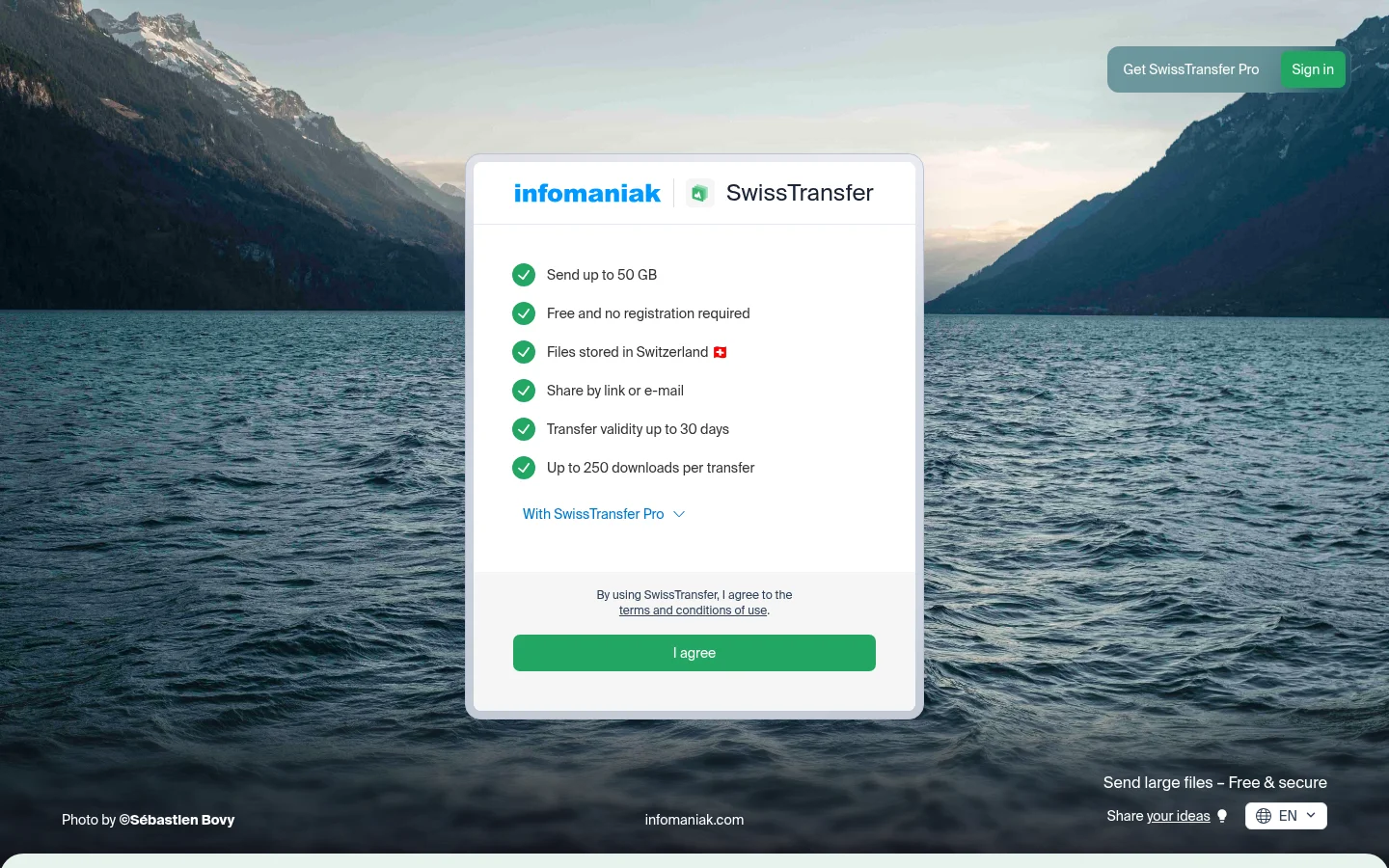
SwissTransfer lets you "send up to 50 GB" for free, and says "No account required to send or receive." Its free service lists "Transfer validity up to 30 days". Its paid SwissTransfer Pro adds a personalised download page with your logo and colours. Files are hosted in Switzerland, in data centers designed, owned and operated by Infomaniak. It suits a sender who needs one large free transfer and wants the recipient to sign in to nothing.
Filemail: desktop apps and paid subdomains
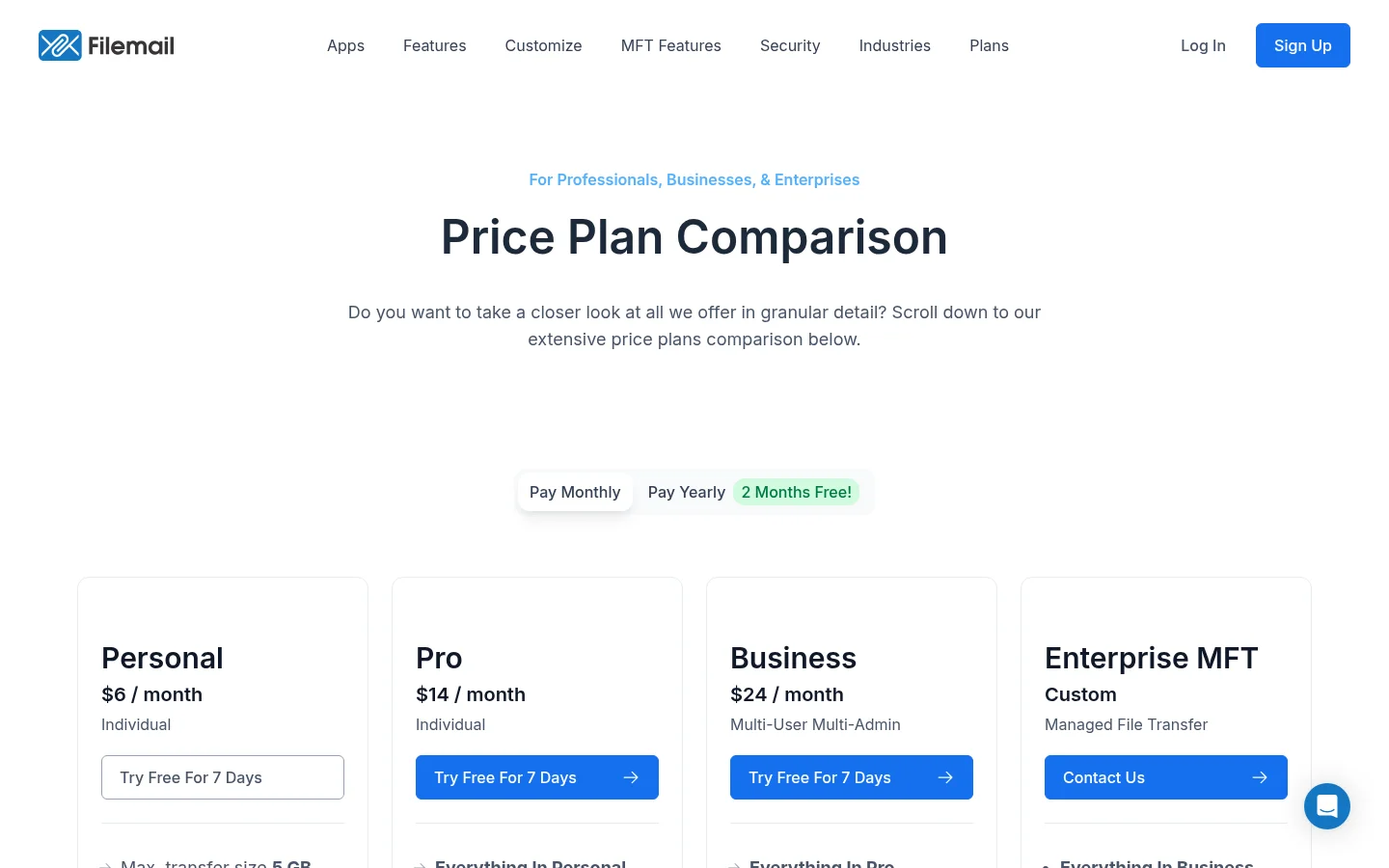
On its home page, Filemail offers "Share Up To 5 GB Free", and its apps send files "with a maximum limit of 5 GB per transfer". The Personal plan lists a maximum transfer of 5 GB and files available for 30 days. The Pro plan lists a maximum transfer of 250 GB, permanent files and file requests. The recipient "can download and access the files hassle-free, with no need to register or install anything." All paid accounts get a custom subdomain, and Business and Enterprise accounts get additional portals (plan comparison). Filemail suits a team that wants desktop apps. It is less of a fit when a link must carry your own domain, because the page lists a subdomain on paid accounts.
TransferNow: long-lived links on a paid plan
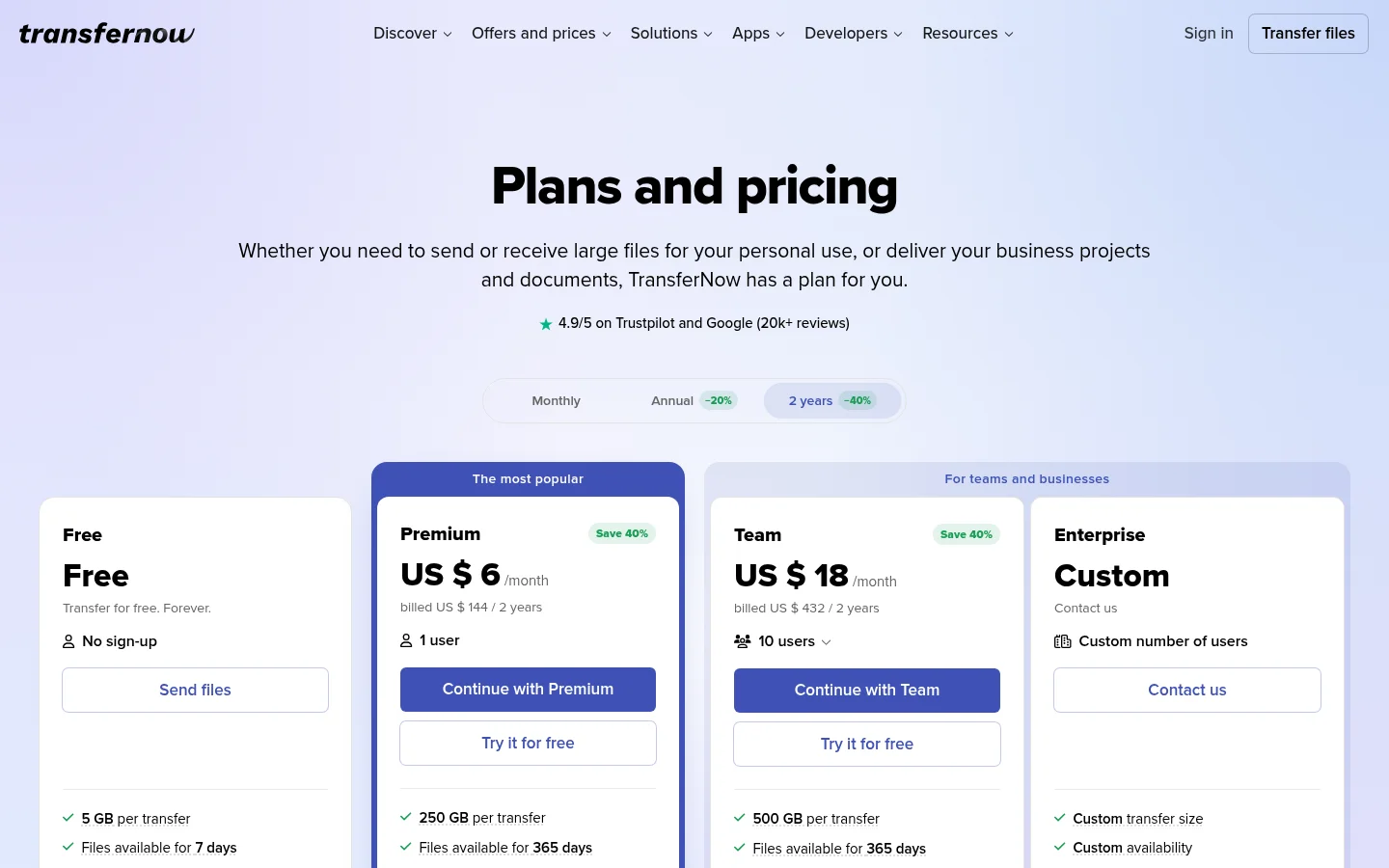
TransferNow has a Free plan with 5 GB per transfer, where your sent transfers are "available for 7 days before they expire", and password protection. Premium lists 250 GB per transfer, files kept for up to 365 days, 1 TB of storage and a custom company domain. Premium also includes file reception with email file requests. It suits a sender who needs long-lived links and a company domain on one plan.
Tarkle: one of the four, on the same questions
Tarkle is one of the four tools, described with the same questions. The Free plan is $0 with no credit card needed. It includes one workspace, 5 GB of storage, and file sharing and file requests. Free allows uploads and transfers "up to 1 GB each", and it also has monthly limits on transfers and on request submissions. Each transfer or request link can get a date after which it stops working, and a transfer can require a password before anyone opens it. On a public transfer link, the person downloading needs no account, as on transfers by link. Free includes custom domain and branding, as the pricing page lists them. You can see whether the email was delivered, whether the transfer page was viewed, and whether files were downloaded, on each transfer status view.
Pro is $29 a month, or $19 a month billed yearly. It raises the upload limit to 200 GB, adds 3 TB of storage, unlimited team members and a fully branded client portal. Agency is $59 a month, or $49 a month billed yearly, and adds 20 client workspaces, 6 TB of cloud storage and a client provisioning portal.
The limit to weigh: the Free plan caps uploads at 1 GB, and it has monthly limits on transfers and request submissions. A team that sends files over 1 GB needs Pro or Agency, which support files up to 200 GB. The full plan list is on the pricing page.

Which to test first
Start with the question that matters most. If one large file is the problem, look at the free transfer size first. If the link must stay open longer, check how long each tool keeps it. If a branded client portal matters, compare Tarkle Pro with Filemail's Business and Enterprise plans, which get portals. If one free transfer above 1 GB is what you need, SwissTransfer lists up to 50 GB per transfer on its free service, and Tarkle's Free plan stops at 1 GB per upload.
What to remember about Tarkle
Tarkle is free to start, with a 1 GB upload limit on the Free plan. Pro and Agency raise the upload limit to 200 GB. On a public transfer link the person downloading needs no account, and Free includes custom domain and branding. Start for free to try it with your own files.