Best free file sharing: 7 tools compared for business (2026)
Seven free file sharing plans compared on storage, file size and link life, with the weak spot of each.

The best free file sharing plan depends on the job. Tarkle Free suits one person who sends files to clients and collects files from them, and it includes a custom domain for sharing links. Smash and WeTransfer suit one-off sends to people outside your company, Google Drive and OneDrive suit people who already work in Google or Office, and Proton Drive suits privacy-first storage. None of the free plans below is built for a team, so the last sections say when to move up.
We make Tarkle, so read this as one vendor's view and check the sources. Every competitor number comes from the vendor's own page, linked next to it.
Last checked: October 2026.
How we compared the best free file sharing tools
Each free plan is compared on the same four things: how much you can store or send, how big one file or transfer can be, how long a link lives, and whether the plan is built for one person or for sharing with clients. Where a vendor does not publish a number on its own page, the table says "not confirmed".
Tool | Free plan | Link life | Built for |
|---|---|---|---|
Tarkle Free | 5 GB, 1 GB per file or transfer, 1 workspace | Password you set on a transfer | One person sharing with clients |
WeTransfer | 10 transfers or 3 GB in any 30-day window | Up to 3 days | Occasional sends |
Smash | 2 GB per transfer | 7 days | One-off large sends |
Google Drive | 15 GB shared with Gmail and Photos | Not confirmed | People on Google |
OneDrive | 5 GB, for one person | Not confirmed | People on Office apps |
Dropbox Basic | 2 GB, up to 3 devices | Not confirmed | Syncing a few files |
Proton Drive | 5 GB | Not confirmed for Free | Encrypted personal storage |
For the questions to ask before you commit to any of them, see the checklist before you pick.
Tarkle Free: best for one person sending files to clients
Tarkle Free is $0 forever, with no credit card required. It includes 1 workspace and 5 GB of cloud storage. Uploads and transfers go up to 1 GB each. You share files by link, and the person downloading needs no account. You can also protect shared files with a password. Free is $0 forever, so you can test Tarkle with real files before you choose a paid plan.

File requests let clients send files to you through one link, into the folder you choose. Free includes client feedback and approval. Clients review images and PDFs with one link and no account. Free includes a custom domain for your sharing links. With a custom domain you open your links from your own domain, such as files.yourstudio.com. You can import files from Dropbox or Google Drive.
Free is for one person. Pro and Agency include unlimited team members. Deleted items stay in the recovery bin for 30 days on Free. On Free, the Powered by Tarkle line stays on your pages.
If clients keep emailing you attachments, make one file request link and send it instead. Files land in the folder you choose, so you stop searching your inbox for them.
WeTransfer: best for an occasional send
WeTransfer's Free plan lets you send up to 10 transfers or 3 GB in any 30-day rolling window, and free uploads can stay online for up to 3 days (plan limits and transfer availability, as published in October 2026). It suits someone who sends a few files a month.
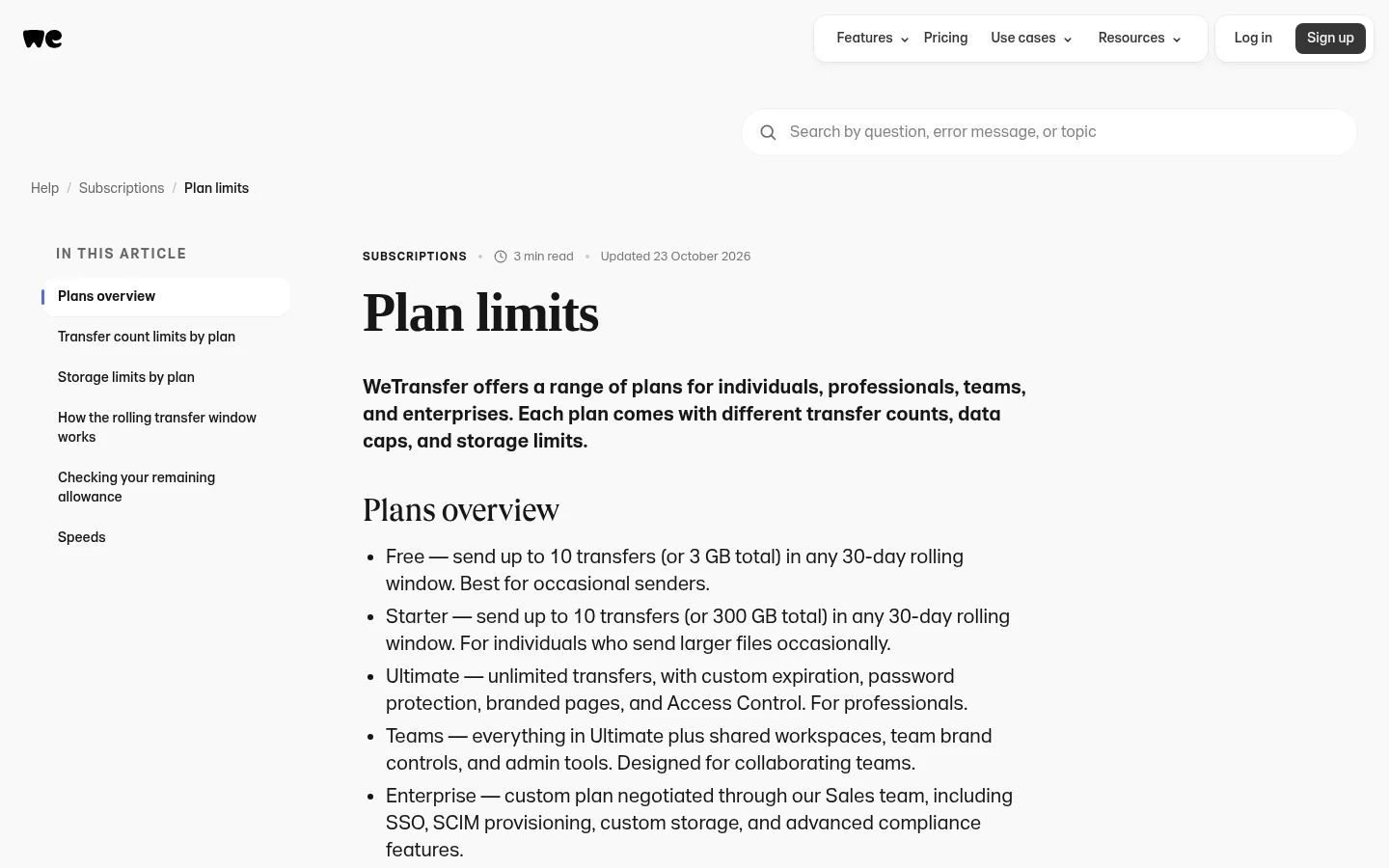
The weak spot for business use is the small allowance and the short link life. WeTransfer lists password protection, custom expiration and branded pages under its paid plans, not Free.
Smash: best for one-off large sends
Smash's free plan needs no sign-up and allows 2 GB per transfer, with transfers valid for 7 days (Smash pricing, October 2026). It suits a designer or editor who needs to push one big file today.
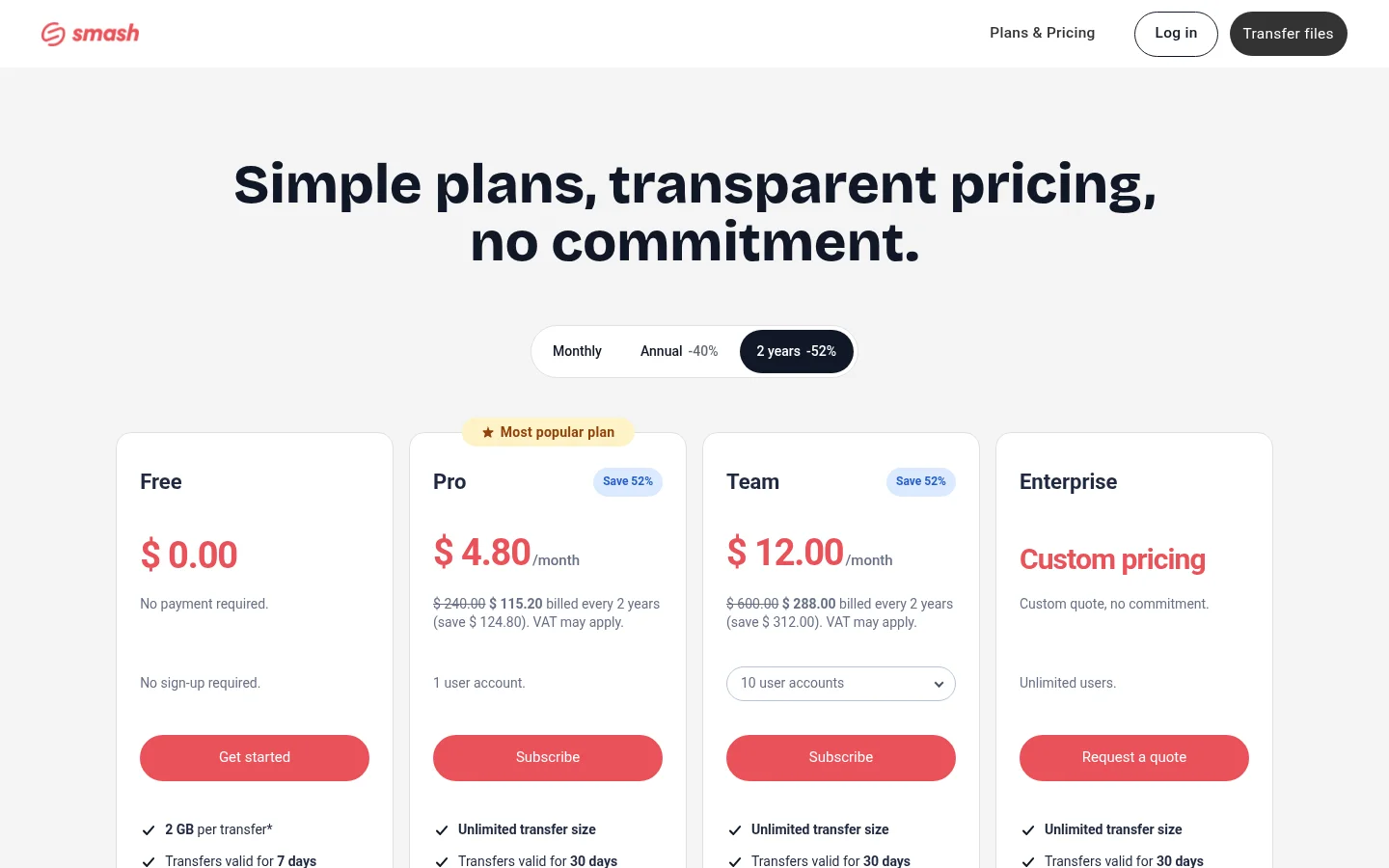
The weak spot: Smash says transfers over 2 GB on the free plan are not prioritised and queue behind paid ones. See also Tarkle vs Smash.
Google Drive: best if you already use Google
Google gives every account up to 15 GB, shared across Drive, Gmail and Google Photos (Google Drive storage help, October 2026). It suits someone who already shares documents in Google Docs and Sheets and wants one more folder to link to.
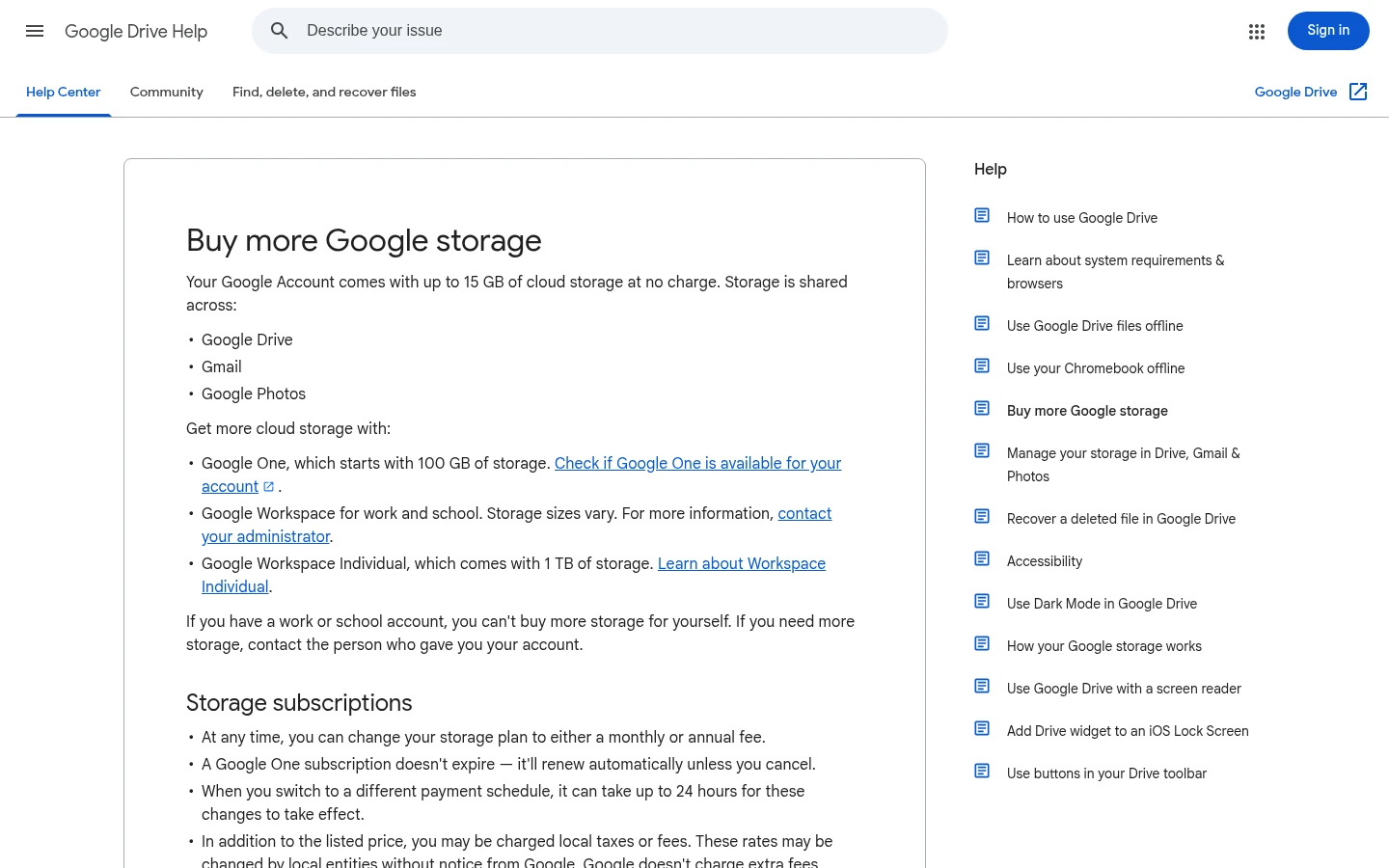
The weak spot is that the 15 GB is shared with email and photos, so a busy inbox eats your file space. Google also says that if you have a work or school account, you can't buy more storage for yourself. If you want clients to receive files without a Google sign-in, see how to share files with clients without Google Drive.
OneDrive: best if you already use Office
OneDrive's free plan is listed for one person, with 5 GB of cloud storage (OneDrive plans, October 2026). It suits someone who wants to open Word and Excel files in the browser and keep them backed up.
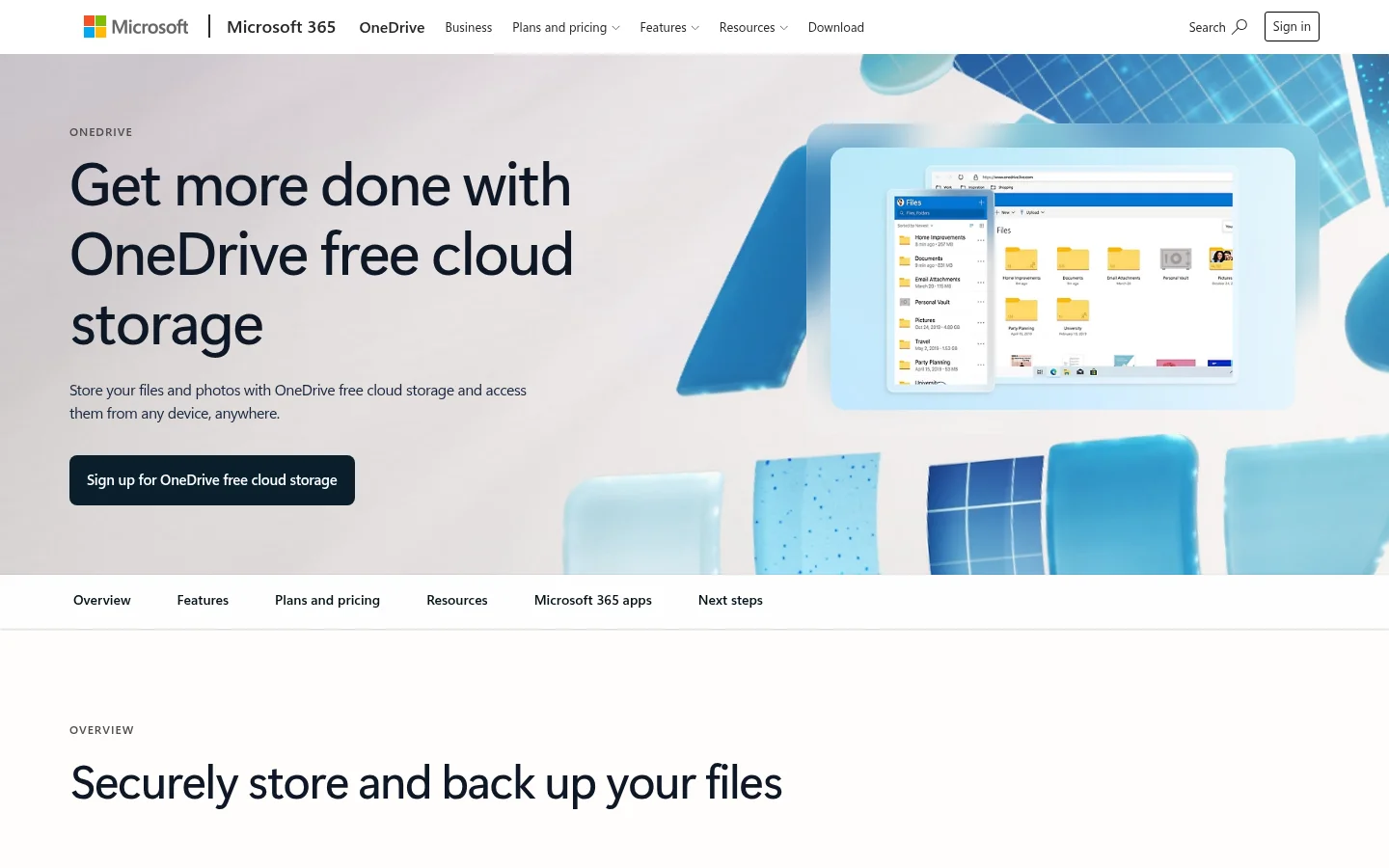
The weak spot is that it is a single-person plan, with no shared space for a second person on the free tier. Our OneDrive comparison covers client sharing in more detail.
Dropbox Basic: best for syncing a few files
Dropbox Basic gives 2 GB of storage, connects up to 3 devices and restores deleted files for 30 days (Dropbox Basic, October 2026). It suits someone who wants a few working files on a laptop and a phone.
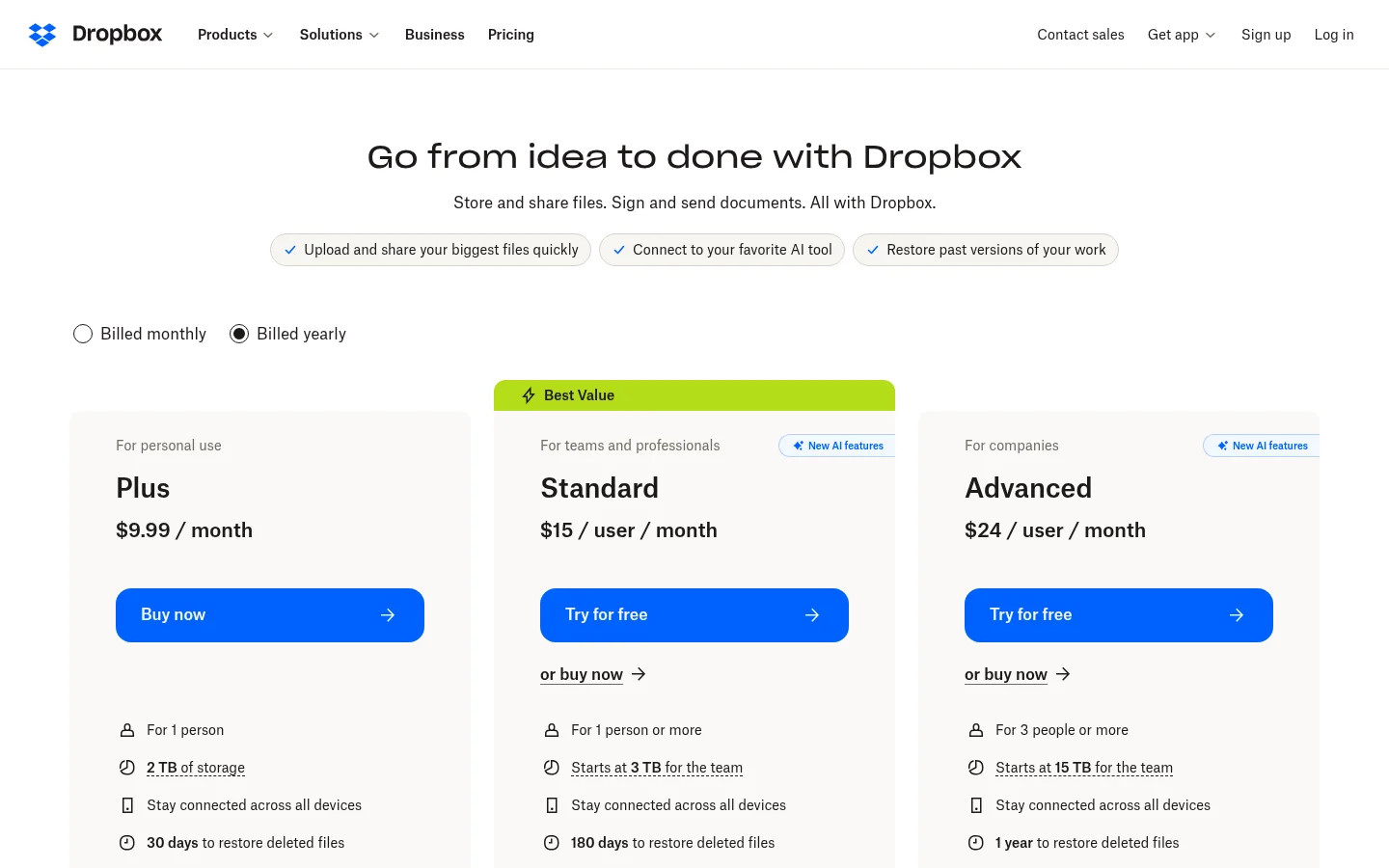
The weak spot is the size: 2 GB and 3 devices fill up fast for client work. We cover this in our free Dropbox alternatives comparison.
Proton Drive: best for encrypted personal storage
Proton Drive's Free plan gives 5 GB of storage (Proton Drive pricing, October 2026). No credit card is required. Its encryption is the same as on the paid plans. It suits a privacy-minded freelancer who stores sensitive documents.
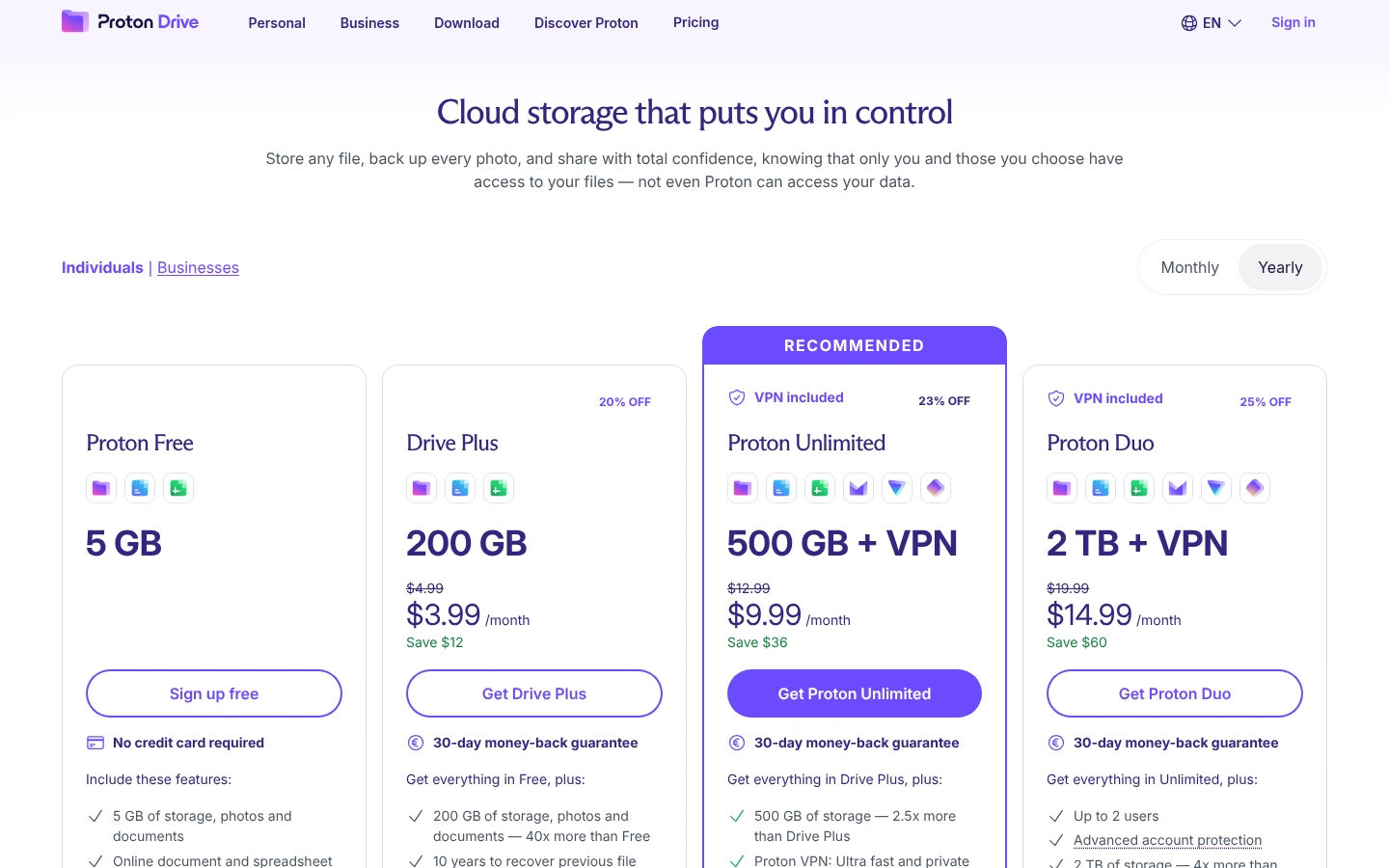
The weak spot for teams: Proton describes the free plan as offering "basic features", and team sharing and user management are sold as a separate paid plan, Drive Professional. Proton's page says senders can set passwords and expiration dates on shared files, without saying which plans include them.
Which is the best free cloud storage for business?
If you need free cloud storage for business, no free plan here is built for a team. Google Drive has the most space at up to 15 GB, shared with Gmail and Photos. OneDrive's free plan is for one person, and Dropbox Basic connects up to 3 devices. Pick by the job:
Sending to and collecting files from clients under your own name: Tarkle Free.
A few big one-off sends: WeTransfer or Smash.
Documents you already edit in Google or Office: Google Drive or OneDrive.
Encrypted personal storage: Proton Drive.
For the difference between sending and storing, read file sharing vs cloud storage.
When to move from a free plan to Pro or Agency
You have outgrown Free when you need a second person on the team, a file over 1 GB, or a client who should sign in and see only what you shared with them. On Pro you get:
Unlimited team members
2 workspaces
3 TB of storage
Uploads up to 200 GB
File versions
90-day recovery
A branded client portal
The client portal is where each client signs in with their email and sees only what you shared with them. Pro costs $29/month, or $19/month billed yearly ($228/year).
Agency includes everything in Pro, plus 20 workspaces for your clients, 6 TB of cloud storage and a white-label platform. Your clients log in and manage their files and team on your own domain, and the Powered by Tarkle backlink becomes Powered by your agency. Agency costs $59/month, or $49/month billed yearly ($588/year). If that is your model, read about white label for agencies.
Check the size of your largest file and how many recipients you send to first. Those two numbers show which free plan can work for you.
What to remember about Tarkle
Tarkle Free is $0 with no credit card. It gives one person 5 GB of storage. Pro adds 3 TB of storage and a branded client portal. Agency adds 20 workspaces for your clients and a white-label platform. Start for free and see the plans before you pay.