Client portal software for agencies: what to check before you pick
Six jobs a client portal must do, and which type of tool fits an agency that sends files and approvals.

Client portal software for agencies gives each client a branded place to sign in, see their own files and send work back. The right tool depends on which jobs you need done: some tools run the whole client relationship, others only handle files and approvals. This guide lists the jobs, shows how the main tool types differ and says which agency each one suits.
Last checked: October 2026. Competitor facts below come from each vendor's own home page, read on 30 October 2026. Check their pricing pages before you buy, because we quote no competitor prices.
What is a client portal for an agency?
A client portal is a branded place where each client signs in with their email, sees only what was shared with them and sends files back. It replaces the long email thread and the shared folder link that nobody can find in three months.
It is not the same as sending a file by link. A link is one delivery, while a portal is a standing place a client returns to. If you are still deciding between the two, read client portal vs file sharing first.
Which jobs must a client portal do?
Write these six jobs down before you open any vendor site. Score every tool against them.
Client sign-in. Can a client get in without creating yet another password? Ask what the client does on day one and on day ninety.
Per-client access. Does each client see only their own files? Ask what happens when two people at one client company need access, and how you switch access off.
Approvals. Can a client approve work or ask for changes, and do you get a clear answer you can point to later?
Uploads back. Can clients send you files into a place you control, with a size limit, instead of attaching them to email?
Branding on your own domain. Do clients see your logo and address, or the vendor's? Check whether removing the vendor's name needs a higher plan.
Storage per client. Can you cap what one client uploads, so one large delivery does not use your whole allowance?
Run a test with a colleague playing the client. Invite them, let them sign in, share one file, ask for one upload and one approval. Any step that needs you to explain it will need you to explain it to every client.
How does client portal software for agencies differ by type?
Most tools fall into three types. They solve different problems, so the best tool in one type can be wrong for a buyer in another.
Type | Examples | The portal is | Suits |
|---|---|---|---|
Agency platform | Wayfront, SuiteDash | One part of a system with billing, projects and CRM | Agencies that want one system for selling and delivery |
Project tool with client access | Basecamp, Clinked | A shared project space for clients | Teams that manage tasks and conversations with clients |
File portal | Tarkle | A branded sign-in for files, uploads and approvals | Agencies that already have project and billing tools |
Agency platforms: Wayfront and SuiteDash
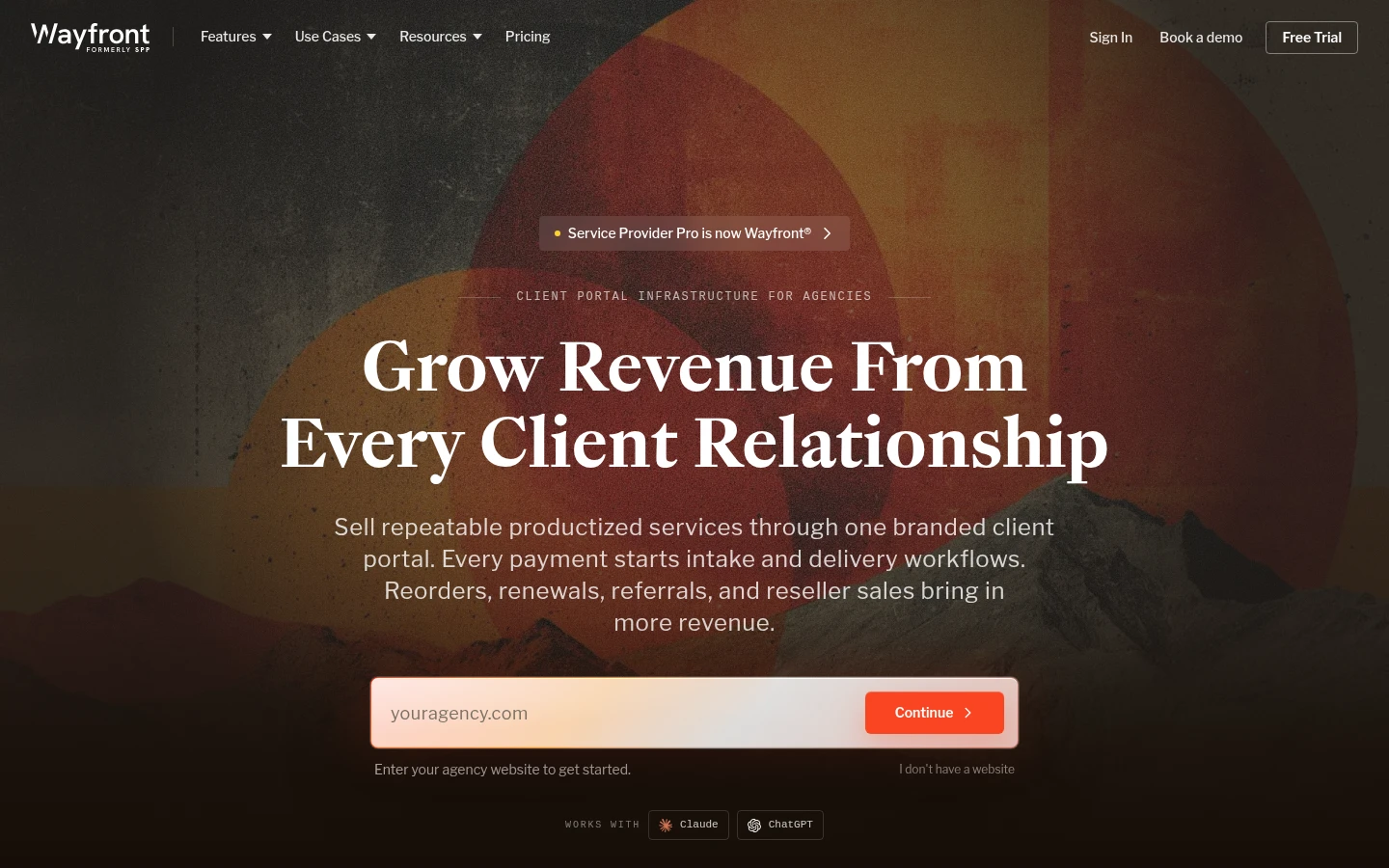
Wayfront describes itself as client portal infrastructure for agencies. Its home page says it keeps the client portal, checkout, invoices, intake, orders, projects, support, CRM and reporting on the same client record, and that the portal shows orders, files, invoices, messages, reports and next steps under your brand (wayfront.com, read 30 October 2026).
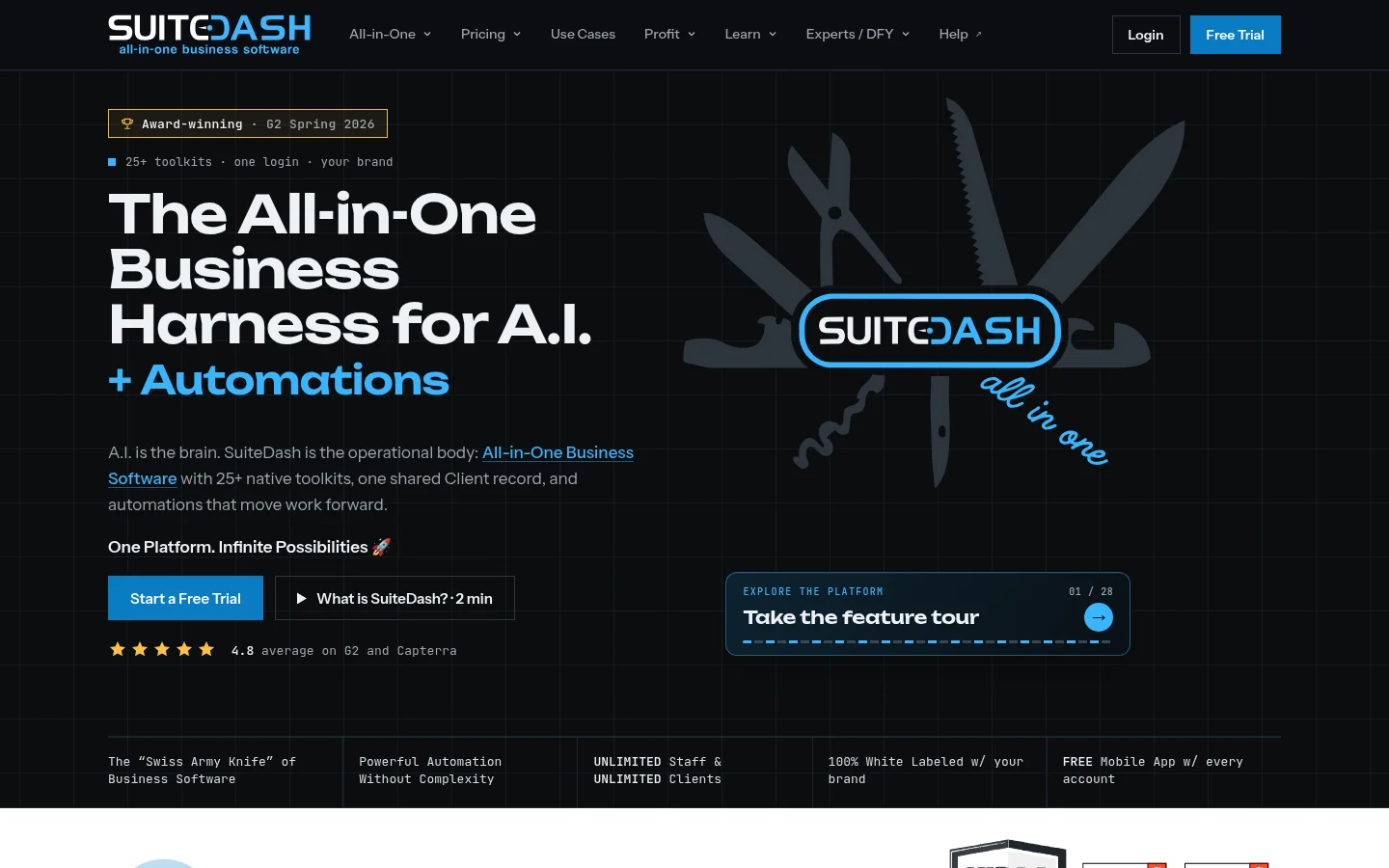
SuiteDash takes a similar route. Its home page lists more than 25 toolkits in one login, including a client portal, CRM, billing, contracts and eSignature, project and task management and file exchange, and says the platform can be fully white labeled (suitedash.com, read 30 October 2026).
These suit an agency that wants to replace its CRM, invoicing and project tools at the same time. The trade-off is setup: you adopt a whole system to get a portal, and your team has to move its habits into it.
Project tools with client access: Basecamp and Clinked
Basecamp is a project tool first. Its home page shows an example project with a message board, to-dos, a Client Uploads folder and a Proofs folder, and its navigation lists a free plan plus paid upgrades (basecamp.com, read 30 October 2026).
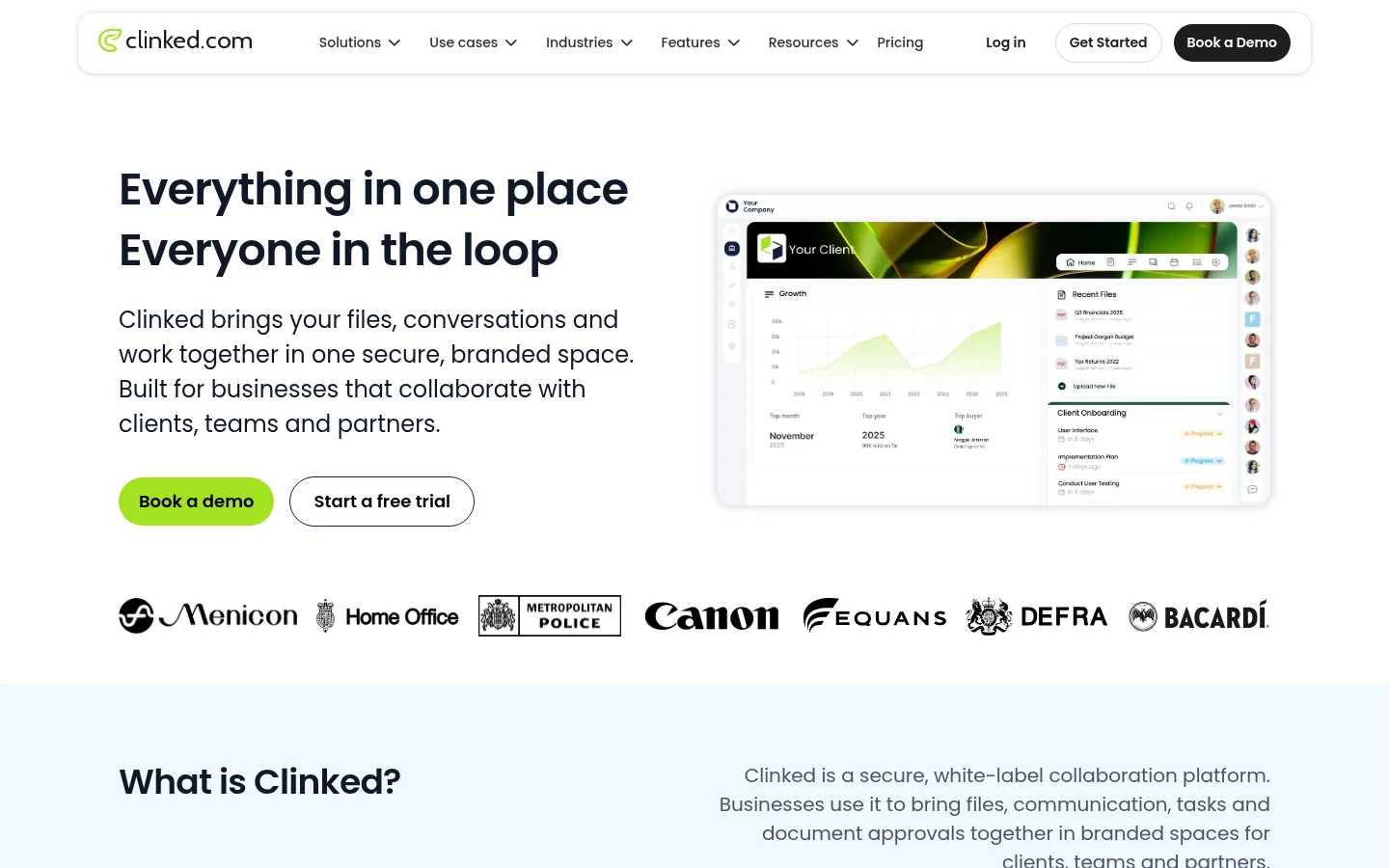
Clinked calls itself a secure, white-label collaboration platform that brings files, communication, tasks and document approvals together in branded spaces. Its home page mentions your own domain, branded email notifications and a white-label mobile app, and it has a page for agencies (clinked.com, read 30 October 2026).
These suit agencies whose clients take part in the work: commenting on tasks, following deadlines, answering questions inside the tool. If your clients only need to receive files, approve them and send files back, this is more tool than the job needs.
What does Tarkle offer? (Tarkle's own view)
Tarkle sells this product, so read this section as one vendor's view, not a verdict. Tarkle is a file portal, not a project system.
The Tarkle client portal is a branded sign-in where each client sees only what was shared with them and sends files back. It is available on Pro and Agency, not on Free. Clients sign in with a link sent to their email, with no password to remember (see passwordless sign-in). Files a client uploads go into a private folder named after them, and you can set a storage limit for each client.
Client feedback covers approvals. You turn images and PDFs into a review board and share one link. The client needs no account: they enter their name and email, leave comments, then choose Approve this work or Request changes and submit the review. You get an email, and the board shows Approved or Changes requested. It is built for images and PDFs only. Client feedback is available on Free, Pro and Agency.
You can also limit a transfer to one client or company with share with one client or company.
The Agency plan adds the agency side. It includes a 100% white-label platform that runs on your own domain, 20 workspaces for clients and a client provisioning portal. Each client gets a workspace of their own with its own storage, and the white label replaces the Tarkle name with yours. You can compare the plans on the pricing page.
Where Tarkle is not the better fit. Tarkle has no project or task management, no invoicing or time tracking, no messaging inside the portal (comments on files are the only conversation), no e-signature and no form builder beyond file requests. It is hosted only, with no self-hosted version. If you need those, an agency platform or project tool above is the better choice.
Which tool fits which agency?
You want one system for selling, billing and delivery: look at an agency platform such as Wayfront or SuiteDash.
Your clients work inside tasks and conversations: look at a project tool with client access, such as Basecamp or Clinked.
You already have project and billing tools and need files, uploads and approvals under your own name: a file portal fits, and Tarkle is one to test.
You run many small clients and want each in its own space: check how each tool counts clients and workspaces, and whether branding on your domain needs a higher plan.
Ask every vendor the same question in writing: "What does a client see, and what does it cost me when I add the twentieth client?" Compare answers side by side.
Next step
Take your six jobs and score two or three tools against them with a real test client. If files, uploads and approvals under your own brand are the core of your list, you can start for free and test client feedback on a real project before you decide on the portal.