
Tarkle vs Icedrive: sending files to clients or storing your own
Icedrive suits personal encrypted storage; Tarkle suits sending files to clients under your own brand.
Icedrive is better for personal encrypted storage with a drive that mounts on your computer. Tarkle is better for sending files to clients, collecting files from them and putting your own brand on both. This Icedrive comparison covers what each does, where each stops and how to move over. We make Tarkle, so read this as one vendor's view and check the sources linked below.
Last checked: October 2026.
What Icedrive is
Icedrive is cloud storage made by Ice Privacy LTD, a company based in Gibraltar. It is built mainly for individuals: a virtual drive that mounts in Windows, macOS or Linux, mobile apps, a web app, and a client-side encrypted area for private files. Its own plans page describes the Free plan, a set of paid Pro tiers and a lifetime offer for personal use (Icedrive plans, as published in October 2026).
Reviewers describe the same picture. MacMyths (May 2026) calls its collaboration tools limited and its third-party integrations few, which fits a product built for personal files rather than teamwork.
What Icedrive offers
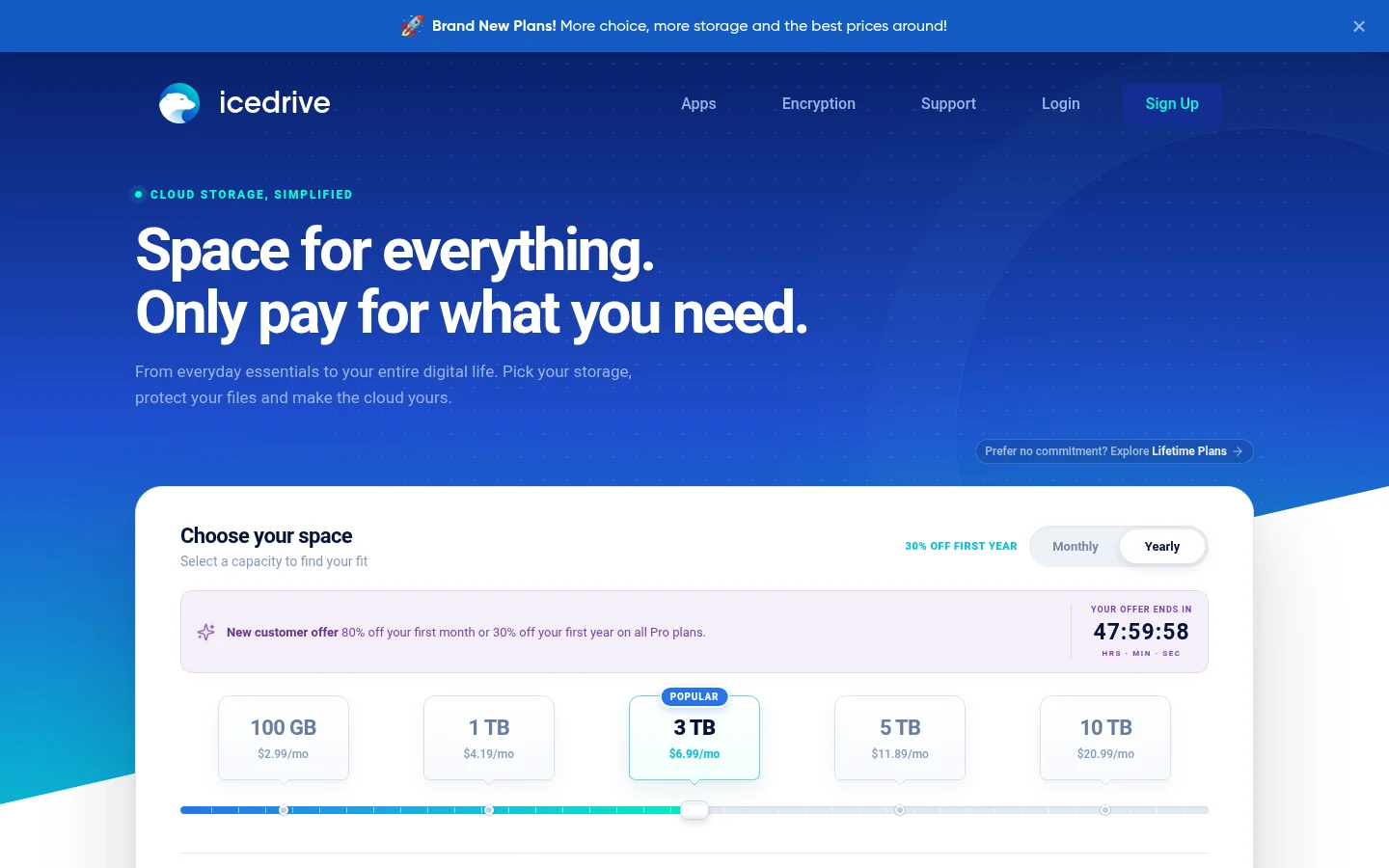
The Free plan gives 10 GB with no encrypted area. Paid plans add client-side encryption. The Pro 3 TB plan is listed at $9.99 a month, with 90 days of file versioning, five desktop sync devices and a 2 TB monthly quota for public shares. Other paid tiers run from 1 TB to 10 TB, but their prices did not load on the page we read. Icedrive does not set a file size limit, and each plan has a set amount of bandwidth that downloads by people without an account also use.
For sharing, Icedrive public links can carry a password, an expiry date and a download limit. You can invite people to folders as viewers or editors, and you can create a link that lets other people send files into your cloud. Encryption uses Twofish with keys generated on your device, so Icedrive's servers cannot read those files (Icedrive encryption). The limit that matters for client work: Icedrive says sharing encrypted files is not supported (Icedrive help).
On the pages we read, Icedrive does not state branding, a custom domain, view tracking, client areas, payments or a business plan. It also does not state where data is stored. WebDAV was switched off for new users in April 2026.
What Tarkle does
Tarkle gives freelancers, agencies and small teams one place to store files and share them with clients. Recipients open or download shared files without a Tarkle account.
Send: a transfer is a link to files or folders. You can protect it with a password, an email check before it opens, an expiry date or view-only access, and you can set it to close after the first download. On Pro and Agency a single transfer can be up to 200 GB, on Free up to 1 GB. See send large files and password protection.
Request: a file request is a link where clients upload into a folder you choose, with an optional expiry date and total upload size.
Brand: Free already includes branding and a custom domain. Pro adds a fully branded client portal, where each client sees what you shared with them. Agency adds a 100% white-label platform with 20 workspaces for your clients, on your own domain.
Track: transfers show whether they were delivered, viewed and downloaded.
Charge: on Pro, you can charge for a transfer through your own Stripe account.
Recover and review: Pro and Agency add file versioning, 90-day recovery for deleted files (recover deleted files), unlimited team members and team folders. Client feedback and approval is on every plan.
You choose where a workspace lives: European Union, United States, Hong Kong or Australia. Plans are Free ($0, 5 GB), Pro ($29 a month, or $19 a month billed yearly, 3 TB) and Agency ($59 a month, or $49 a month billed yearly, 6 TB). The organization owns the plan.
Icedrive vs Tarkle
Icedrive | Tarkle | |
|---|---|---|
Built for | Personal encrypted storage | Sending and collecting files for clients |
Free plan | 10 GB, no encrypted area | 5 GB, 1 GB per upload |
Entry paid price | Pro 3 TB at $9.99 a month | Pro 3 TB at $29 a month, $19 billed yearly |
Biggest file | No set file size limit | 200 GB on Pro and Agency |
Share protection | Password, expiry, download limit | Password, email check, expiry, view-only |
Encryption | Client-side, zero-knowledge, paid plans | Protected in transit and at rest, no zero-knowledge |
Virtual drive and sync | Mount and sync apps | Not built |
Custom domain and branding | Not stated | On every plan |
Client portal | Not stated | Pro and Agency |
White label | Not stated | Agency |
File requests | Yes | Yes |
Tracking | Not stated | Delivered, viewed, downloaded |
Payment before download | Not stated | Pro, via your Stripe account |
Icedrive figures are from its plans and help pages, as published in October 2026. "Not stated" means we did not find it on the pages we read, not that Icedrive lacks it. Tarkle figures come from its pricing.
Who should choose Icedrive
Choose Icedrive when the files are yours. If you want a drive that appears in your file manager, sync folders, apps on your phone, or private files that even the provider cannot read, Icedrive is built for that and Tarkle is not. It is also cheaper per terabyte on the plans we compared, and it has no set file size limit.
If your main worry is who can read your files, check Icedrive's encryption page. Tarkle protects files in transit and at rest, but does not offer client-side or zero-knowledge encryption.
Who should choose Tarkle
Choose Tarkle when the files go to other people. A client opens a link on your domain, sees your logo and colors, enters a password if you set one, and downloads without making an account. You see whether it was viewed and downloaded. When you need files back, a file request gives clients a link to upload into the right folder.
On Pro, clients get a branded portal that holds only what you shared with them. On Agency, the platform runs on your own domain, such as cloud.acme.com, and "Powered by Tarkle" becomes your agency name. You can charge for access to a transfer on Pro, and send a single transfer of up to 200 GB.
Send one real transfer before you decide. On the Free plan, add your logo and custom domain, upload a file, protect it with a password and open the link in a private window to see what your client sees.
Start for free on the Free plan, with no credit card.
Switching from Icedrive to Tarkle
Tarkle has no Icedrive import. It imports from Dropbox and Google Drive, so for files that live in Icedrive the route is download and upload.
Download the files you want to deliver from Icedrive. Files in the encrypted space need to be opened in Icedrive first.
Create a Tarkle workspace and pick its data region. You choose it when you create the workspace.
Add your logo, colors and custom domain under Branding.
Upload the files to your Files library, in folders named after clients.
Send a transfer or a file request, and tell clients about the new link.
Keep sending client files from Icedrive until the first Tarkle transfer has been opened by a real client. Move the rest folder by folder, newest projects first.
FAQ
Is Icedrive a good tool for sending files to clients?
It can send files by public link with a password, expiry and download limit. On the pages we read, it does not state branding, a custom domain or view tracking, so it suits occasional sharing better than regular work for clients.
Does Icedrive have a free plan?
Yes, 10 GB with no encrypted area, as published in October 2026. Tarkle's Free plan has 5 GB, 1 GB per upload, file requests, branding and a custom domain.
Can I share encrypted Icedrive files with a client?
Icedrive says sharing encrypted files is not supported. Files you share must sit outside the encrypted space.
Does Tarkle use zero-knowledge encryption?
No. Tarkle protects files in transit and at rest, with passwords, expiry and revocation controls. It does not offer client-side or zero-knowledge encryption.
Does Tarkle have a drive that mounts on my computer?
No. Tarkle has no desktop drive, sync app or backup. It works in the browser, and you can import from Dropbox or Google Drive.
Do my clients need a Tarkle account?
No. Recipients open or download shared files without creating an account.
Can I use Tarkle for personal storage?
Yes, but it is designed for freelancers, agencies and client-facing businesses.
Which Tarkle plan puts the platform on my own domain?
Agency. Custom domains are available on every plan, and Agency runs the whole platform on your domain for your clients. See plans and pricing.