Filemail alternatives: 7 tools compared for large files (2026)
Seven Filemail alternatives for large client files, compared on size, expiry and branding, with a pick for each job.

The best Filemail alternatives depend on the job. For the biggest single files, MASV charges for the data you move. WeTransfer's paid plan for individuals has no transfer size limit. For a free large send, SwissTransfer allows 50 GB per transfer. For branded delivery with a client portal, Tarkle's Pro and Agency plans handle files up to 200 GB.
We make Tarkle, so read this as one vendor's view, and check the sources. Competitor facts come from each tool's own pricing or product page, as read in October 2026.
Last checked: October 2026.
How we picked these Filemail alternatives
The reader is a freelancer, editor or small agency that sends big files to clients: a final cut, a set of stems, a folder of RAW photos. We kept tools that send a file by link, with no account needed to download, and that handle one large file at a time. Tarkle is listed first because this is Tarkle's own comparison. The others follow by the job they suit.
Tarkle: for branded delivery up to 200 GB
Recipients can open or download shared files without creating a Tarkle account. The Free plan gives you one workspace and 5 GB of storage. Free supports uploads and transfers up to 1 GB each. Pro and Agency support files up to 200 GB. Pro has 3 TB of cloud storage.
Pro includes a fully branded client portal. Agency includes everything in Pro, plus 20 client workspaces, 6 TB of cloud storage, and a 100% white-label platform. Your clients log in and manage their files and team on your own domain, and the Powered by Tarkle backlink becomes Powered by your agency.
Read more about sending large files on Tarkle, or see white label for agencies.

Video and audio open in a built-in player on the page, so people can watch or listen before they download. You can see whether a transfer was delivered, viewed or downloaded. A transfer can have a password. A transfer can have an expiry date. A transfer can ask for an email address before the download starts.
Files above 200 GB need another route. Client feedback turns images and PDFs into a review board that clients comment on and approve with one link, no account.
Send a test file the size of your real delivery before you pick a tool. Upload it from the connection you will use on deadline day, and open the link on a phone as your client would.
Filemail: the reference
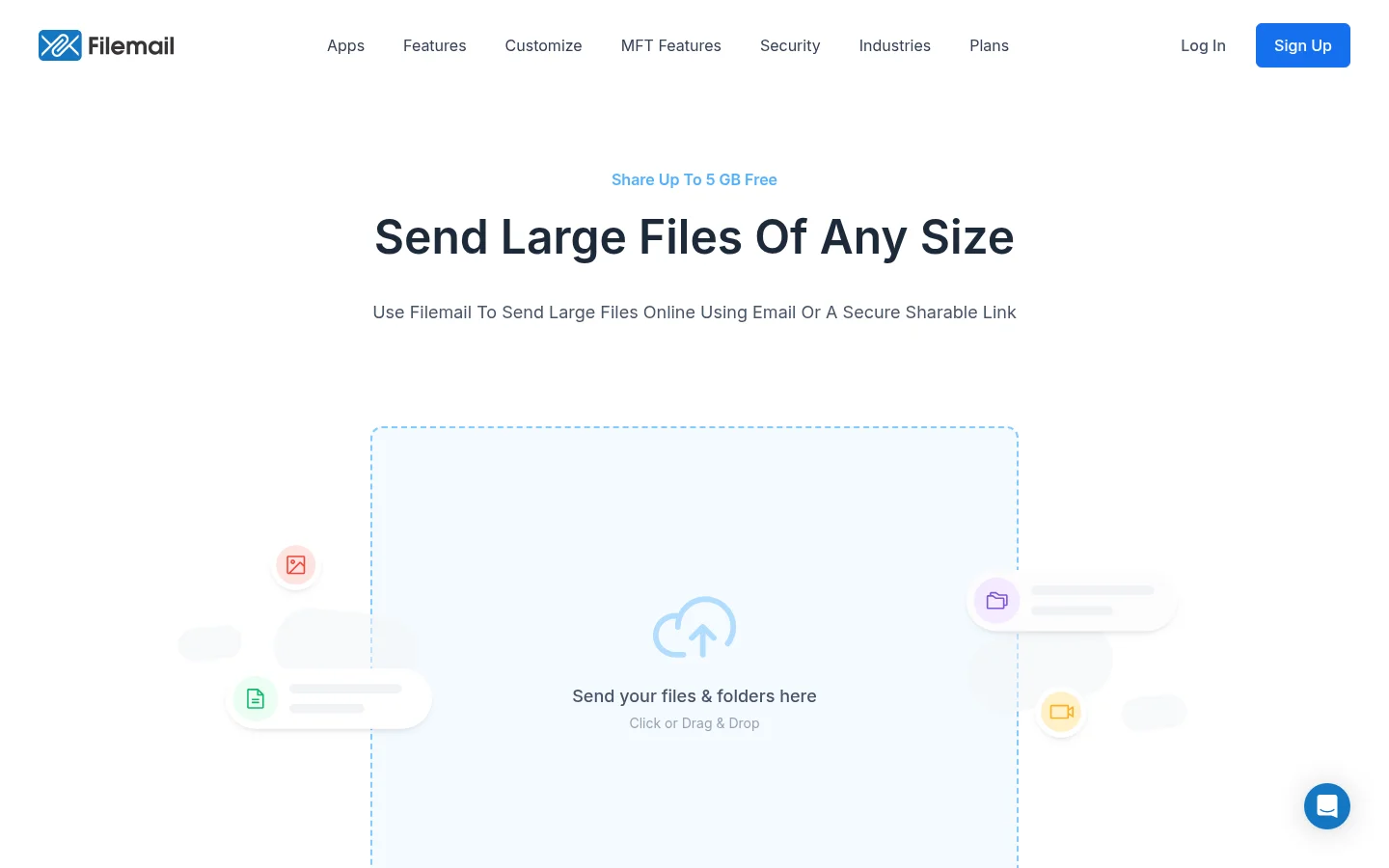
Filemail is the reference for this list. Recipients need no account to download files. Its Personal plan allows 5 GB per transfer. Personal keeps files for 30 days, although you can change the expiry date. Filemail offers a 7-day free trial. Pro raises the transfer size to 250 GB. Business has no transfer size limit.
Its Personal plan page lists the Personal limits. Our Tarkle vs Filemail comparison goes through Filemail side by side with Tarkle.
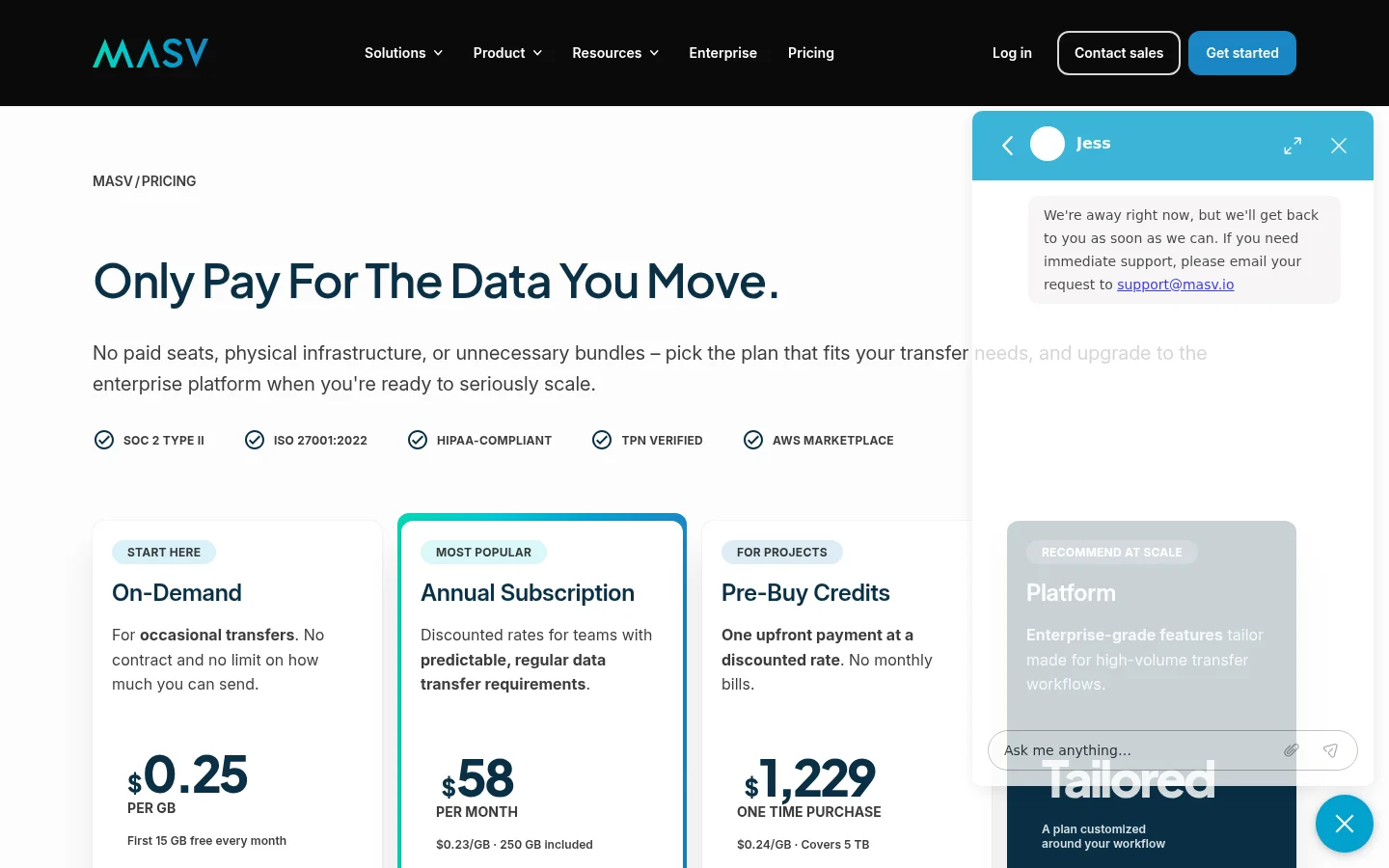
MASV: for huge video files billed by the gigabyte
MASV publishes its terms on its pricing page. On demand, MASV costs $0.25 per GB after 15 GB free every month. A subscription includes 250 GB. The volume refreshes each month. MASV states no limit on how much you can send.
Stored uploads are free for 5 days. Storage costs $0.07 per GB per month after that. Creating an account requires a valid credit card. Pay-as-you-go costs rise with every gigabyte above the free credit.
SwissTransfer: for the biggest free send
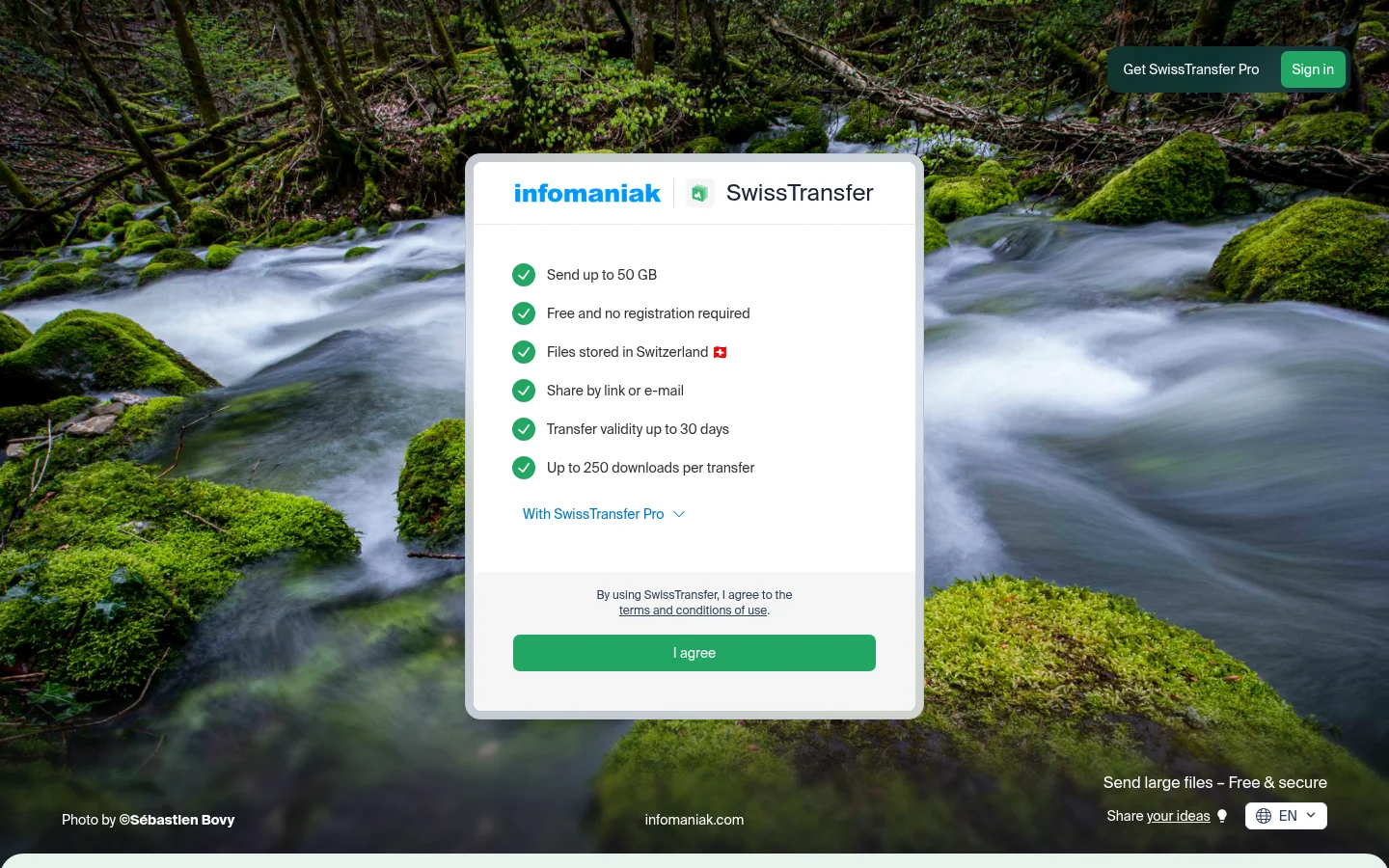
SwissTransfer lets you send up to 50 GB per transfer for free. No registration is needed. Three settings determine who can access the files and for how long: the link availability period, an optional password and the maximum number of downloads. When a transfer expires, its files are deleted and the download link stops working.
SwissTransfer Pro adds your logo, colours, branding and links to your website and social media. Transfer validity goes up to 60 days on Pro. See SwissTransfer's own page for its settings.
TransferNow: for long storage on paid plans
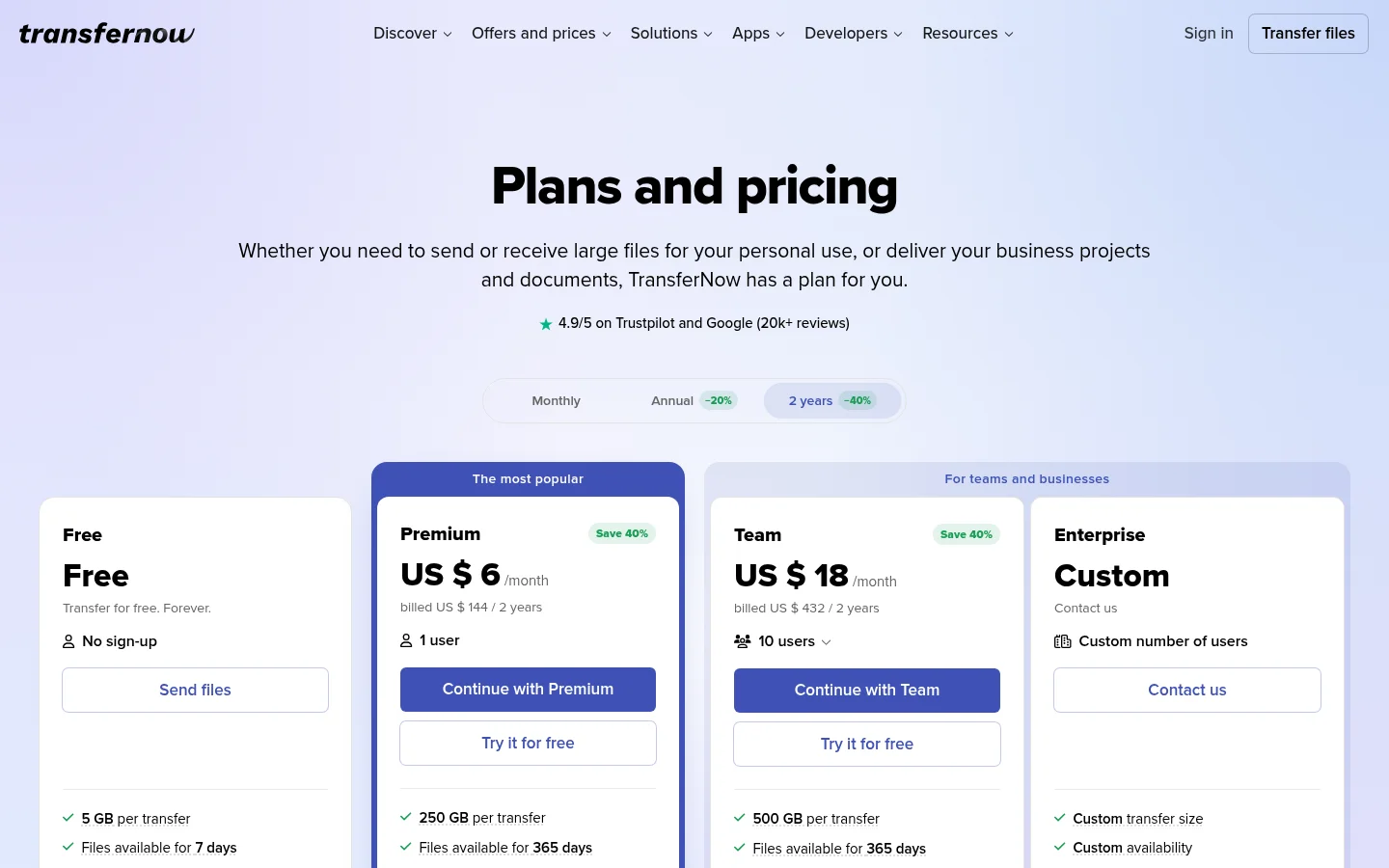
On its free plan, TransferNow lets you send up to 5 GB per transfer. Free transfers can use a password. Download tracking is not included on the free plan. Premium allows 250 GB per transfer. Premium keeps transfers for up to 365 days. Team allows 500 GB per transfer. Premium adds your logo, colours and a download page in your brand.
Smash: for transfers with no size cap on Pro
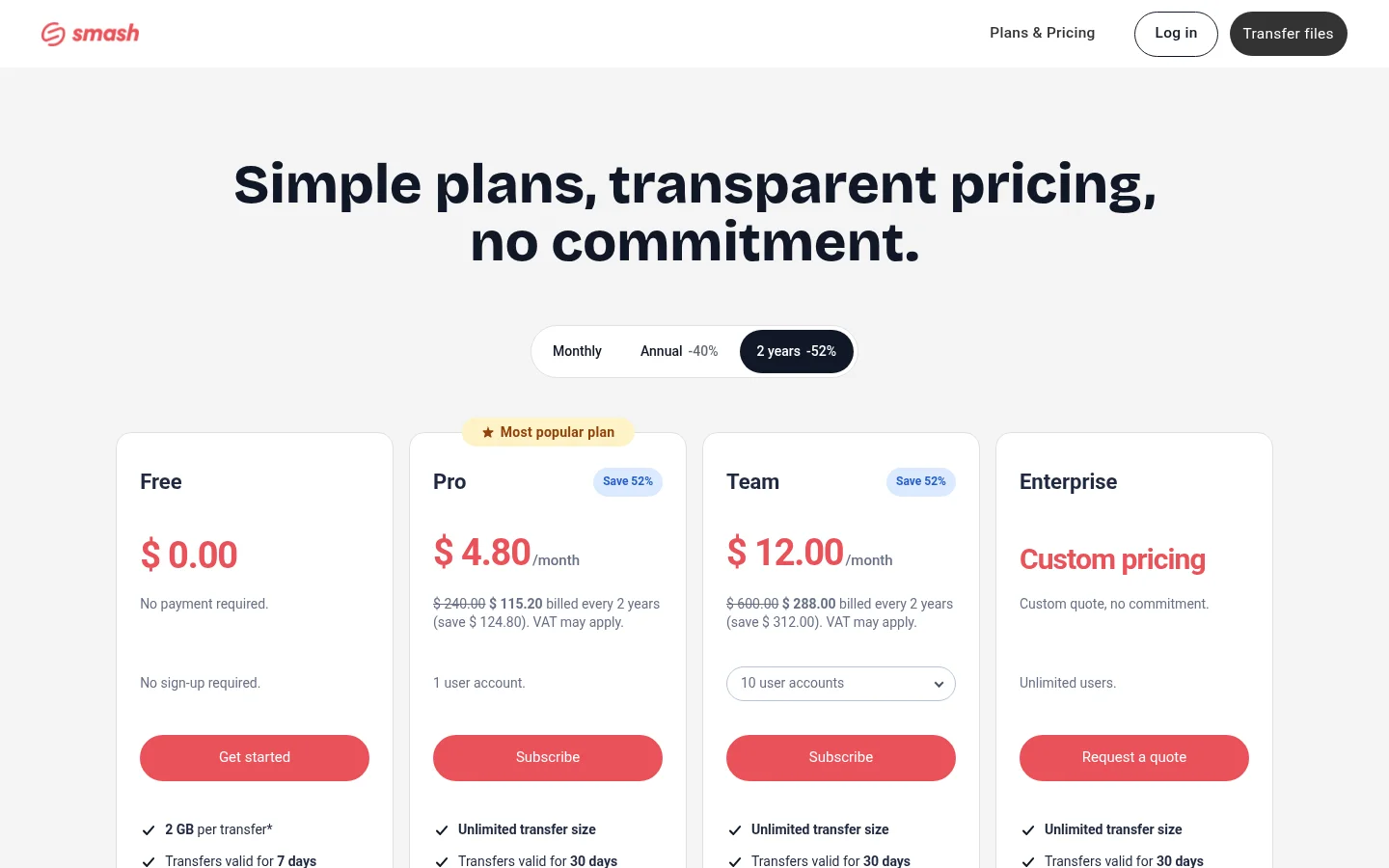
Smash allows 2 GB per transfer on its free plan. Transfers above 2 GB join a queue behind Pro transfers. Pro has unlimited transfer size. See Smash's pricing page for the current Pro price. Our Tarkle vs Smash comparison covers it in more detail.
WeTransfer: for the ones your client already knows
Clients who already use WeTransfer will recognise the link. Its pricing page lists the free plan. The free plan covers up to 3 GB a month. It allows 10 transfers a month. On the free plan, transfers expire within 3 days.
Its paid plan for individuals has no limits on the transfer size. The paid plan is $25 per month, billed monthly. It also lists custom branding per transfer. The free plan's expiry is the weak point for client work, because a link can expire before the client opens it.

Pricing
Tarkle's plans, as listed on its pricing page:
Free costs $0 and needs no credit card.
Free includes 5 GB of storage.
Free uploads go up to 1 GB each.
Pro costs $29 a month, or $19 a month billed yearly ($228 a year).
Agency costs $59 a month, or $49 a month billed yearly ($588 a year).
Compare the plans on the Tarkle pricing page. For the other tools, check each pricing page on the day you decide: Filemail's price plans comparison, TransferNow's plans and the pages linked in each section above.
Which one should you pick?
Files that must look like yours, with a fully branded client portal: Tarkle on Pro or Agency.
One huge file with no size cap: Filemail Business. For pay per gigabyte, MASV.
A free send of up to 50 GB per transfer: SwissTransfer.
Clients who already use WeTransfer, and free sends of up to 3 GB a month: WeTransfer.
For one large file sent today, see how to send a large file to a client. If you deliver video, how to deliver video to clients covers the workflow.
Write down your largest file this year and how many clients you send to each month. If the file fits within the limit of the tool you pick, size stops being the deciding factor and branding, expiry and the return path matter more.
What to remember about Tarkle
Tarkle sends files up to 200 GB on Pro and Agency. Shared files open without a Tarkle account for recipients. Pro adds a fully branded client portal. Agency is a 100% white-label platform. Free lets you try Tarkle with real files up to 1 GB before you choose a paid plan. Start for free.