Proton Drive alternative for sending files to clients
Proton Drive keeps files private. Tarkle sends large client files with expiry, one-time links and download tracking.

If you are looking for a Proton Drive alternative, the question is usually not "where do I keep my files?" but "how do I send this file to a client, and see what happened to it?" Proton Drive is built to keep files private. Tarkle is built to send them.
We make Tarkle, so read this as one vendor's view. Each Proton fact links to the Proton page it comes from.
Last checked: October 2026.
What is Proton Drive built for?
Proton Drive comes from the same team that created Proton Mail. Its pricing page says it is built so that not even Proton can access your data, read October 2026. Sharing is part of it, but the product is storage first.
If you keep personal files, contracts or archives that nobody else should be able to read, Proton Drive is the better fit. Tarkle is not built as a private vault, and we would not tell you to move private storage there.
Can Proton Drive send files to clients?
Yes, for the basics. Proton's help page says recipients do not need a Proton Account to open a public link, view or download a file. You can set a password and an expiry date, and you can disable sharing with one click (Proton help: shareable links and Proton: secure file sharing, read October 2026).
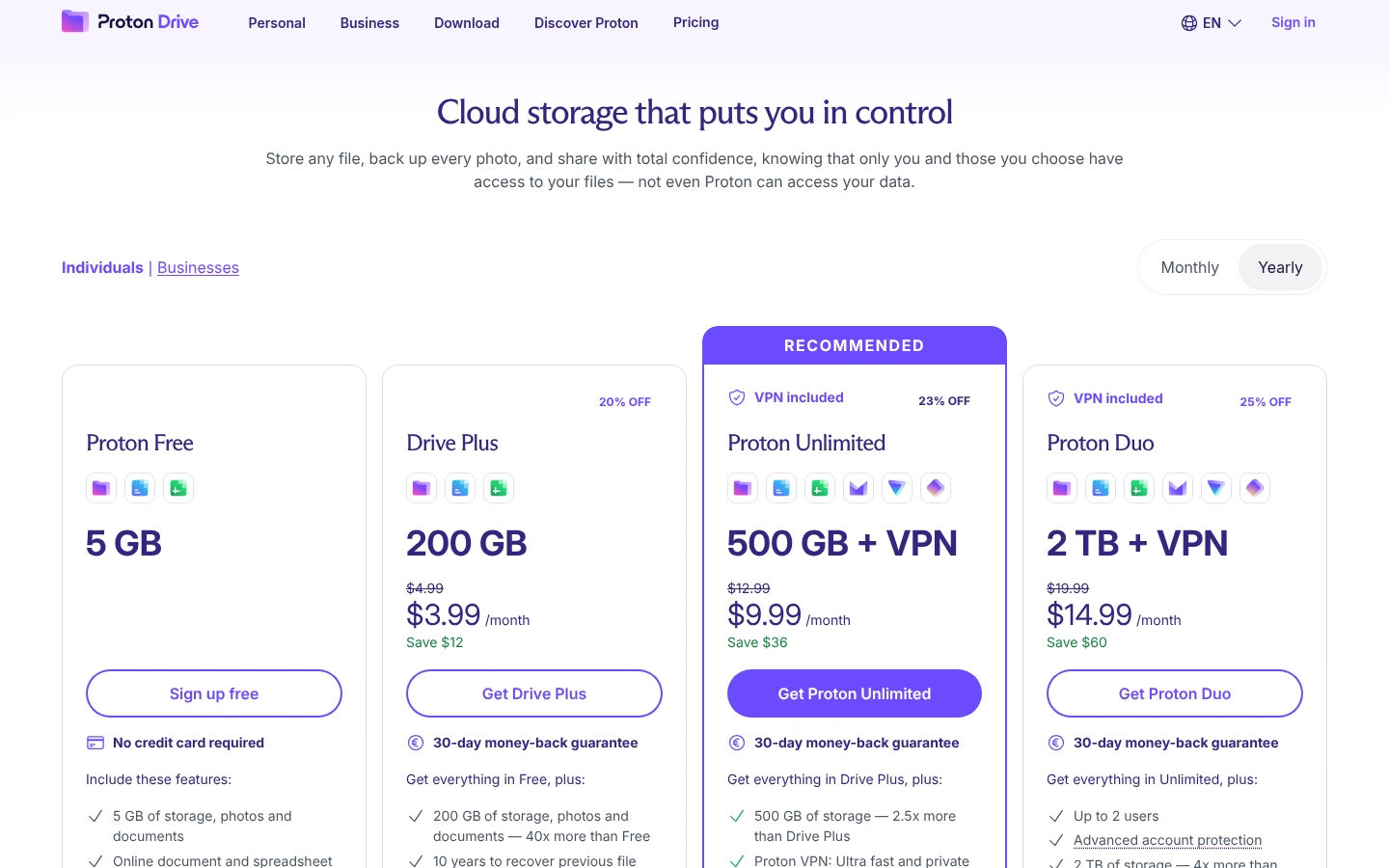
Proton does not put a limit on file size. Its sharing page says "We do not impose any size limits on your uploads", so storage is the cap: 5 GB on the Free plan and 200 GB on Drive Plus (Proton: send large files, read October 2026).
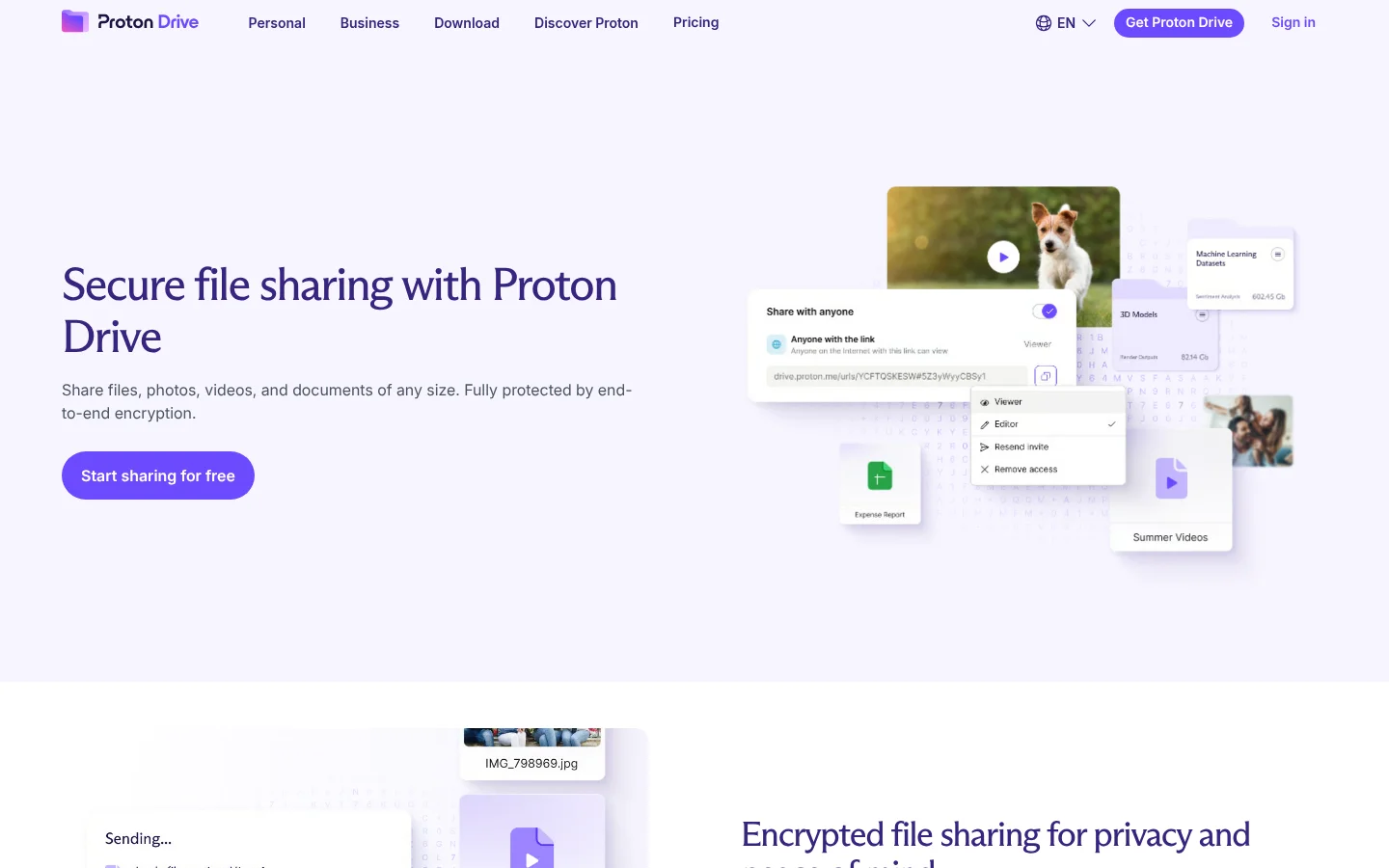
So for a single file that one person needs to open, Proton Drive may be all you need. The gaps show up when the file is for a client. The Proton sharing pages we read do not describe one-time links or custom domains for share links. What they do track is downloads: "Track the number of times your files have been downloaded" (Proton: secure file sharing, read October 2026).
Why look for a Proton Drive alternative to send client files?
Four things matter more than where the file is stored:
A link the client opens without an account. A login is one more step for the client to finish.
A size limit that fits the work. Video, design and photo files are large.
A deadline. The link should stop working on a date you choose, or after one download.
A record. You want to know whether the file was delivered, viewed or downloaded before you chase the client.
Before you pick a tool, send yourself a test link and open it in a private browser window. If you hit a sign-in screen, your client will too.
How does Tarkle handle those four things?
Pick files or folders, get one link, and send it anywhere. Recipients can open or download shared files without creating a Tarkle account. Tarkle lets you share files by link, and every transfer gets its own page with your logo and colours.
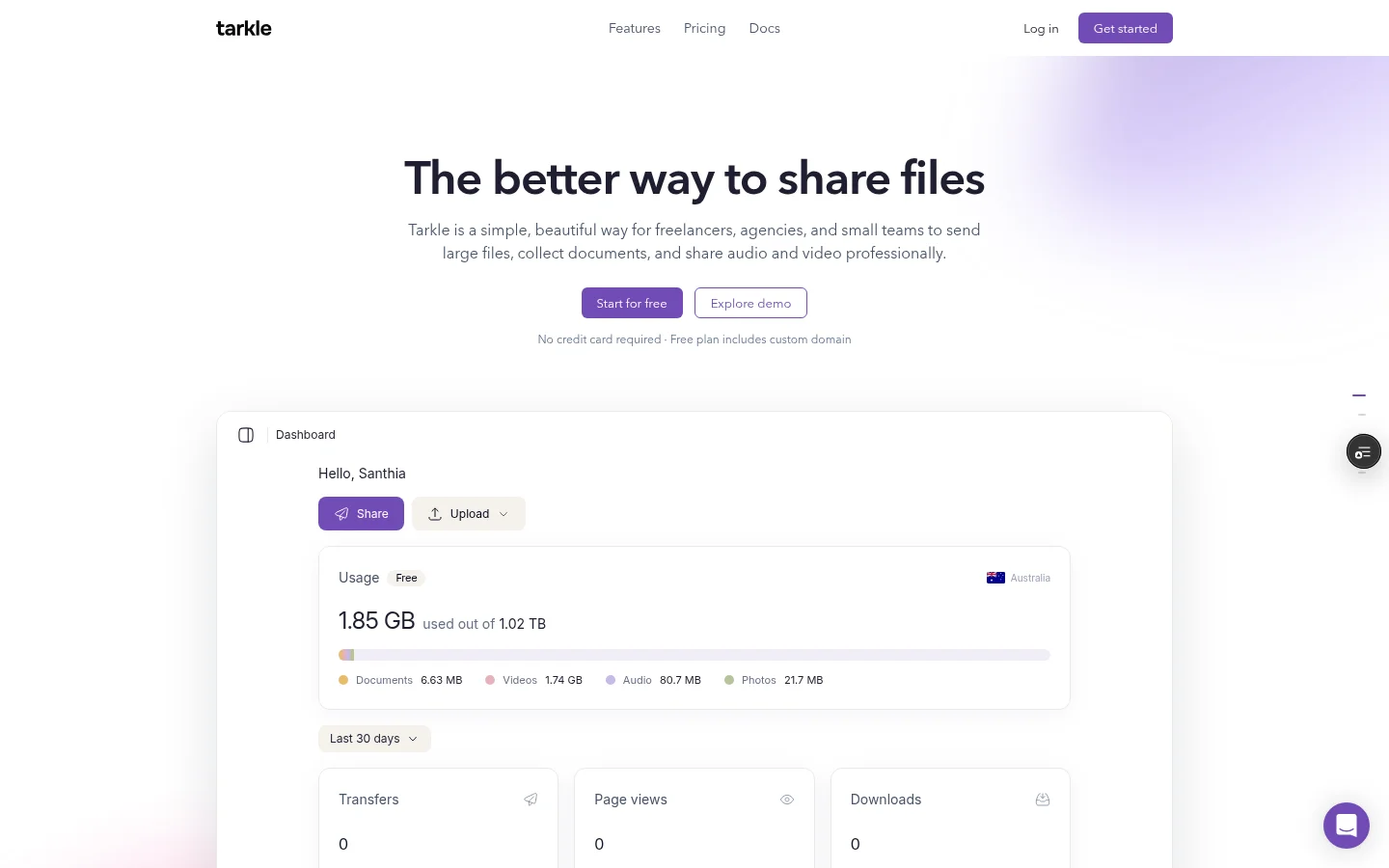
On size, Free allows uploads up to 1 GB. On Pro and Agency, you can send files up to 200 GB with one link (send large files).
For the deadline, link expiration sets a date after which a transfer link stops working. After that date the files are no longer reachable through it. One-time links work once: the first download uses the link up, and later attempts are refused. Opening the transfer page or previewing a file does not use it up. Paid transfers cannot use one-time links. Password protection is also available: require a password before anyone can open a transfer. You can also revoke access. Disable the transfer and the link stops working straight away.
For a link with your own name, custom transfer links let you name the address, like files.yourstudio.com/t/brand-assets. Custom links are available on Pro. Custom domains are available on every plan, and Tarkle's Free plan includes a custom domain.
For the record, each transfer shows badges for Viewed, Downloaded and Delivered. Viewed and Downloaded carry a count when the transfer is opened or downloaded more than once. Delivered means the notification email was delivered, not that the client opened the files.
On security, Tarkle's published statement is that files are protected in transit and at rest, with access, expiration, and revocation controls. Proton says its design means not even Proton can access your data, and Tarkle makes no such claim. If that is your first priority, choose Proton.
Send the password in a different channel from the link, for example a text message when the link goes by email. Then a forwarded email alone is not enough to open the files.
Proton Drive and Tarkle side by side
Proton Drive | Tarkle | |
|---|---|---|
Built for | Encrypted private storage, with sharing | Sending files to clients |
Recipient needs an account to open a link | No, for public links | No |
Password and expiry | Yes | Yes |
Disable a link | Yes, with one click | Yes, the link stops straight away |
One-time link | Not described on the pages we read | Yes |
Record of opens and downloads | A count of downloads | Viewed, Downloaded and Delivered badges |
Link on your own domain | Not described on the pages we read | Custom domain on every plan; custom transfer links on Pro |
Security statement | Designed so that not even Proton can access your data | Files protected in transit and at rest |
Proton facts are from the pages linked above, read in October 2026. Tarkle facts are from its pricing page and feature pages.
Where does Proton Drive fit better, and what does Free cover?
For private storage, Proton Drive fits better, because it is built so that not even Proton can access your data. Tarkle is designed primarily for client work, and it does not make that claim.
Free is a way to test sending real files to a client: one person, 5 GB of storage, uploads up to 1 GB, and 15 transfers a month. Pro takes uploads up to 200 GB, and Pro transfers are unlimited.
What do the plans cost?
Proton's pricing page lists Proton Free with 5 GB of storage, and Drive Plus at $4.99 per month with 200 GB. Other Proton plans bundle Proton Mail and VPN, so check Proton's pricing page for what you would pay today. For plain storage, Drive Plus costs less per month than Tarkle Pro.
Tarkle is free to use forever, and Free needs no credit card. Pro costs $29 per month, or $19 per month billed yearly. Agency costs $59 per month, or $49 per month billed yearly. Pro includes 3 TB of storage, uploads up to 200 GB and unlimited team members. Agency includes everything in Pro, plus 6 TB of cloud storage, 20 workspaces for your clients and a 100% white-label platform. Tarkle counts your open workspaces toward the 20, and closed workspaces are not counted.

How do you use both?
You do not have to move anything. You can keep private files and archives in Proton Drive and send client copies through a separate tool.
Keep the master files in Proton Drive.
Add the version the client needs to a new transfer.
Set a password and an expiry date, or choose a one-time link.
Send the link, then check the transfer status before you follow up.
Name each transfer after the client and the job, for example "Acme logo pack, final". It makes the status list easy to read a year later.
For a longer walk-through of the same job without a drive, read how to share files with clients without Google Drive. File sharing vs cloud storage explains why a drive and a send tool are different things.
Which one should you choose?
Choose Proton Drive if privacy is the point: personal files, confidential archives, and files where the provider should not be able to read the content. Choose Tarkle if the job is sending files to clients: large files, a link on your own domain, a deadline, and a record of whether the file was opened. If you do both, use both. See plans and pricing for what Pro and Agency add when your files or team grow.
What to remember about Tarkle
Tarkle is built to send files to clients, and the people downloading need no account. You can add a password, an expiry date or a one-time download, and each transfer shows whether it was viewed, downloaded and delivered. The Free plan lets you test it with real files, up to 1 GB per upload and 15 transfers a month. Keep private archives in Proton Drive if you want them, and use Tarkle to send client files. Start for free.