
Tarkle vs ManyRequests alternative: client files, your domain
ManyRequests runs requests, billing and time tracking. Tarkle delivers client files on your own domain.
ManyRequests is the better fit when you want requests, subscriptions, invoicing and time tracking in one client portal. Tarkle is the ManyRequests alternative to look at when the job is sending, collecting and getting approval on client files under your own name and domain. We make Tarkle, so read this as one vendor's view, and check the sources linked below.
Last checked: November 2026.
What ManyRequests is
ManyRequests is client portal software for agencies and productized services. Its home page says "Built for agencies & productized services" and lists the client portal, requests, time tracking, subscriptions and invoicing, a CRM and reporting as parts of one product.
The portal is white-label. On its white-label page, ManyRequests says "Clients sign in at your address and see your logo, your colors and your name."
What ManyRequests offers
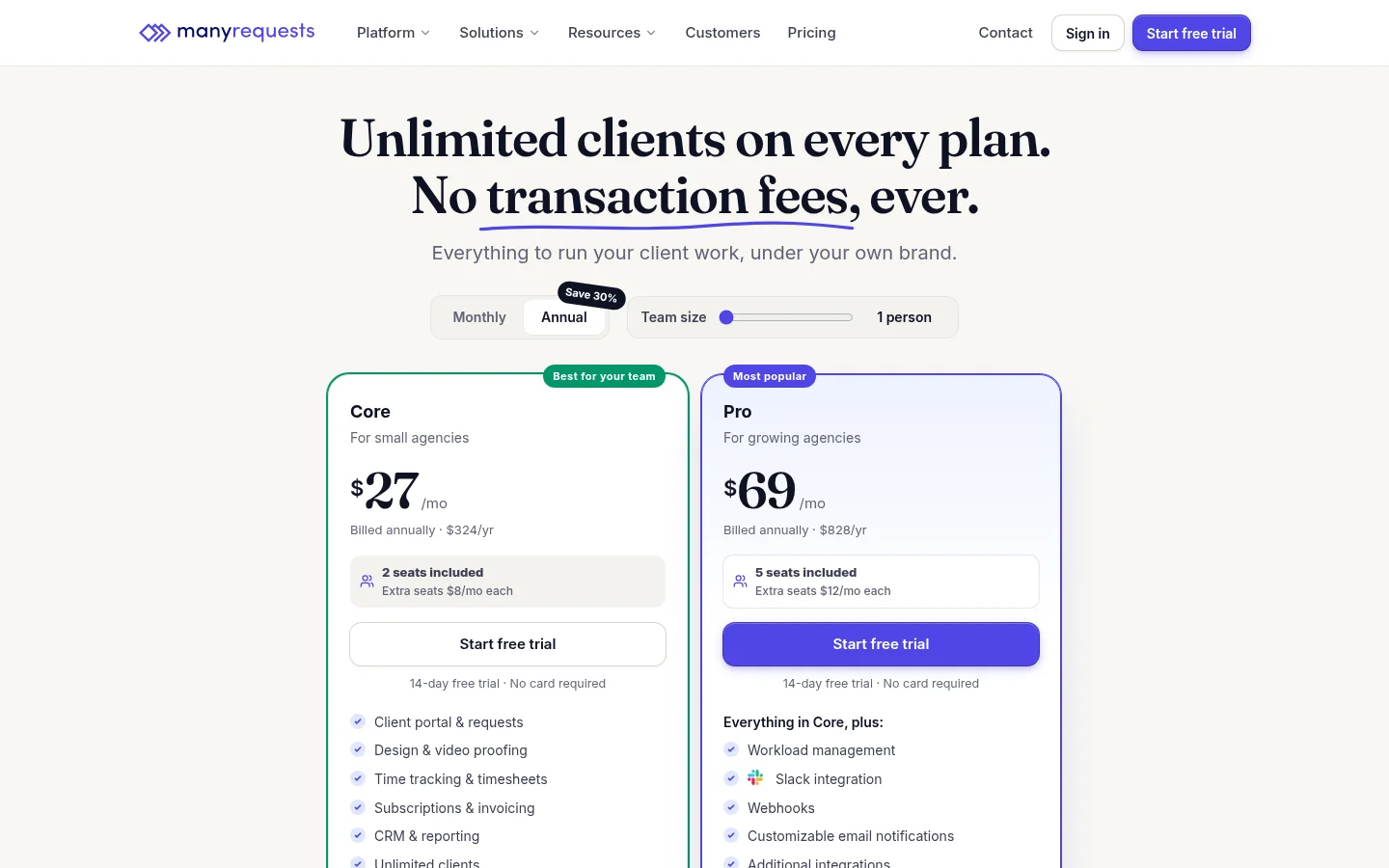
On its pricing page, as published in November 2026, ManyRequests lists three plans, each with unlimited clients. Core is $27 a month billed annually ($324 a year) with 2 seats. Pro is $69 a month billed annually ($828 a year) with 5 seats. Scale is $559 a month billed annually ($6,708 a year) with unlimited seats. Every plan shows a 14-day free trial with no card required.
For files, the white-label page lists drag-and-drop uploads of up to 10 GB per file, and the help page on upload limits confirms that each file can be up to 10 GB. For review, it lists pinned comments on images, PDFs and videos, with one-click sign-off. A custom domain, colors and CSS are on every plan, and removing the "Powered by" badge is included on Scale. For storage per plan, the same help page points to ManyRequests' live chat.
Beyond file work, ManyRequests also covers request forms with auto-assignment, subscriptions and invoicing, time tracking, a client CRM and reporting.
What Tarkle does
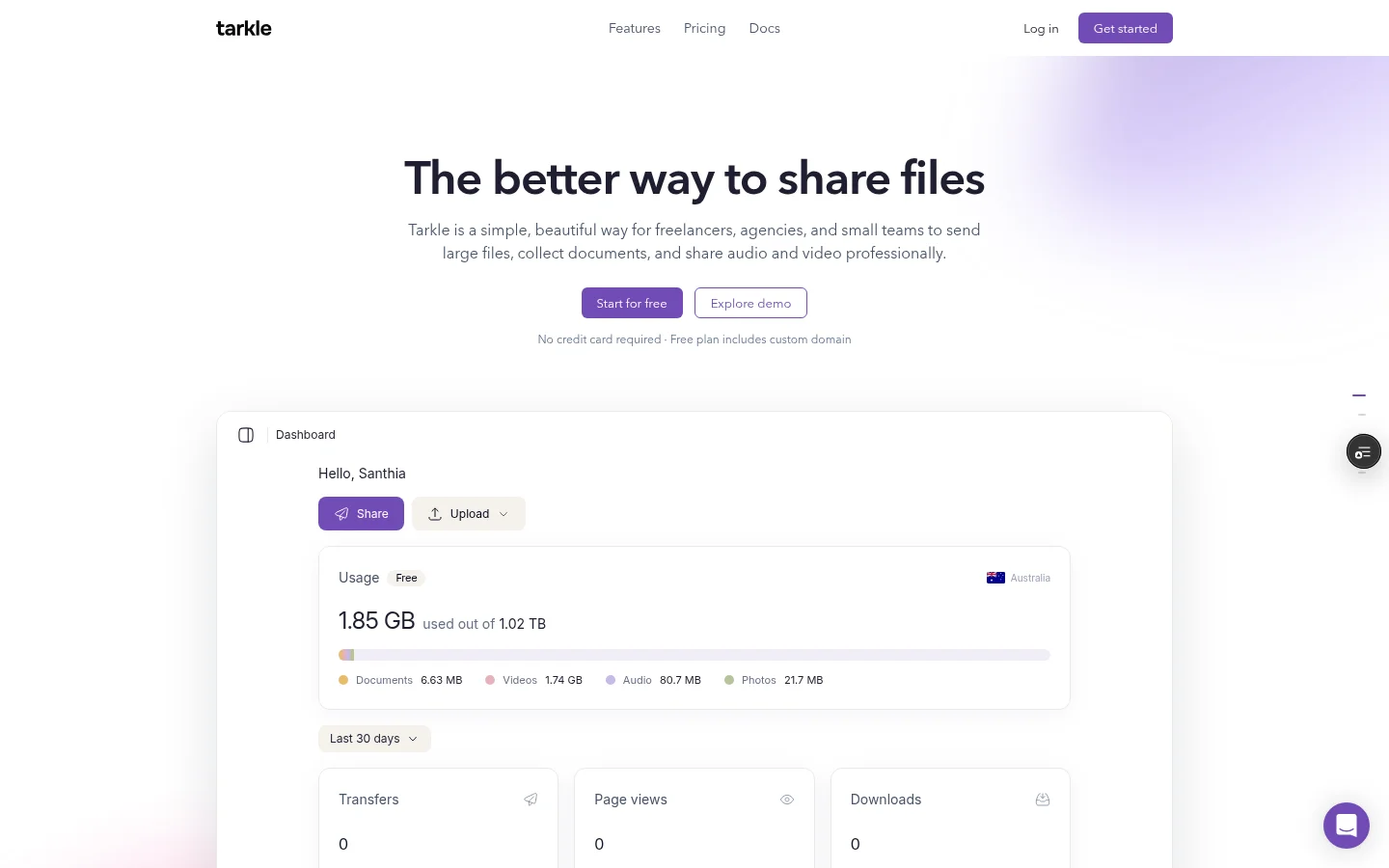
Tarkle is a cloud storage and file-sharing platform for freelancers, agencies and client-facing businesses. Its client portal is a branded place where each client signs in with their email, sees only what you shared with them and sends files back. You open Contacts, click the client's name and choose Enable portal access. The client then signs in by typing their email and entering a 6-digit code, with no password to set. They see Files, Shared and Requests, and can upload into their own folder, with a default limit of 5 GB per contact that you change from the Contacts list.
To collect files, a file request gives you one link anyone can upload to, into the folder you choose. The person uploading never needs an account, and you get an email when files arrive. You can set a deadline and a size limit for each submission.
For approval, client feedback turns images or PDFs into a review board. The client opens one link, pins comments and clicks Approve this work or Request changes, with no account. You can add a password or a deadline.
On plans, Free is $0 with 1 workspace, 5 GB of storage, uploads up to 1 GB, file requests, client feedback and custom domain and branding. On Free you get 1 active request and 50 submissions a month. Pro is $29 a month, or $19 a month billed yearly, and adds 3 TB of storage, uploads up to 200 GB, unlimited team members and the fully branded client portal. Agency is $59 a month, or $49 a month billed yearly, and adds 20 workspaces for clients, 6 TB of storage and a 100% white-label platform. See pricing for the live numbers.
ManyRequests alternative: ManyRequests vs Tarkle
What | Tarkle | ManyRequests |
|---|---|---|
Built for | Sending, collecting and approving client files | Agencies and productized services, with requests, billing and time tracking |
Client portal | Pro and Agency, sign-in with an emailed 6-digit code | White-label portal on Core, Pro and Scale |
Collecting files | File request link, no account to upload | Request forms with conditional rules |
Review and approval | Images and PDFs, Approve or Request changes, no account | Pinned comments on images, PDFs and videos, one-click sign-off |
Largest file | 1 GB on Free, 200 GB on Pro and Agency | 10 GB per file |
Custom domain | Listed on Free, used by the Pro portal | Custom domain, colors and CSS on every plan |
White label | Agency, 100% white-label platform | Powered by badge removed on Scale |
Subscriptions, invoicing, time tracking | Outside Tarkle's file focus | On every plan |
Team size | Unlimited team members on Pro and Agency, Free is for 1 person | 2 seats on Core, 5 on Pro, unlimited on Scale |
Price shown | Free, Pro $29 a month, Agency $59 a month | Core $27, Pro $69, Scale $559 a month billed annually |
Free start | Free plan, no credit card | 14-day free trial, no card |
ManyRequests facts are from its own pages, read in November 2026. Tarkle facts are from Tarkle pricing and its feature pages.
Who should choose ManyRequests
Choose ManyRequests if the portal is where you run the agency. When clients submit work through request forms, you auto-assign it to team members, track hours and bill retainers in the same place, ManyRequests lists all of that. Tarkle covers the file side of that picture, so billing, time tracking and request forms with assignment stay on ManyRequests' side. It also fits if clients review video: its pinned comments work on videos, while Tarkle's client feedback boards take images and PDFs.
Who should choose Tarkle
Choose Tarkle if the job is getting files to clients and back, and you want it on your own name and domain. A file request replaces the email chain, a feedback link lets a client approve a PDF without an account, and the portal gives each client one place to find what you shared. A client sees only what is linked to them or their company, and you can limit a transfer or request to one client with share with one client or company.
Large files are the other reason. Pro and Agency accept uploads up to 200 GB, against 10 GB per file on ManyRequests. Agency adds 20 client workspaces and a 100% white-label platform, so your clients log in on your own domain with your agency name in place of Tarkle. White label for agencies shows what changes. For the wider question, read client portal vs file sharing.
A Free account is enough to send one real transfer and set up one file request. Start for free.
Switching from ManyRequests to Tarkle
You can test Tarkle without leaving ManyRequests. Send one delivery through Tarkle and keep everything else where it is.
Create a Free account and set your logo, colors and custom domain.
Download the files you want to move from ManyRequests and upload them to folders in Tarkle.
Add your clients under Contacts, then choose Enable portal access on Pro or Agency.
Replace the next email attachment with a file request.
Move one active client first. Send their next delivery through Tarkle and keep the rest in ManyRequests until you are happy with how it looks to them.
FAQ
Does ManyRequests have a free trial?
Yes. Its pricing page shows a 14-day free trial on any plan, with no credit card required.
Does ManyRequests charge per client?
No. Its pricing page says every plan includes unlimited clients, and a seat is anyone on your team who logs in.
Can Tarkle replace ManyRequests?
For the file side, yes: sending, collecting and approving client files. Subscriptions, invoicing and time tracking are on ManyRequests' side.
Does Tarkle have a client portal?
Yes, on Pro and Agency. Free cannot turn portal access on. Clients sign in with their email and a 6-digit code.
Can clients approve work in Tarkle without an account?
Yes. Client feedback works from one link with no account, on Free, Pro and Agency.
Is there a white-label platform in Tarkle?
Agency is a 100% white-label platform on your own domain. Your clients log in there, and the Powered by Tarkle backlink becomes your agency name.
How large can a client upload be in Tarkle?
Free supports uploads up to 1 GB. Pro and Agency support files up to 200 GB.