How to choose an Entra B2B external sharing alternative
What Microsoft's Entra B2B change means for client sharing, and when a link or client portal fits better.

If you share client files from OneDrive or SharePoint, Microsoft is moving external sharing onto Entra B2B, and clients may need a guest account in your Microsoft directory. Choosing an Entra B2B external sharing alternative comes down to one trade-off. A guest account gives each outside person a named identity but needs an account for each client. A share link needs no account to download, but anyone who holds it can try to open it unless you add controls. This guide sets out what changed, what each approach asks of you, and when to stay in Microsoft. It is written for owners and office managers, not IT administrators.
What Microsoft is changing
Microsoft's FAQ on external sharing in OneDrive and SharePoint sets out the change. It says SharePoint Online one-time passcode (OTP) authentication will be retired for commercial tenants during October 2026. Until now, an outside person could open a shared file after entering a one-time code sent to their email, and the outside person did not need a guest account. New external sharing goes through Microsoft Entra B2B, and sharing with someone creates a guest account in your directory.
Three details matter for a small firm:
Microsoft's FAQ says commercial tenants can't opt out, and that you can't choose a specific date for the change.
Previously shared Specific people links give an access denied message to anyone without a matching guest account. Anyone links are not affected, according to Microsoft's FAQ.
You do not have to reshare every document. Microsoft's FAQ says you don't need to reshare each item individually. An administrator can create the guest account from the email address on the original link, or someone with sharing rights can share at least one item with that person.
Ask whoever manages your Microsoft 365 to run the site-level external sharing report. Microsoft's FAQ says it lists guests invited via OTP who do not yet have a Microsoft Entra B2B guest account. Those are the clients most likely to hit "access denied".
What a guest account asks of you and your clients
A guest account is a named account in your Microsoft directory, so someone has to own it. Settle these questions before you decide:
Who owns a guest account once the work ends?
Should access end on a set date?
How will you tell an active collaborator from someone who received one document a year ago?
A firm with a handful of long-term clients can answer these easily. A firm that sends one document to many people can build up a long list of accounts to review. For clients you work with every week, inside Teams or SharePoint, a guest account is a sensible fit.

Photo by Vitaly Gariev on Unsplash
What a link-based tool asks of you
A link-based tool works the other way round. You pick files, get one link and send it. Share files by link works this way: no account is needed to download. Your logo, colours and favicon appear on every transfer page, request page and portal, as shown on the custom branding page.
The trade-off is that the link works for whoever holds it. You add controls on top, and they are worth using every time:
Password protection: add a password to any transfer. Share the password through a different channel from the link, and the recipient must enter it before they can see or download anything.
Link expiration: pick an expiry date when you create a transfer or a file request. After that date the link stops working.
Revoke access instantly: disable the transfer and the link stops working straight away.
Activity log: a searchable record of what happened across your workspace, with export. Each event notes who did it and the approximate location.
The honest gap is identity. A transfer can use an email check, where the visitor types an email before the download is allowed, and that address is saved as a contact in your workspace. The address is what the visitor typed, not a verified identity. If you must prove which individual accessed which file, a guest identity does that better than a link.
You can test this on the Free plan, which includes file sharing, custom branding and password protection. On Free, a small Powered by Tarkle line appears, and Pro removes it.
When clients return again and again: a client portal
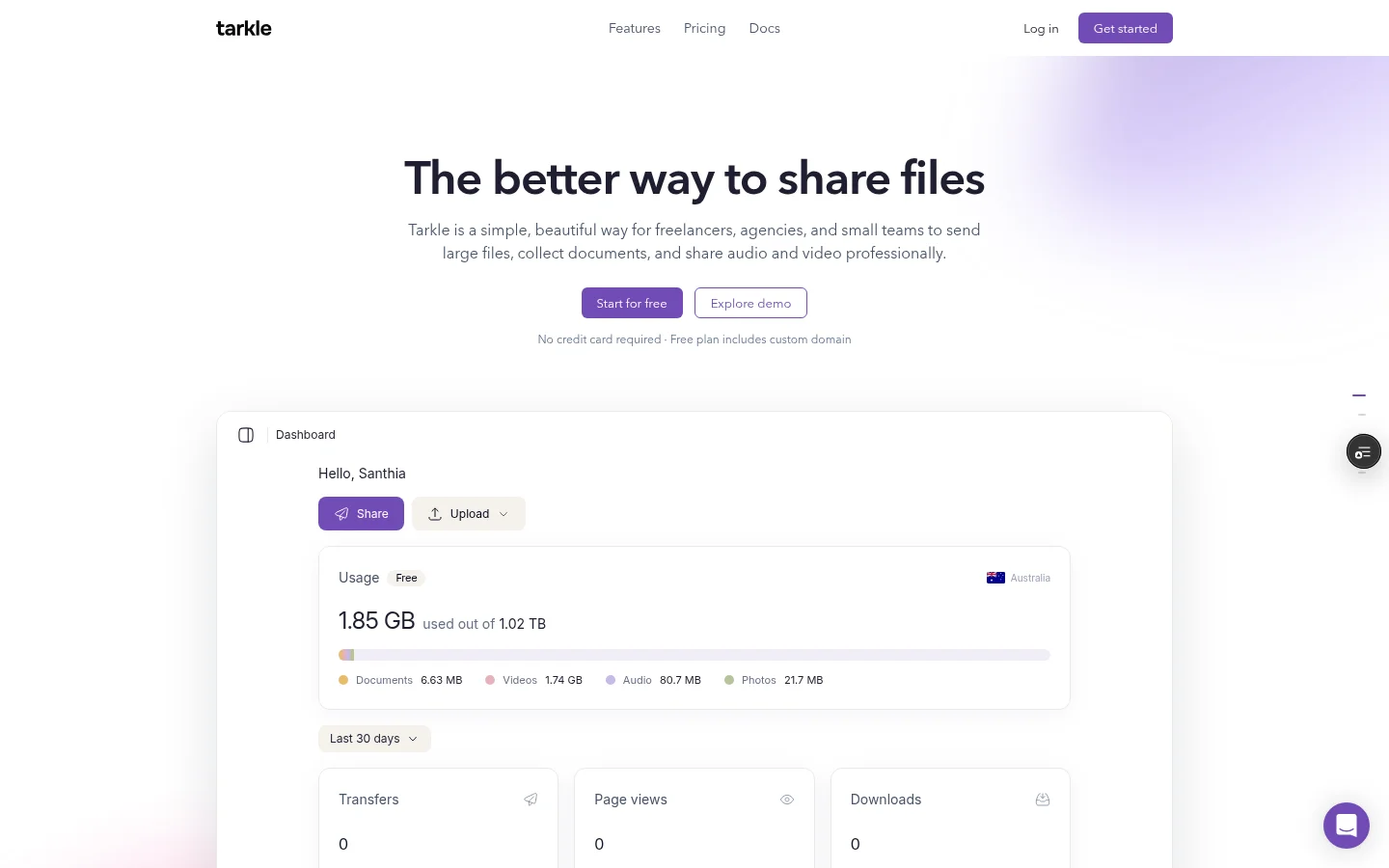
A link suits one delivery. Clients you serve all year need a place to come back to. Tarkle's client portal is a branded place where each client signs in with their email and sees only what you shared with them. The client portal is available on Pro and Agency. Free cannot turn portal access on.
To give a client access, open Contacts and click the client's name. In the actions menu, click Enable portal access, and Tarkle emails the client an invite with your logo and brand colour. There is no password to set or forget. Clients upload only into their own folder, and the default limit is 5 GB per contact. To close access, click Disable portal access. It takes effect at once and the contact record stays.
This gives each client a sign-in of their own, without a Microsoft guest account. It is lighter than a directory entry, and it does not open your Microsoft files to them.
When staying in Microsoft is the better fit
A link or a portal is not a replacement for Microsoft 365. Stay in Microsoft if any of these apply:
Named identities are required. If your contracts or a regulator ask you to show which named person opened each file, a guest identity fits better than a link. The email check above records what the visitor types, and that is not a verified identity.
You edit documents with clients at the same time. Keep those documents in Microsoft 365 while you work on them together.
Clients already work inside your Teams or SharePoint sites. Adding them as guests is the natural route.
Your files all live in Microsoft 365. Tarkle's integrations page lists imports from Google Drive and Dropbox, and no Microsoft 365 connection.
Many firms use both: guest accounts for ongoing collaborators, and a link or portal for deliveries and one-off exchanges.
How to pick an Entra B2B external sharing alternative
Sort your outside contacts into three groups, then pick a route for each.
Active collaborators who edit with you or work in your sites: guest accounts.
Regular clients who download and upload files through the year: a client portal, or guest accounts if your compliance duties require named identities.
One-off recipients, such as a supplier or a client receiving a final delivery: a link with a password and an expiry date.
Before you decide, test it. Ask a friendly client to open a shared file from your side and send something back. If that takes more than a couple of minutes or a call to you, change the process.
Common mistakes
Waiting for an access denied message before you check which clients have no guest account.
Sending a link and its password in the same email.
Leaving links without an expiry date, so they stay open until someone remembers them.
Assuming a link gives the same record as a guest identity.
Moving everything to a new tool when only deliveries needed a change.
What to remember about Tarkle
Tarkle sends files by link with your logo and colours, and you can add a password to any transfer. Disable the transfer and the link stops working straight away when plans change. For clients who return all year, the client portal on Pro and Agency lets each one sign in with their email. Microsoft guest accounts stay the better route when you need named identities or work on the same documents together. Start for free.