MASV alternative: 7 tools for sending large video files (2026)
Seven MASV alternatives for large video files, with Tarkle's 200 GB per file on Pro and Agency.

The best MASV alternative depends on how often you send and who pays for it. MASV suits high-volume transfers to fast-moving teams that already have a budget. A simpler tool suits an editor, producer or small agency that sends a few deliveries a month and wants the link to carry its own name. Tarkle suits that second case, with files up to 200 GB on Pro and Agency, no account for the person downloading, and links on your own domain.
We make Tarkle, so read this as one vendor's view and check the sources. Every competitor fact below comes from the vendor's own page and carries a link.
Last checked: October 2026.
Who should choose MASV
MASV prices by data moved. On its pricing page, read in October 2026, On-Demand costs $0.25 per GB after the first 15 GB each month, with no contract. Annual subscriptions and pre-bought credits lower the per-GB rate, and Enterprise is quoted through sales.
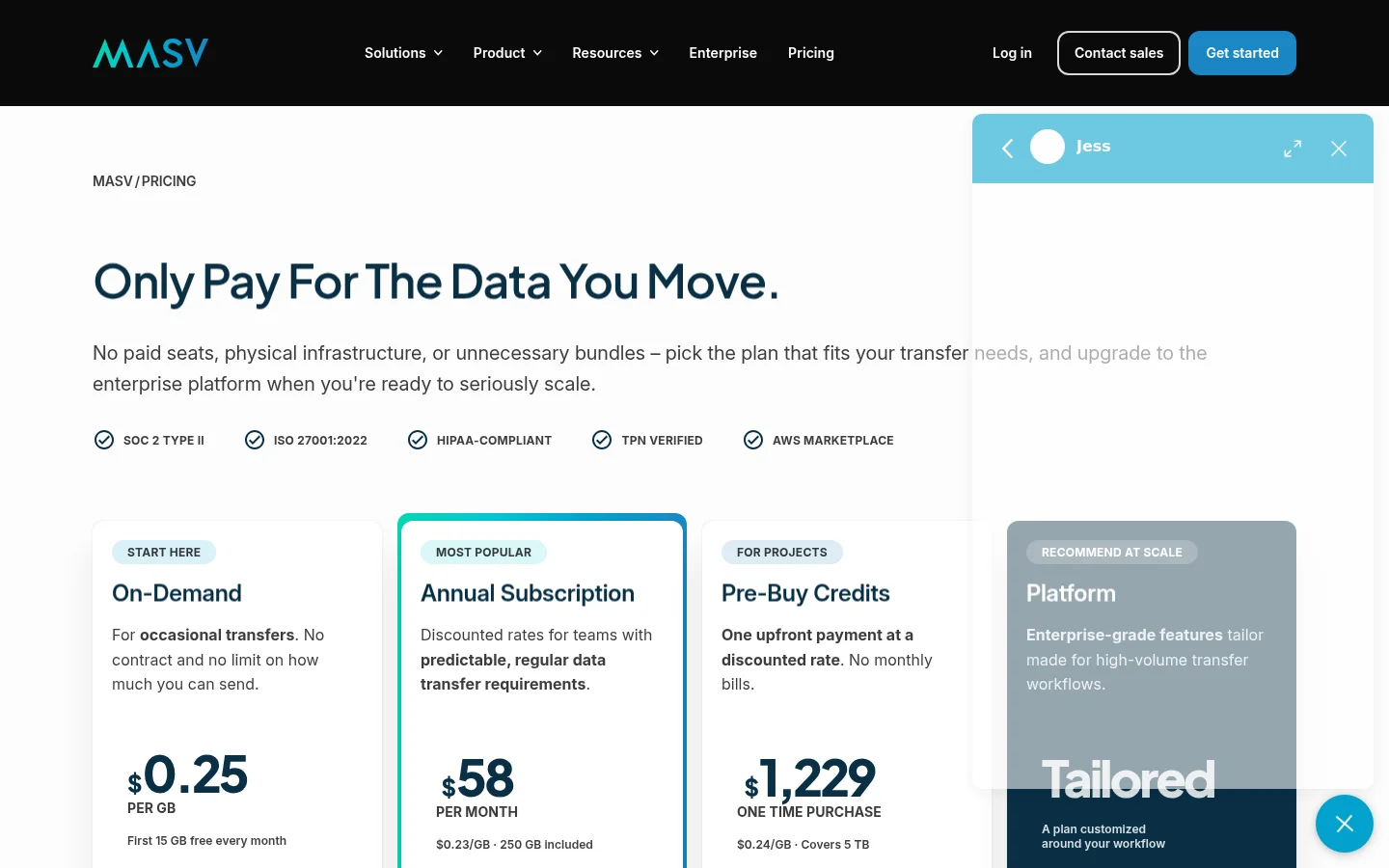
Two things set it apart on that page. On-Demand has no limit on how much you can send, and the page lists SOC 2 Type II and ISO 27001:2022 verification, which helps when a studio client sends a security questionnaire.
The trade-off is how it bills. MASV's pricing page explains: "When a file exits our network, either as a download to a machine or an upload to connected storage, we apply an egress fee per gigabyte." Stored files are free for 5 days, then cost $0.07 USD per GB per month. So each download of the same file is billed again. That is fair for heavy, steady use and harder to predict when clients download more than once.
Before you pick any pay-per-GB tool, add up one real month: the size of each delivery, times the number of people who download it. That number tells you more than any price page.
Who should choose Tarkle
Tarkle is a file sharing and client portal tool. Its pricing page describes Pro as best for freelancers and small teams, and Agency as the plan for agencies using Tarkle for their clients. For video delivery, this is what it does today.

Large files: Free supports uploads and transfers up to 1 GB each, and Pro and Agency support files up to 200 GB. You add files to a transfer and share one link.
No account to download: the person who opens the link does not need to sign up. A direct download link starts the download the moment it is opened, with no page in between.
Watch before download: a built-in player lets a client play video or audio on the page before they download it.
Your name on the link: a custom domain is available on every plan, so links can read files.yourstudio.com. Custom transfer links let you name each one, like files.yourstudio.com/t/brand-assets.
Your logo on the page: custom branding puts your logo, colours and favicon on every transfer page, request page and portal.
Footage coming in: file requests collect files from anyone with one link, into the folder you choose.
Storage region: Pick a storage region for your workspace, in Europe, the US, Asia-Pacific or Oceania (feature page).
Deleted by mistake: deleted items wait in a recovery bin, 30 days on Free and 90 days on Pro.
Free is the way to test this with your own files: 1 workspace, 5 GB of storage and uploads up to 1 GB each, with no credit card required. Pro and Agency take files up to 200 GB each. Tarkle's client feedback tool turns images and PDFs into a review board that clients approve with one link, no account. This article makes no claim that Tarkle is faster or cheaper than MASV. If a client needs compliance badges or storage in your own cloud bucket, check those against MASV's pages before you choose.
How do the tools compare?
The table shows the free plan and the paid plans of each tool, as published on each vendor's page, read in October 2026. The link to each page is in that tool's section below.
Tool | Free plan | Paid plans |
|---|---|---|
MASV | 15 GB a month free, then $0.25 per GB | Billed per GB that leaves its network |
Tarkle | 1 GB per upload, 5 GB of storage | Pro and Agency: files up to 200 GB |
SwissTransfer | Up to 50 GB per transfer, no account | Pro adds your logo, colours and branding, and a transfer history |
Filemail | 5 GB per transfer | Pro: 250 GB per transfer, files kept permanently |
WeTransfer | 10 transfers or 3 GB in any 30 days | Higher plans: custom expiration, password protection, branded pages |
Dropbox Transfer | 2 GB per transfer on Basic | Plus 50 GB. Standard and business tiers 100 GB. Business Plus and Enterprise 250 GB |
Frame.io | Up to 2 members | Pro: up to 5 members, custom-branded shares |
What are the other MASV alternatives?
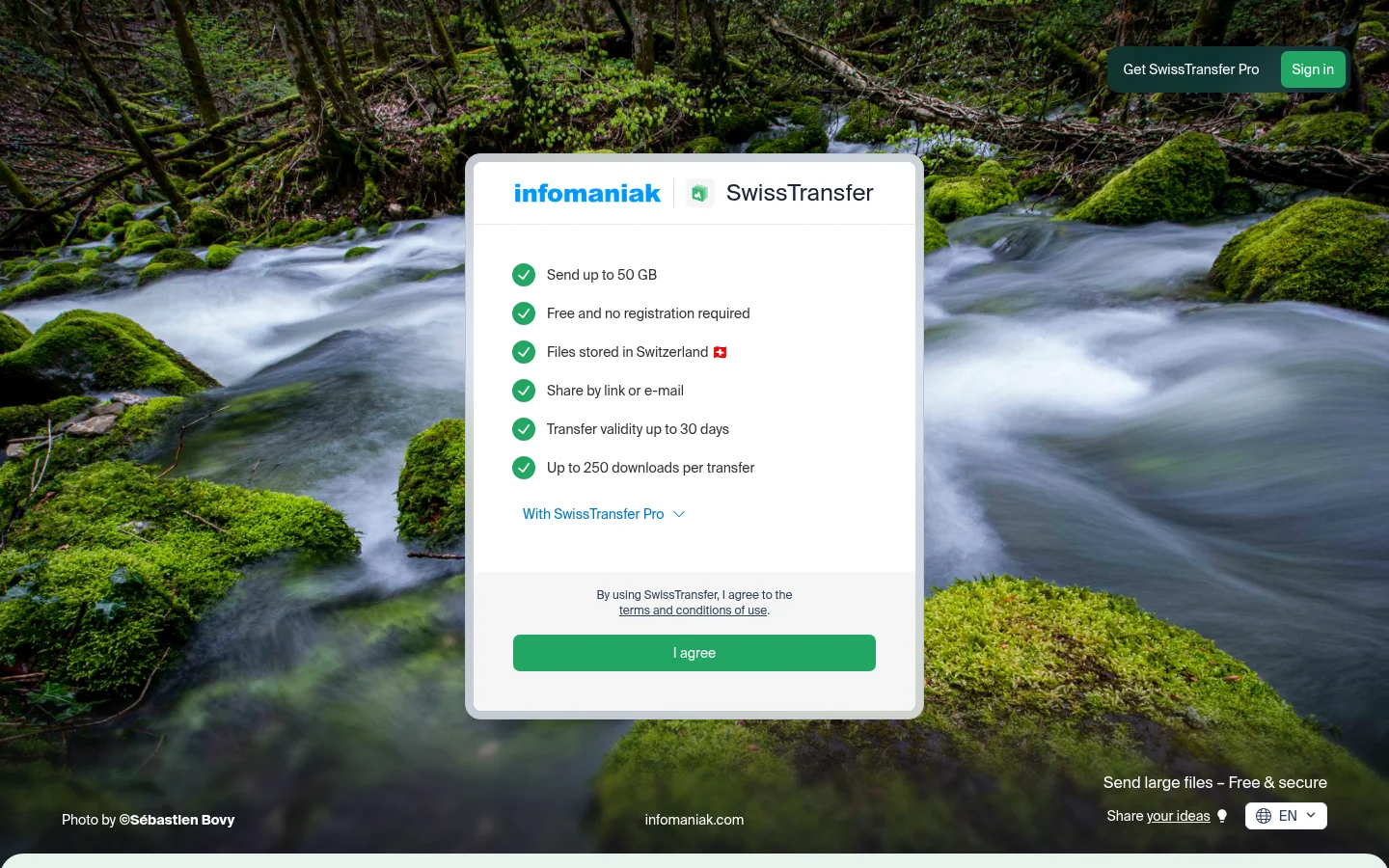
SwissTransfer is the plainest answer for a one-off. Its home page says free transfers go up to 50 GB and need no registration, with a transfer validity up to 30 days and up to 250 downloads per transfer. The limit is that branding and a transfer history need SwissTransfer Pro.
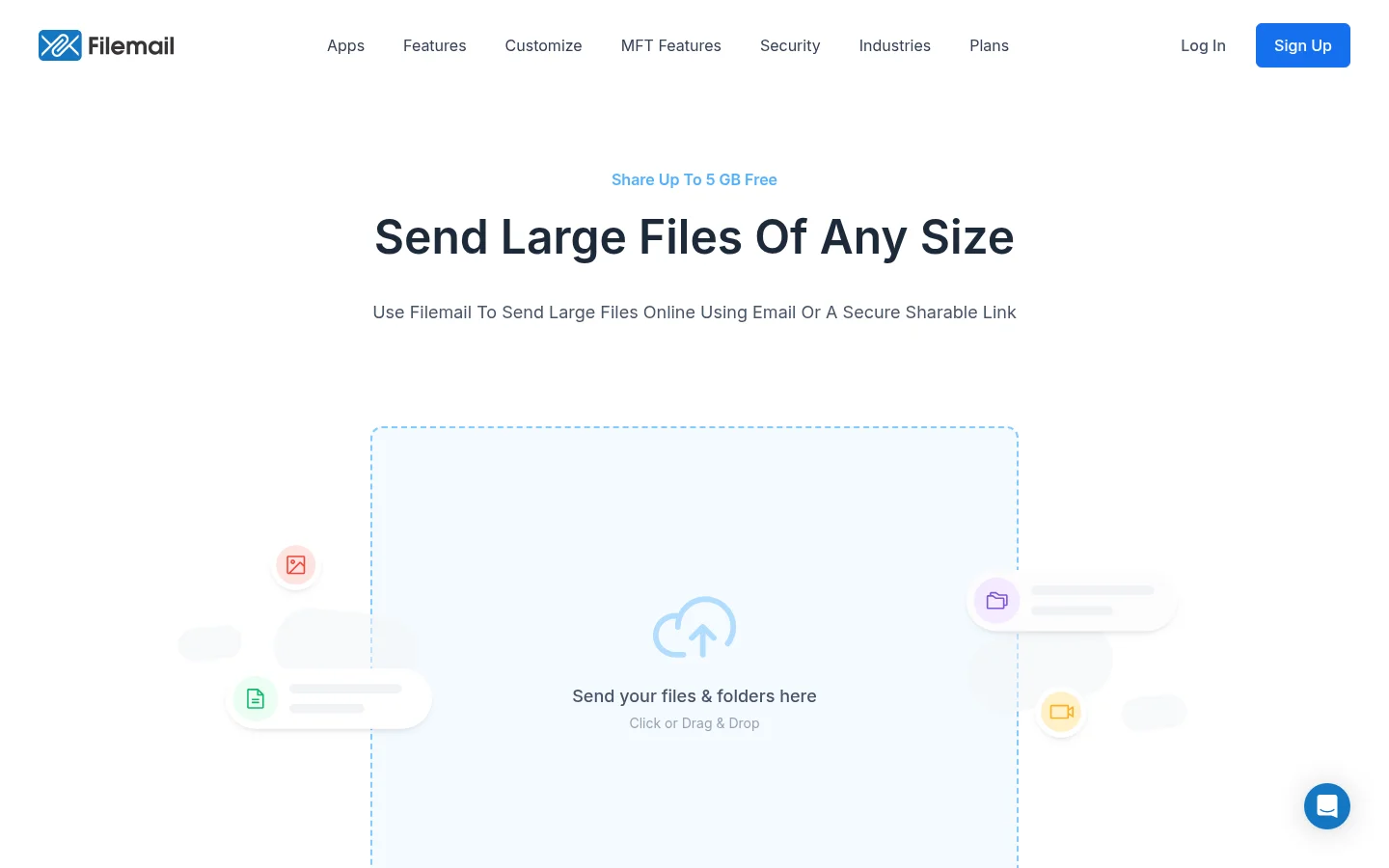
Filemail has a free tier with a maximum of 5 GB per transfer, and recipients need no registration to download. Its Pro plan raises the transfer size to 250 GB, keeps files available permanently, and adds a custom subdomain and file requests. The limit is that Personal stops at 5 GB per transfer and keeps files for 30 days.
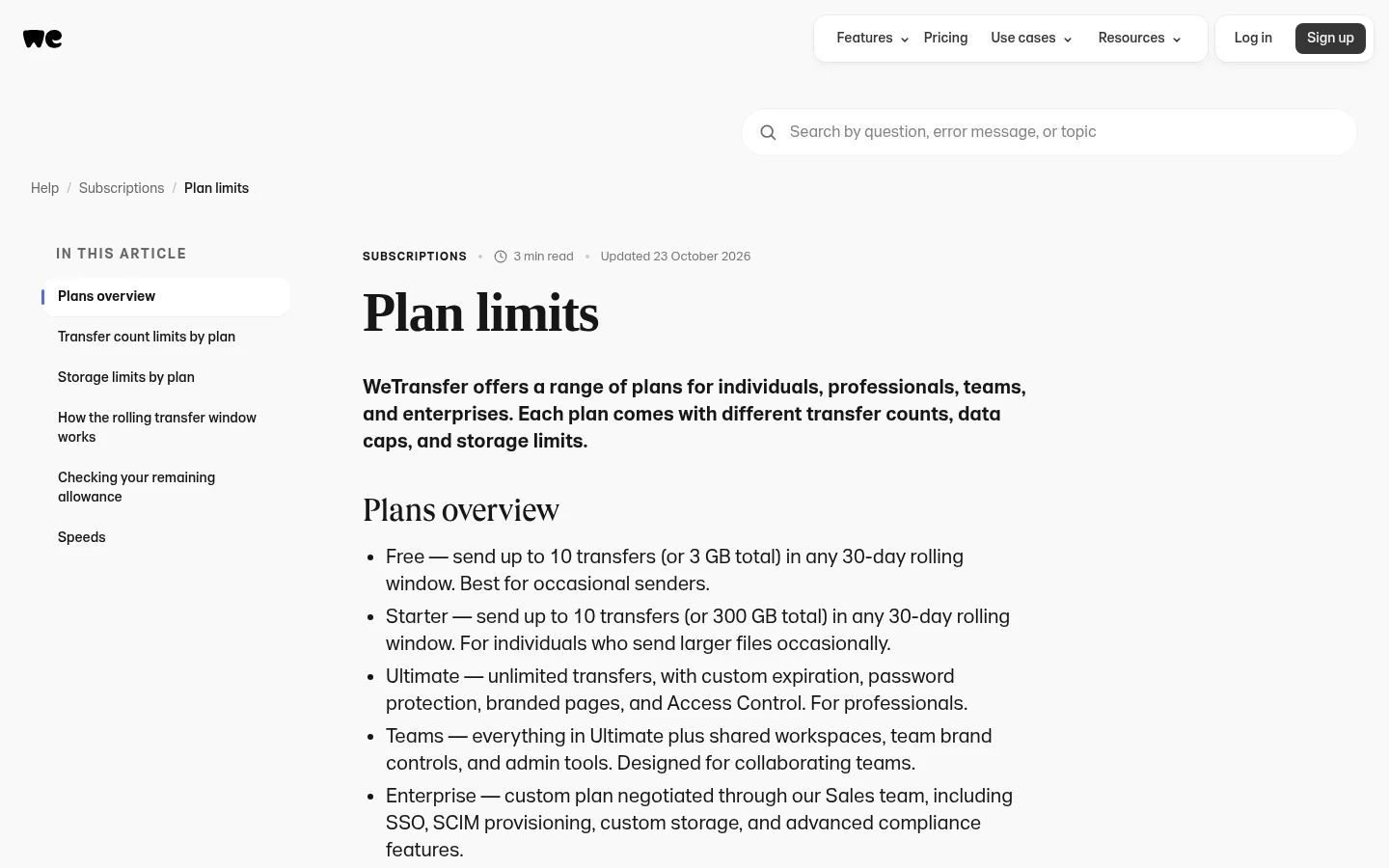
WeTransfer is familiar to clients. Its plan limits page says Free covers 10 transfers or 3 GB in any 30-day period, and its higher plans add custom expiration, password protection and branded pages. The limit is the free allowance, which is small for footage.
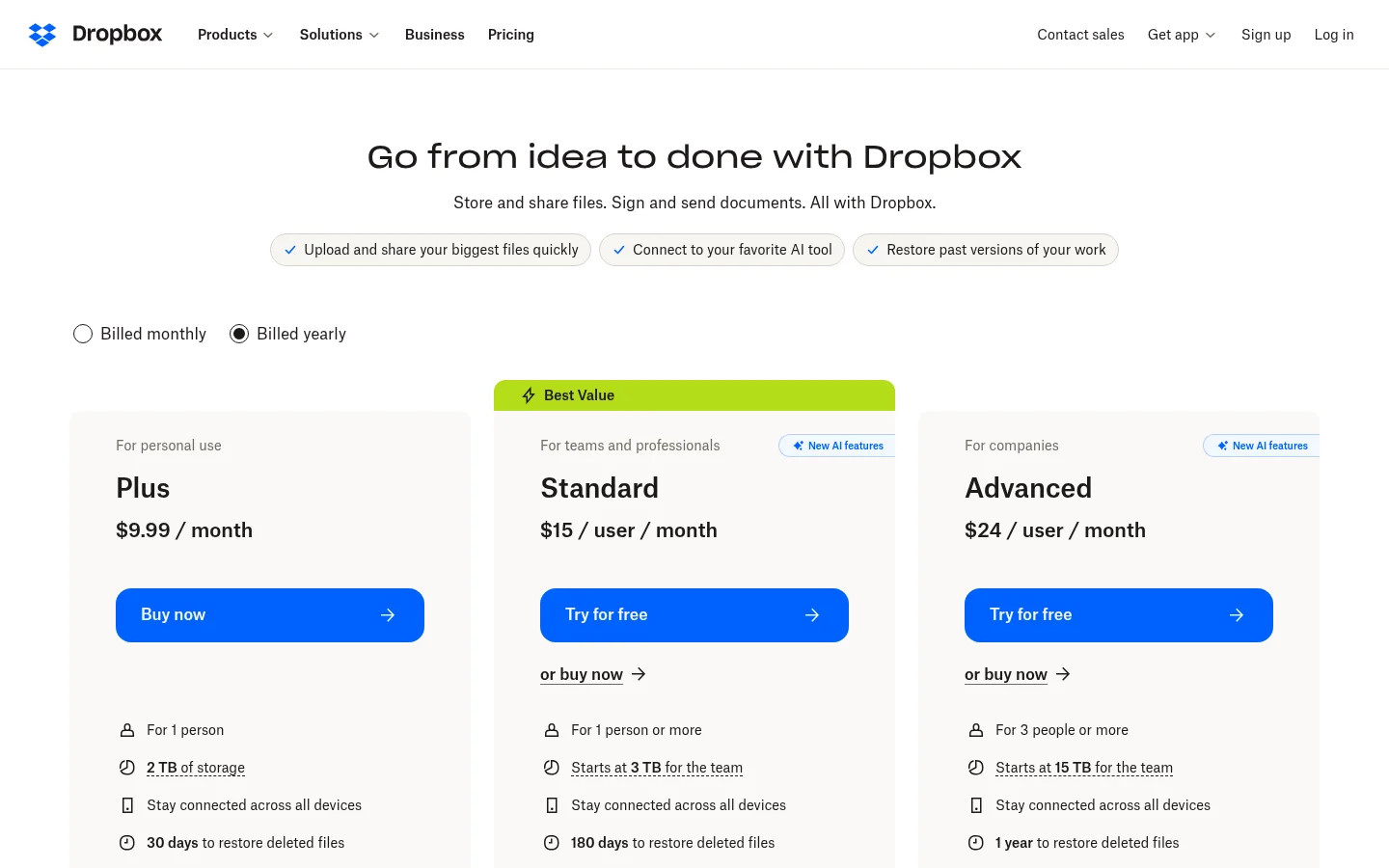
Dropbox Transfer works if you already use Dropbox. Its help page says the size limit depends on the plan you have, and the table above gives the tiers. Transfers on Basic, Family and Plus expire after 7 days, while paid plans can set a custom expiration date. The limit is that the size follows your Dropbox plan.
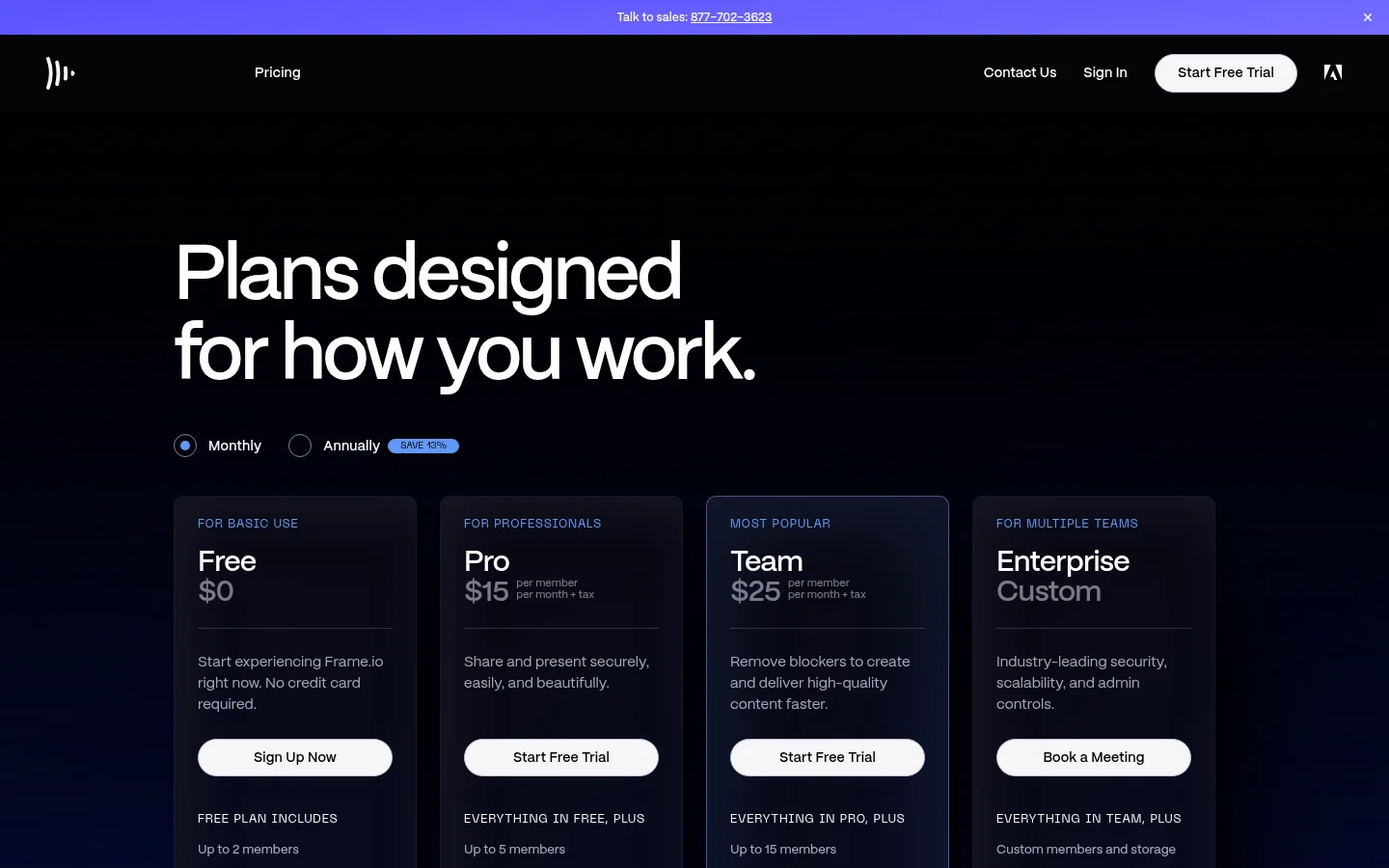
Frame.io is a review tool more than a sending tool. Its pricing page lists a Pro plan with up to 5 members, custom-branded shares and passphrase-protected shares. Choose it when clients need to comment on cuts. The limit is the seat count: Pro allows up to 5 members.
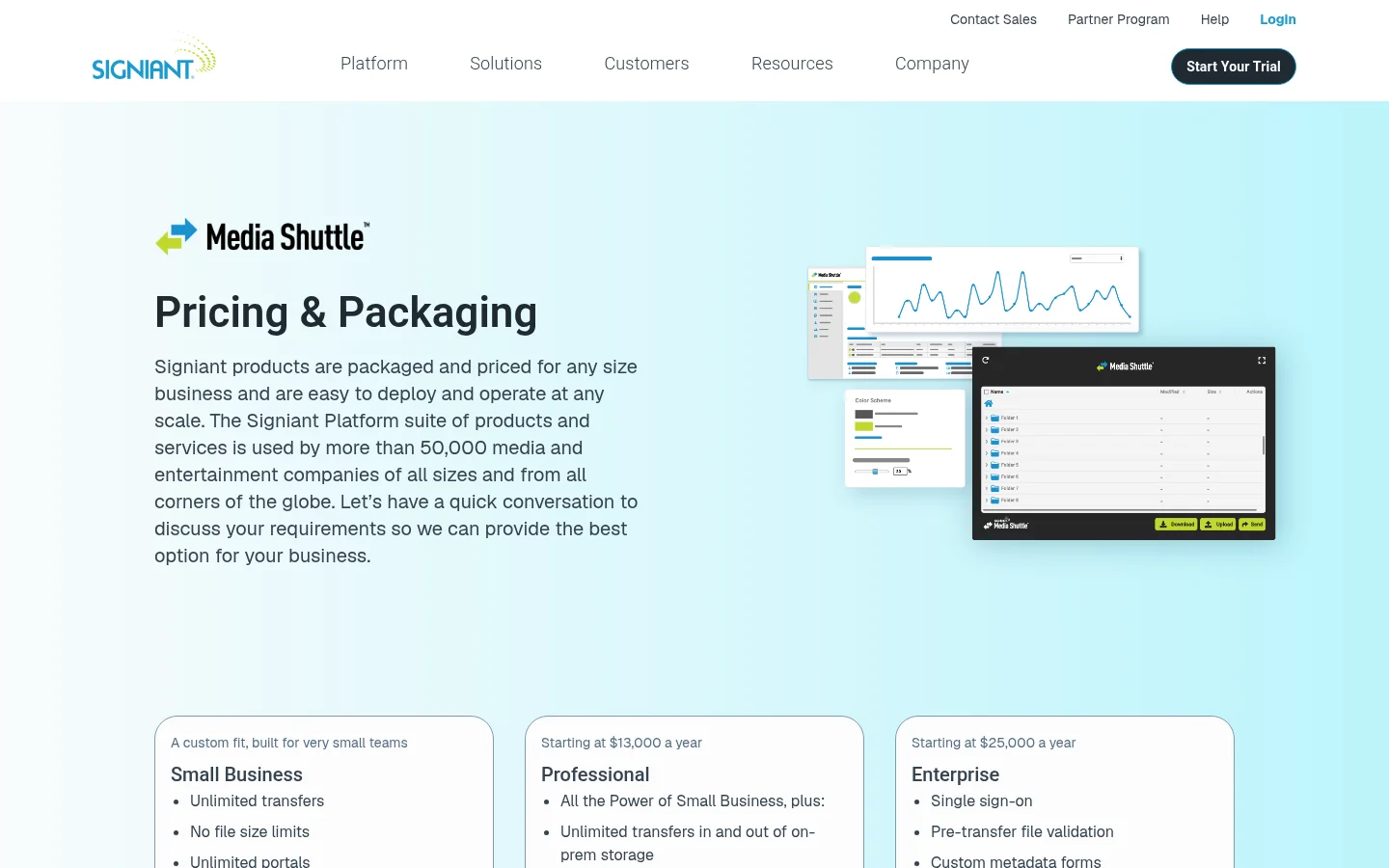
Signiant Media Shuttle is priced by quote. Its pricing page lists Small Business with no file size limits, starting at $13,000 a year, and Professional starting at $25,000 a year. The limit is the budget: it suits teams that can commit to that spend.
How to switch from MASV to Tarkle
List what you use MASV for: sending to clients, receiving footage, or moving files into cloud storage. Tarkle covers the first two, with one link to share files and file requests for receiving.
Create a Tarkle account on the Free plan, which needs no credit card. Then add your own domain: Free includes a custom domain.
Add your files to a new transfer. If you want the link to stop on a set day, use link expiration.
Send one real delivery to yourself and open it on a phone and a laptop, to check the player and the download.
Create a file request for the footage you usually ask clients to send.
Test with your biggest real file first, not a small sample. On Free that means a file up to 1 GB. A 150 GB project file needs Pro or Agency, which support files up to 200 GB.
Which one should you pick?
Pick MASV when you move terabytes a month, need transfers into cloud storage or compliance badges, and can budget per GB. Pick SwissTransfer or Filemail for occasional large sends. Pick Frame.io when review is the job. Pick Tarkle when clients should see your domain and send files back through one link. See the plans and limits first, then start for free.
What to remember about Tarkle
Tarkle lets you send video to clients with one link that needs no account to open, a built-in player, and your own domain on every plan. Pro and Agency take files up to 200 GB each, and the Free plan lets you test a delivery with files up to 1 GB first. Start for free.