SendGB alternatives: 6 tools compared for client files (2026)
Compare six SendGB alternatives on free size, link life, repeat downloads, branded links and collecting client files.

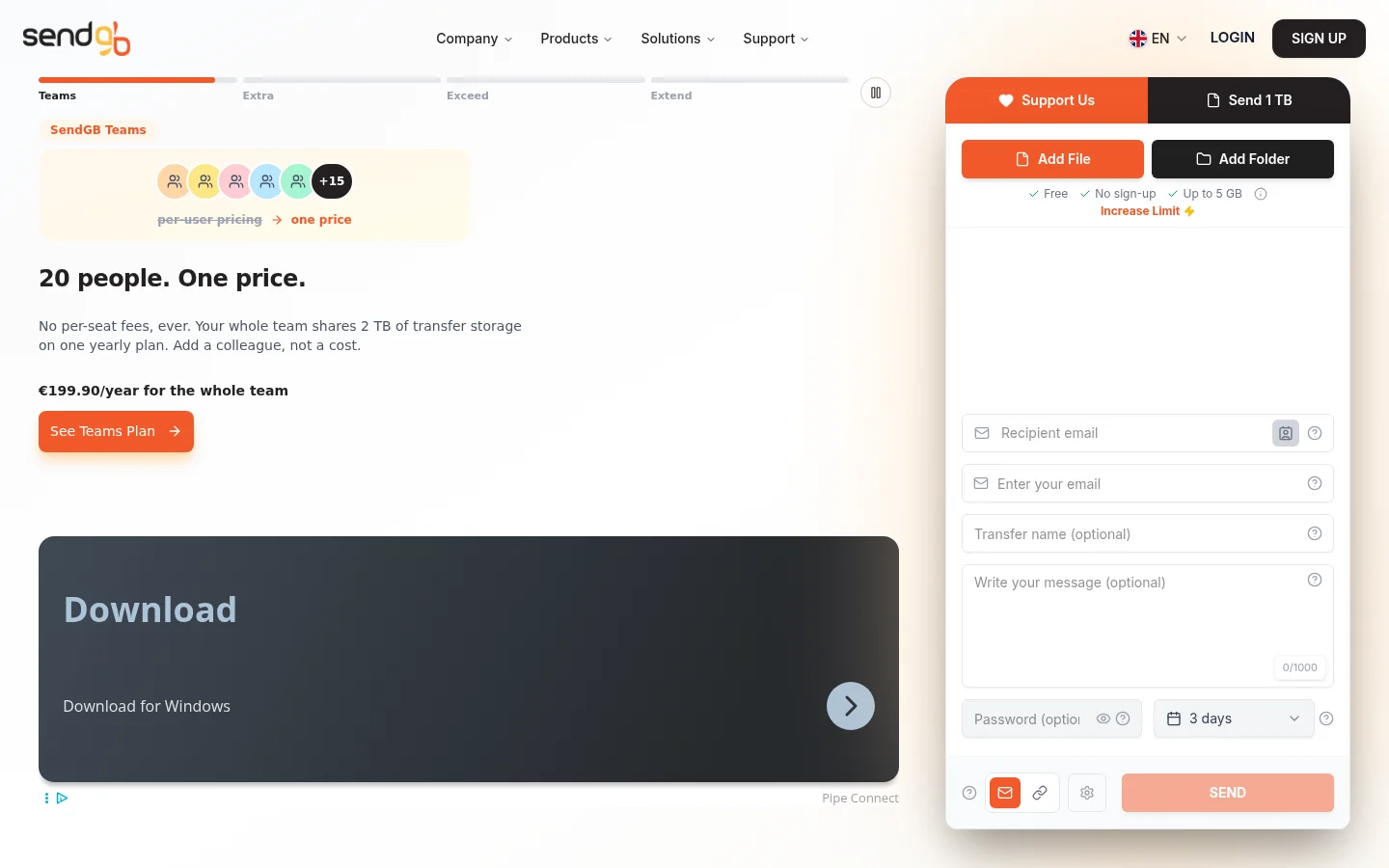
Looking for SendGB alternatives? SendGB lets a sender share a file without an account, and its recipients can download the file as many times as they want until the storage period ends. The tools below differ on how large a free transfer can be, how long the link stays up, how many downloads a file allows, and whether the link carries your brand or lets clients send files back. For one large free send, SwissTransfer's free service allows the biggest transfer in this list.
Last checked: November 2026
We make Tarkle, so read this as one vendor's view and check the sources linked in each section. Each tool's facts come from its own pages, and the table near the end puts the free plans side by side.
Tarkle: branded links and client work
File sharing sends files and folders with one branded link. You decide who can open it, and you see what happens next. Recipients do not need a Tarkle account to open or download shared files.
Custom transfer links let you name a link after the project, like files.yourstudio.com/t/brand-assets.
File requests collect files from anyone with one link, into the folder you choose. The client portal gives each client a branded place to sign in, see what you shared and send files back. The client portal is included on Pro and Agency. Agency adds a 100% white-label platform and 20 client workspaces.
The limit to check first is file size. The Free plan takes uploads up to 1 GB each, and Pro and Agency support files up to 200 GB. The Free plan costs $0 and needs no credit card. It includes sharing and file requests.

WeTransfer
WeTransfer sends files by link, and anyone can open the link in a browser with no sign-up. Its comparison page says the free plan covers up to 3 GB per transfer. Free and Starter uploads can stay online for up to 3 days, according to its help page. A paid WeTransfer plan adds a branded page with a custom subdomain, and lets transfers stay active for as long as you like.
WeTransfer suits a short, one-off download where you do not need your own domain. For a comparison with Tarkle, see Tarkle vs WeTransfer.
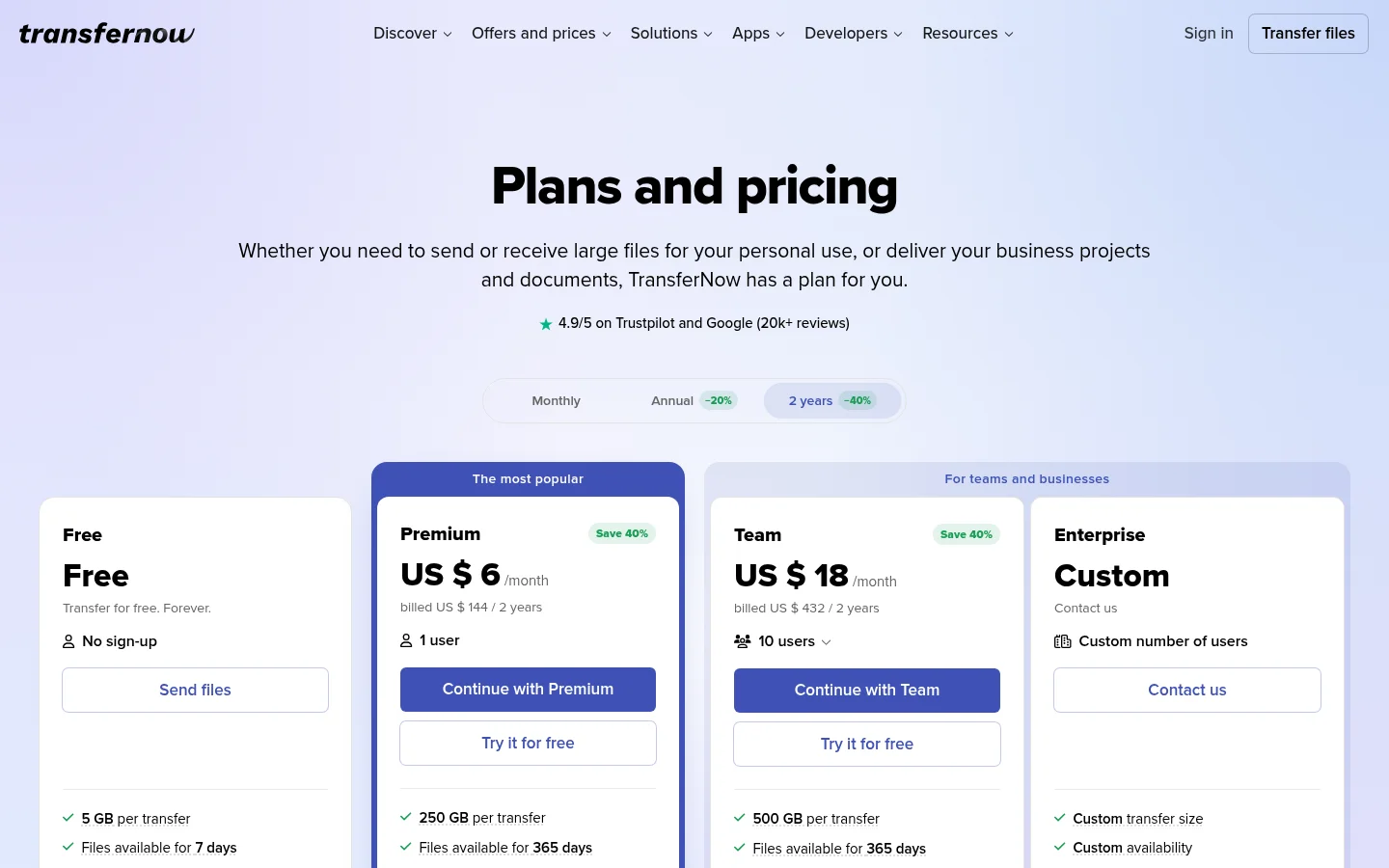
TransferNow
TransferNow's free plan sends up to 5 GB per transfer, and its home page says no account is required to upload files. Free transfers stay available for 7 days, according to its prices page. Paid plans add a download page in your brand, with your logo, background and colours. The free plan also lets you request files by email, so a client can send files back without a paid plan. For the comparison, see Tarkle vs TransferNow.
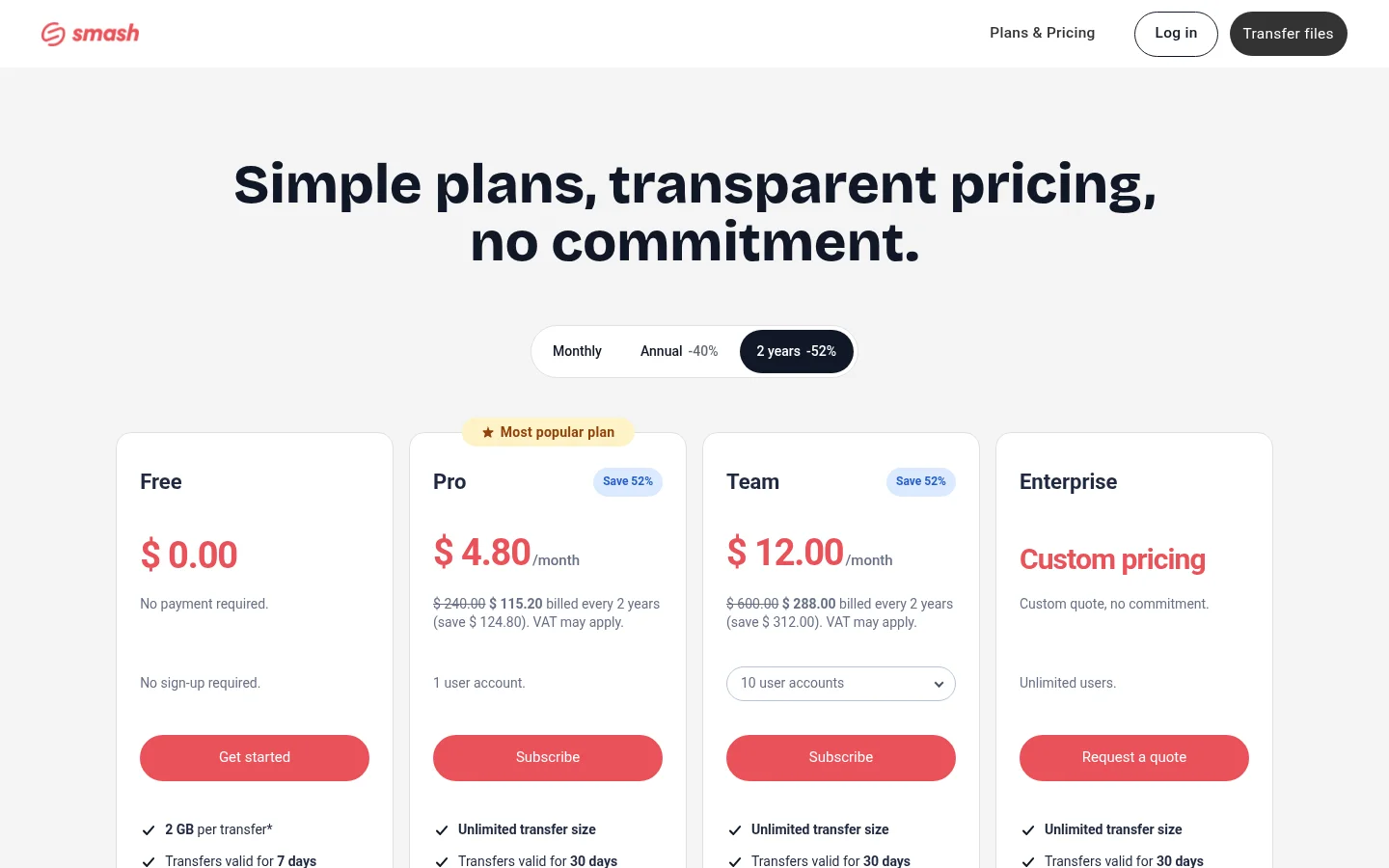
Smash
Smash sends files up to 2 GB per transfer on its free plan, and transfers are valid for 7 days. Free transfers can be set to up to 14 days, and its help article says an expired transfer cannot be reactivated. Paid plans raise the transfer size to unlimited and availability to 30 days. Smash says receiving files through drop-off links is a paid feature, according to its home page. For a client-facing comparison, see Tarkle vs Smash.
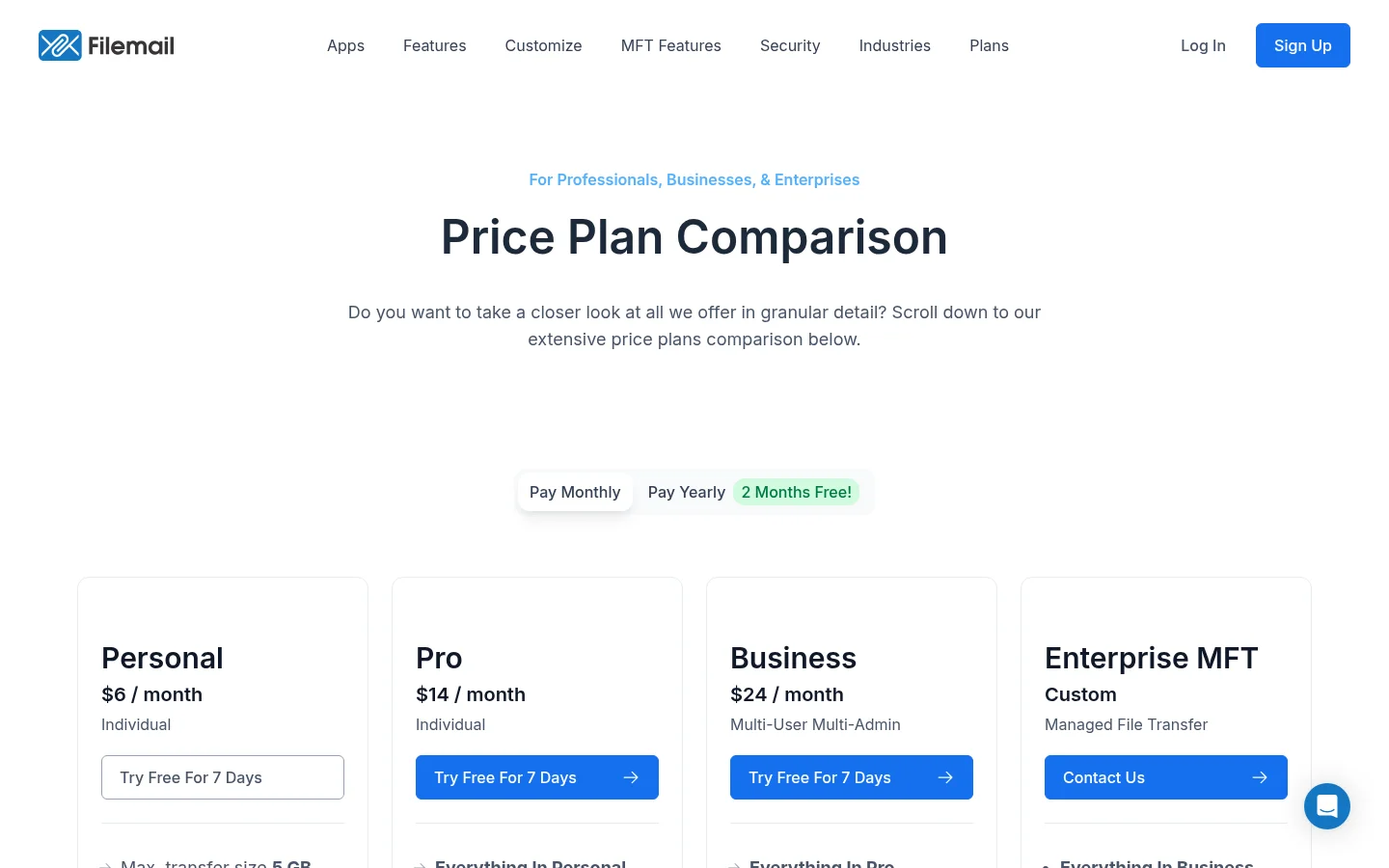
Filemail
Filemail's free service sends up to 5 GB per transfer and keeps files for 7 days. The free service can send up to 2 transfers in 24 hours, according to its support article. Each file can be downloaded up to 10 times by anyone. For a branded link and client collection on Tarkle, see Tarkle vs Filemail.
SwissTransfer
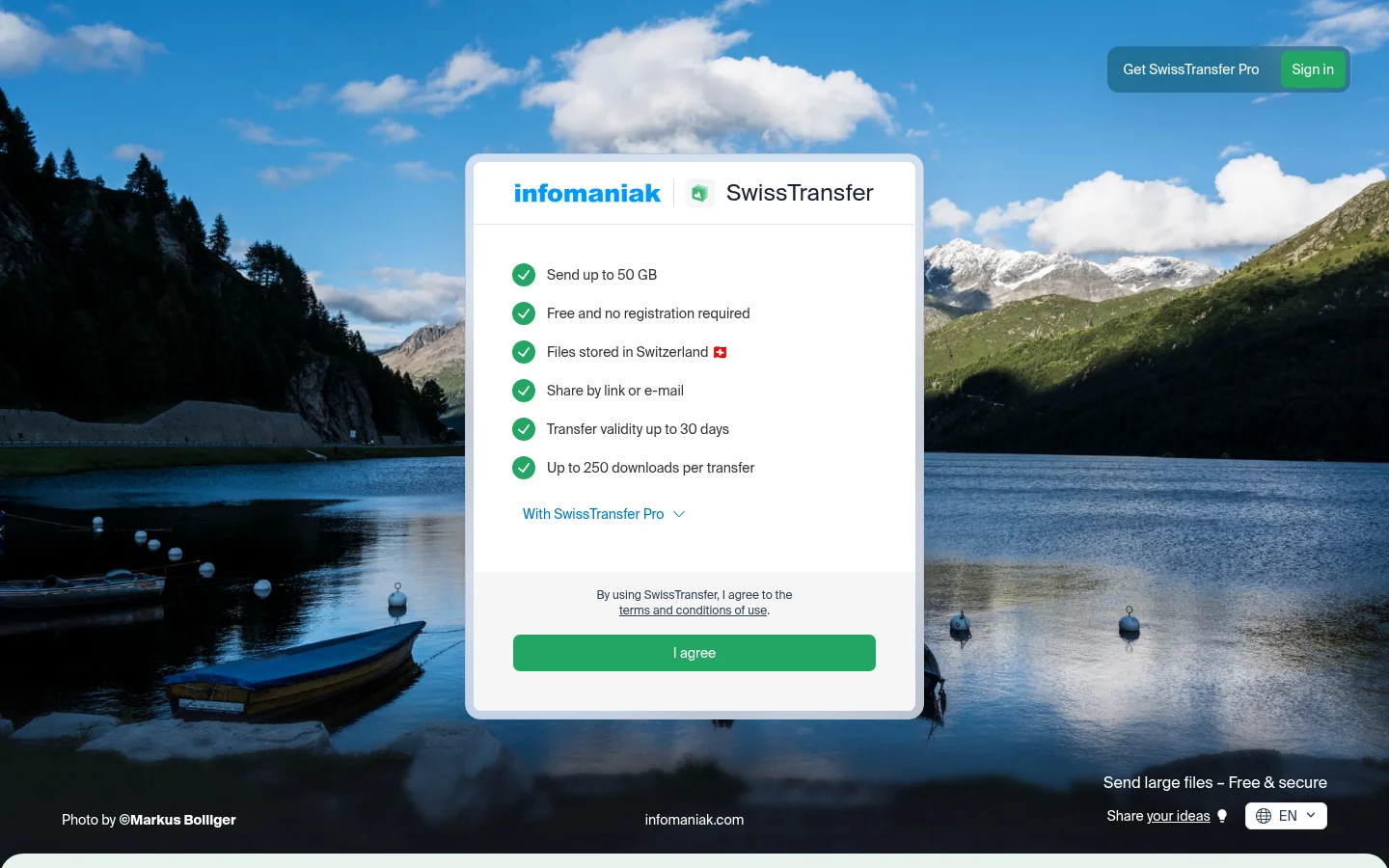
SwissTransfer, from Infomaniak, lets you send up to 50 GB per transfer on its free service, and no account is required for the sender or the recipient. You choose an availability period from 1 to 30 days, and up to 250 downloads are free. A paid offer lets recipients download as many times as they need, and an Infomaniak kSuite offer lets you customise the interface with your domain name, logo and colours. Receiving files is a kDrive drop box feature on paid kSuite offers. For the free service compared with Tarkle, see SwissTransfer alternative.
Who should choose SendGB
SendGB fits a file that many people may download more than once. Its blog says recipients can download the file as many times as they want until its storage period ends, and the free service sends files up to 5 GB without an account. The sender chooses how long the file is stored, and password protection is available. For one send to many people, SendGB keeps the job simple. For branded links or files back from a client, the Tarkle section above covers that job.
SendGB alternatives side by side
Tool | Free size per transfer | Free link life | Recipient signs up? |
|---|---|---|---|
Tarkle | 1 GB per file | Expiry date you set | No |
WeTransfer | 3 GB | Up to 3 days | No |
TransferNow | 5 GB | 7 days | No |
Smash | 2 GB | 7 days, up to 14 days | Not stated |
Filemail | 5 GB | 7 days | No |
SwissTransfer | 50 GB | 1 to 30 days | No |
SendGB | 5 GB | Until the storage period you choose ends | No |
Repeat downloads are where the tools differ most. SendGB lets recipients download as many times as they want until the storage period ends. Filemail's free service caps each file at 10 downloads, and SwissTransfer's free service includes 250. On Tarkle, one-time download links stop working after the first download, and a link expiration date can be set on a transfer.
Pricing
Tarkle's plans, as its pricing page lists them: Free is $0 forever, with 5 GB of storage for one person. Pro is $29 a month, or $19 a month billed yearly ($228/year). Agency is $59 a month, or $49 a month billed yearly ($588/year), with 20 client workspaces and 6 TB of storage.
For the paid plans of the other tools, use each pricing page: WeTransfer and Filemail plans, and the pages linked in each section above. Paid prices change, so check the page on the day you choose.
Switching from SendGB to Tarkle
Create a Tarkle account with your name and email, then confirm it with the 6-digit code Tarkle emails you.
Open Transfers in your workspace. Add files, a folder or library items, then set the title, access choices and link for a file transfer.
Set an expiry date on the link. Turn on one-time download only when a single download is enough.
Send the link, then see whether a transfer was delivered, viewed or downloaded.
Name the transfer after the client and the project, so you can find the link again when the client asks for it.
What to remember about Tarkle
Tarkle sends files and folders on one branded link. It collects files back through a request link. Client work stays in a portal on Pro and Agency. The Free plan takes uploads up to 1 GB each, so test it with a real file first. Start for free, or compare the plans above.