pCloud lifetime cloud storage: is it worth it in 2027?
pCloud lifetime prices, traffic limits and what each plan covers, and where client file sharing fits better.

pCloud lifetime cloud storage is worth it when the files are yours: one payment of $219, $499 or $1,499 buys 500 GB, 2 TB or 10 TB with sync, backup and sharing for years. When the files go to your clients and come back under your name, Tarkle's lifetime plans start at $29 and are built for that job.
This guide reads pCloud's own pages, lists what each lifetime plan covers and shows where each tool fits. It is Tarkle's own view of the two.
pCloud lifetime cloud storage plans and prices
pCloud's plans and pricing page lists three lifetime plans. Each is a one-time payment, shown in US dollars.
Plan | Lifetime price | Higher price shown | Storage | Total shared link traffic |
|---|---|---|---|---|
Premium 500 GB | $219 | $279 | 500 GB | 1000 GB per month |
Premium Plus 2 TB | $499 | $709 | 2 TB | 4 TB per month |
Ultra 10 TB | $1,499 | $2,799 | 10 TB | 20 TB per month |
Last checked: November 2026. pCloud shows each lifetime price beside a higher one, so read the total at checkout. The page also states a 14 days money back guarantee. The traffic figures come from pCloud's plan details help page. This article uses partner links to pCloud, and Tarkle may earn a commission if you buy through them.
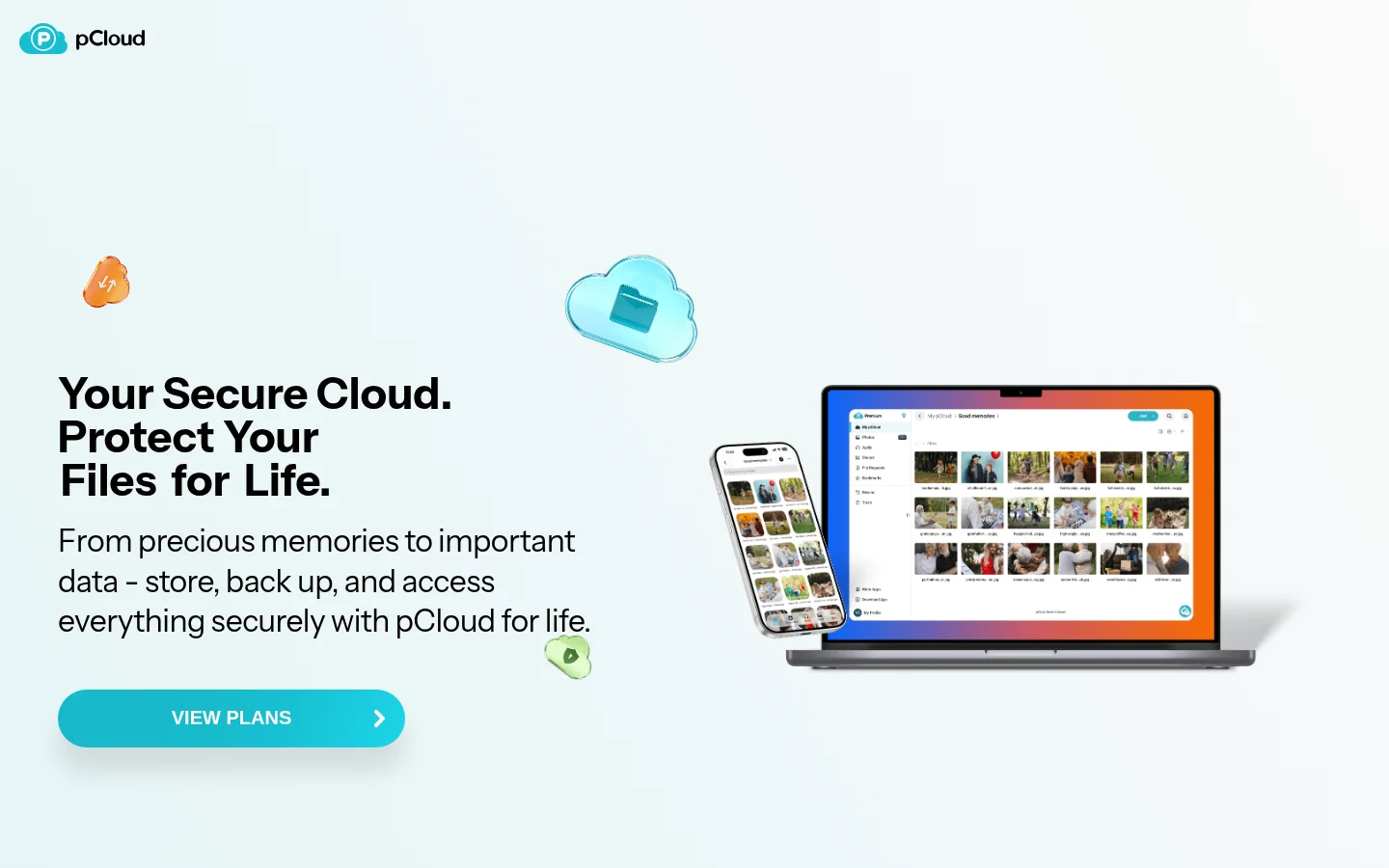
What a pCloud lifetime plan includes
The pricing page lists the same features on every Premium plan, so storage and traffic are what change between them. You get pCloud Photos and pCloud Docs, which has six built-in editors for documents, spreadsheets, presentations, PDFs, text and markdown files. For safety it lists restoring previous versions of your files and recovering data from up to 30 days ago.
For access, it lists backup of your phone's gallery and desktop files, working on files without taking up local storage space, offline access and automatic sync across your devices. For sharing it lists password-protected links, shared folders, file requests and branded shares. It also lists a built-in music and video player, and says files are kept under Swiss privacy laws.
That is a strong set for personal storage, and the reason pCloud lifetime is popular with people who want one payment instead of a monthly bill.
Shared link traffic: the number to read twice
pCloud counts the traffic created when other people download or stream your shared files, apart from the storage itself. Its plan details help page lists 1000 GB per month for Premium 500 GB, 4 TB per month for Premium Plus and 20 TB per month for Ultra, and says you can buy extra traffic or move to a plan with more.
That matters if you send photo galleries, video or archives to many people. Storage size and download allowance are two separate numbers.
Is pCloud lifetime cheaper than a subscription?
Divide the lifetime price by the monthly price of a comparable subscription. The result is the number of months until the one-time payment costs less.
Months to break even = lifetime price ÷ monthly price of a comparable subscription
The sum ignores taxes, currency conversion and what the money could earn elsewhere. It only tells you something if you would otherwise keep the subscription for the whole period.
Read the real monthly or yearly price on the Monthly and Annual tabs of pCloud's pricing page, then ask whether you will still need that storage when the break-even month arrives.
pCloud Encryption and pCloud Business
pCloud's client-side encryption, which turns on a Crypto folder, is sold on its own encryption page with its own lifetime price: $150 is shown beside $229. If zero-knowledge privacy matters to you, add that to the total.
pCloud also sells a separate plan for teams. pCloud Business is a monthly or annual subscription that lets you organize employees in teams, control access levels and track user activity. An individual lifetime plan is a different product.
Who should choose pCloud lifetime?
pCloud lifetime fits personal and family files, photo and video libraries, a folder kept in sync between laptop and phone, and a freelancer who mainly stores finished work and wants it on every device. For those jobs, one payment can cover years.
For keeping files in sync across your devices, pCloud is the one built for it. For sending files to clients and collecting them back, the next section has the details.
When Tarkle fits better: files that go to clients
The job changes when files go to other people under your name. pCloud's pricing page lists branded shares and file requests, but it does not list your own domain for share links or a client portal.
Here is what Tarkle gives you for that work. A custom domain is available on every plan, so share links can come from your own address. File requests collect files from clients into a folder you choose. The client portal is a branded place where each client signs in with their email, sees only what you shared and sends files back. Client feedback turns images and PDFs into a review board that clients comment on and approve with one link, no account. Recipients open or download shared files without a Tarkle account, and Pro and Agency send files up to 200 GB.
Tarkle lifetime plans
Tarkle's lifetime plans are one-time payments with no renewal.
Pro 500 GB, $29: 500 GB of cloud storage, 1 workspace, 1 team seat, uploads up to 200 GB, file versioning, client feedback and approval, a fully branded client portal and 90-day file recovery.
Pro, $169: 3 TB of cloud storage, 2 workspaces and unlimited team members, with the same upload limit and client portal.
Agency, $299: everything in Pro, plus 6 TB of cloud storage, 20 workspaces for your clients and a 100% white-label platform where the "Powered by Tarkle" backlink is replaced by your agency name.
On Pro 500 GB and Pro, a small "Powered by Tarkle" backlink stays on your pages. The AI assistant is part of regular Pro and is not in the lifetime plans.
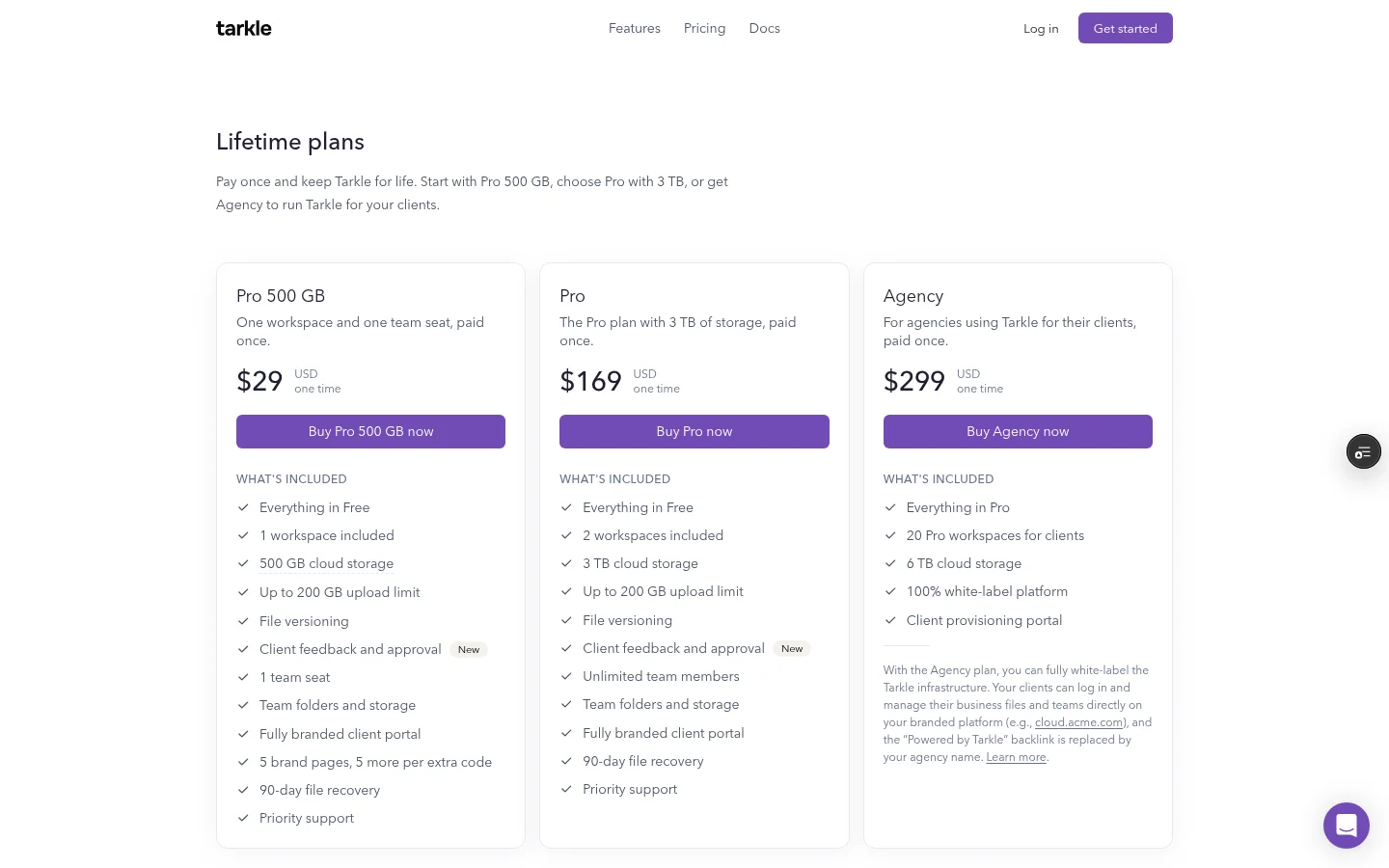
Here are the two entry plans side by side:
pCloud Premium 500 GB | Tarkle Pro 500 GB | |
|---|---|---|
Lifetime price | $219 | $29 |
Storage | 500 GB | 500 GB |
Biggest upload | Files of any size | Up to 200 GB |
File requests | Yes | Yes |
Your own domain for share links | Not listed | Yes, on every plan |
Client portal | Not listed | Fully branded client portal |
You can test Tarkle on the Free plan with real files before you choose a paid plan. Free is for one person and includes 5 GB of cloud storage, uploads up to 1 GB, file sharing and file requests, client feedback and approval, and custom domain and branding, with no credit card. Once a lifetime payment is processed it is not refundable except where the law requires, as the lifetime plans page explains.
Is pCloud lifetime worth it?
Yes, if the files are yours and you want sync, backup, media and access on every device for years from one payment. Work out your break-even month and read the shared link traffic for the plan you pick.
If the files are your clients', the better question is how they receive and send them. A branded portal, a review link and your own domain matter more there than a synced drive. The two jobs are separate, so personal files can stay in pCloud while client work is sent from Tarkle. For more lifetime comparisons, read Icedrive vs pCloud lifetime, the best lifetime cloud storage deals and lifetime cloud storage for agencies.
What to remember about Tarkle
Tarkle's lifetime plans start at $29 for 500 GB and include a fully branded client portal, so you can send files to clients and collect files back under your own name, with a custom domain on every plan. pCloud lifetime suits personal storage and sync. Try the Free plan with real files first, then start for free or compare plans and pricing.