TransferNow alternatives for business: 6 tools compared
Compare six TransferNow alternatives on client tasks: opening files, returning files, branded links and link controls.

TransferNow alternatives for business are easiest to judge by what your clients have to do with the files: open them, download them, send files back, and find a link that carries your name. This guide compares six tools on those tasks: Tarkle, TransferNow, Smash, Filemail, SwissTransfer and WeTransfer. Tarkle is listed first because this site is Tarkle's. Every tool is judged the same way, from its own pages as read in October 2026, and the sources are linked.
What a client needs to do with a file
Four tasks come up most often when you send files to a client:
Open and download. Does the client need an account, and can they get the files in one step?
Return files. Can the client send files back to you, and where do they land?
Branded link. Does the link carry your name, your logo or your own address?
Control and status. Can you set who opens the link and see whether it was opened?
File size still matters for some jobs, so each tool section below gives its limits.
TransferNow alternatives for business, tool by tool
Tarkle
Tarkle sends files and folders with one branded link, and the sender decides who can open it. When you create a transfer, the access choices are a password, an email address, an expiration date, burn after read, view only, a direct download link, or a charge for download. A public transfer opens without a Tarkle account. A transfer limited to one client organization opens only for a signed-in member of that organization. Transfer status shows whether a transfer was delivered, viewed or downloaded. Your links can carry your own name, such as files.yourstudio.com/t/brand-assets.
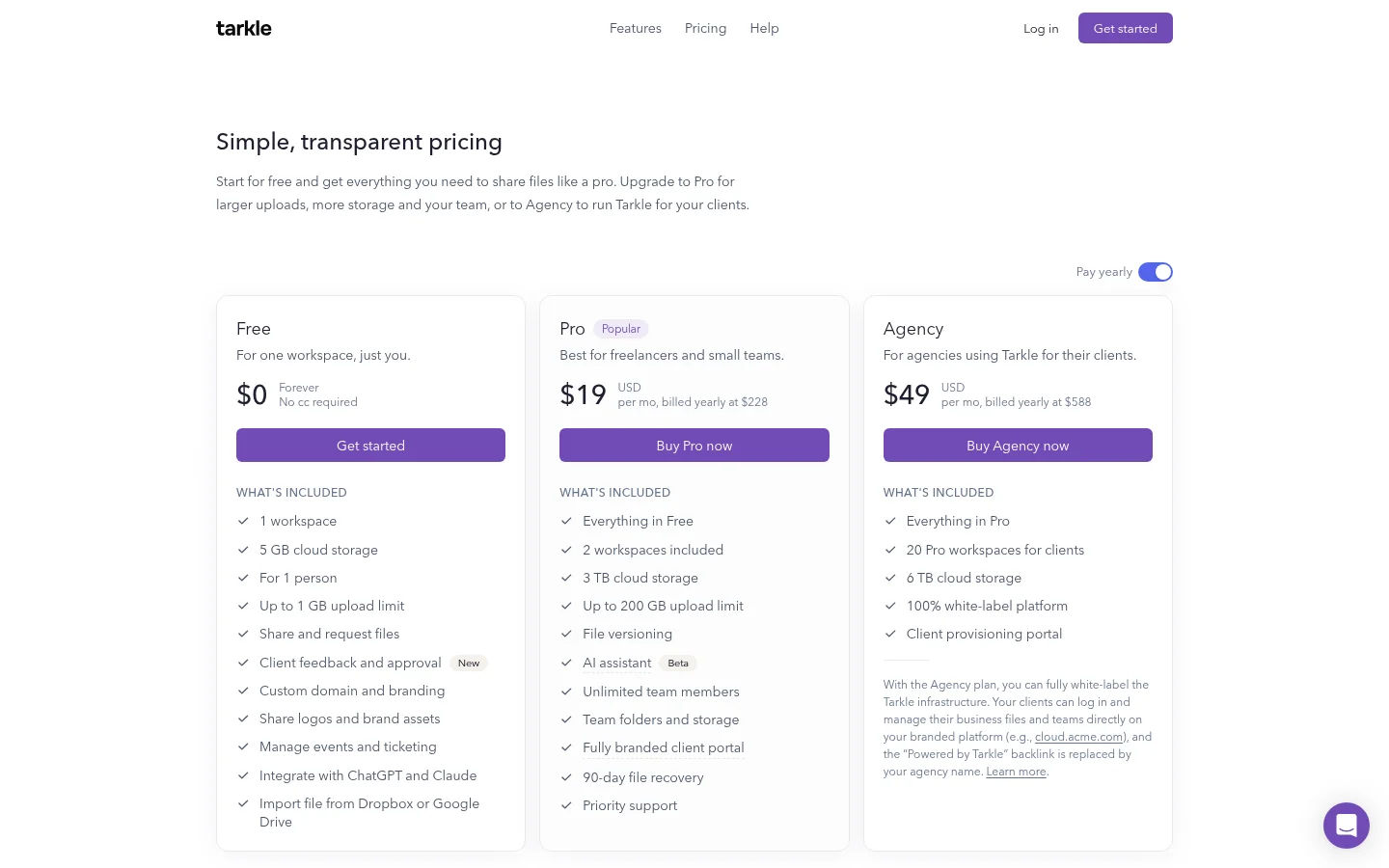
For files that come back, a file request collects files from anyone with one link, into the folder you choose. Clients who need a place to sign in can use the client portal, which is included on Pro and Agency. Free sends files up to 1 GB each, and Pro and Agency support files up to 200 GB.
TransferNow
TransferNow lists Premium at up to 250 GB per transfer and Team at up to 500 GB per transfer. Its Free plan goes up to 5 GB per transfer. A sender can require an email address to be entered before the files download. Anyone can upload through an upload link without creating an account, so clients can send files back, as its upload link guide explains.
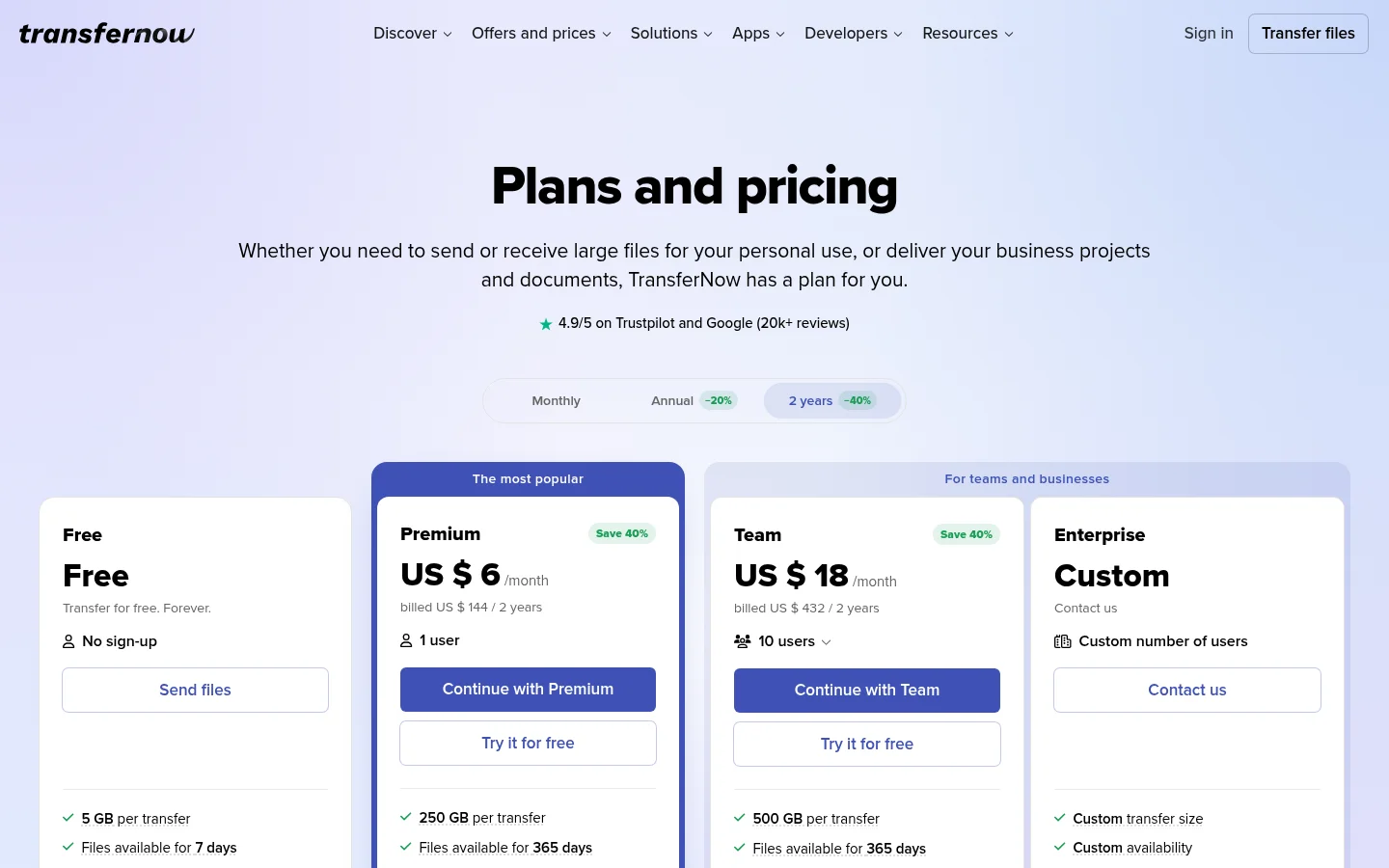
TransferNow is the stronger fit when single transfers are very large, and its Premium and Team plans are built for that.
Smash
Smash lists 2 GB per transfer on Free. Its everyday use page explains the limit: Beyond 2 GB, transfers join a queue behind Pro transfers. Recipients never need a Smash account to download the files, as its account help article says. A personalized drop-off link to collect files is reserved for Pro, Team and Enterprise subscribers.
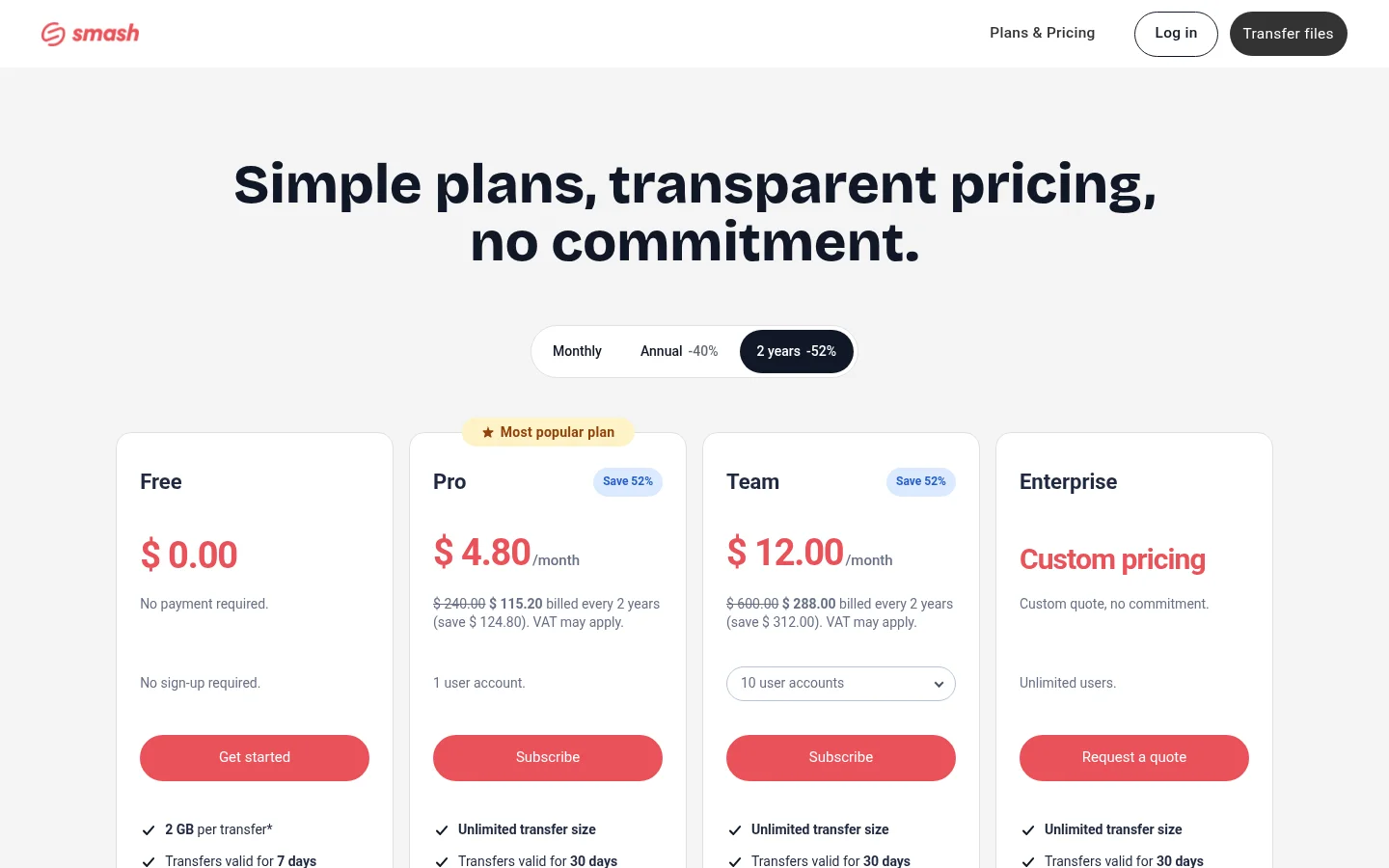
Smash suits a sender who needs a drop-off link and is ready to pay for a plan that includes one.
Filemail
Filemail lets a Basic account send files up to 5 GB in size. Its plan comparison lists a maximum transfer size of 250 GB on Pro. Recipients can download without registering, per its sharing page.
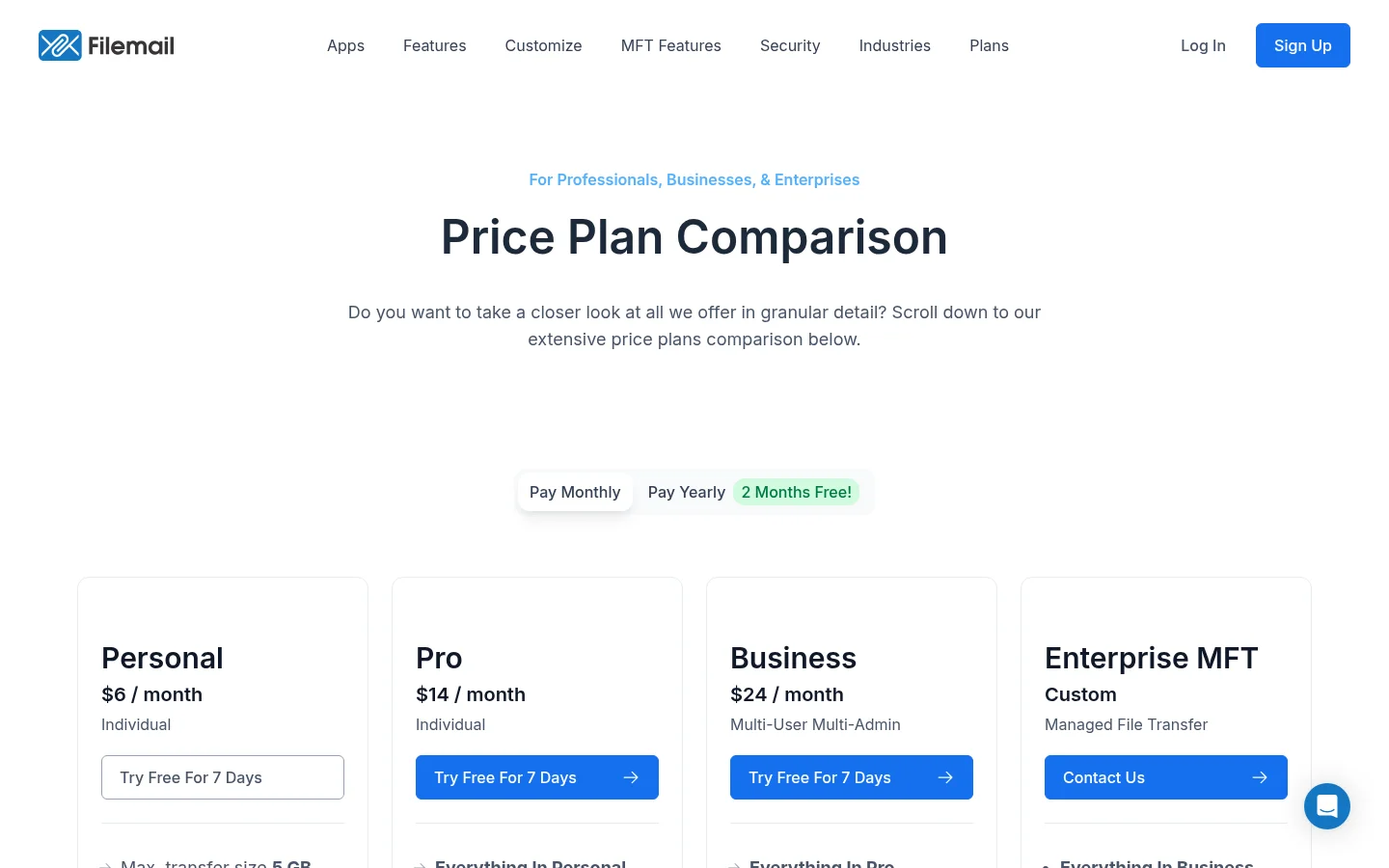
Filemail suits a one-off send where the client only needs to download the file.
SwissTransfer
SwissTransfer lets a free transfer hold up to 50 GB per transfer, all files combined. No account is required to send or receive files.
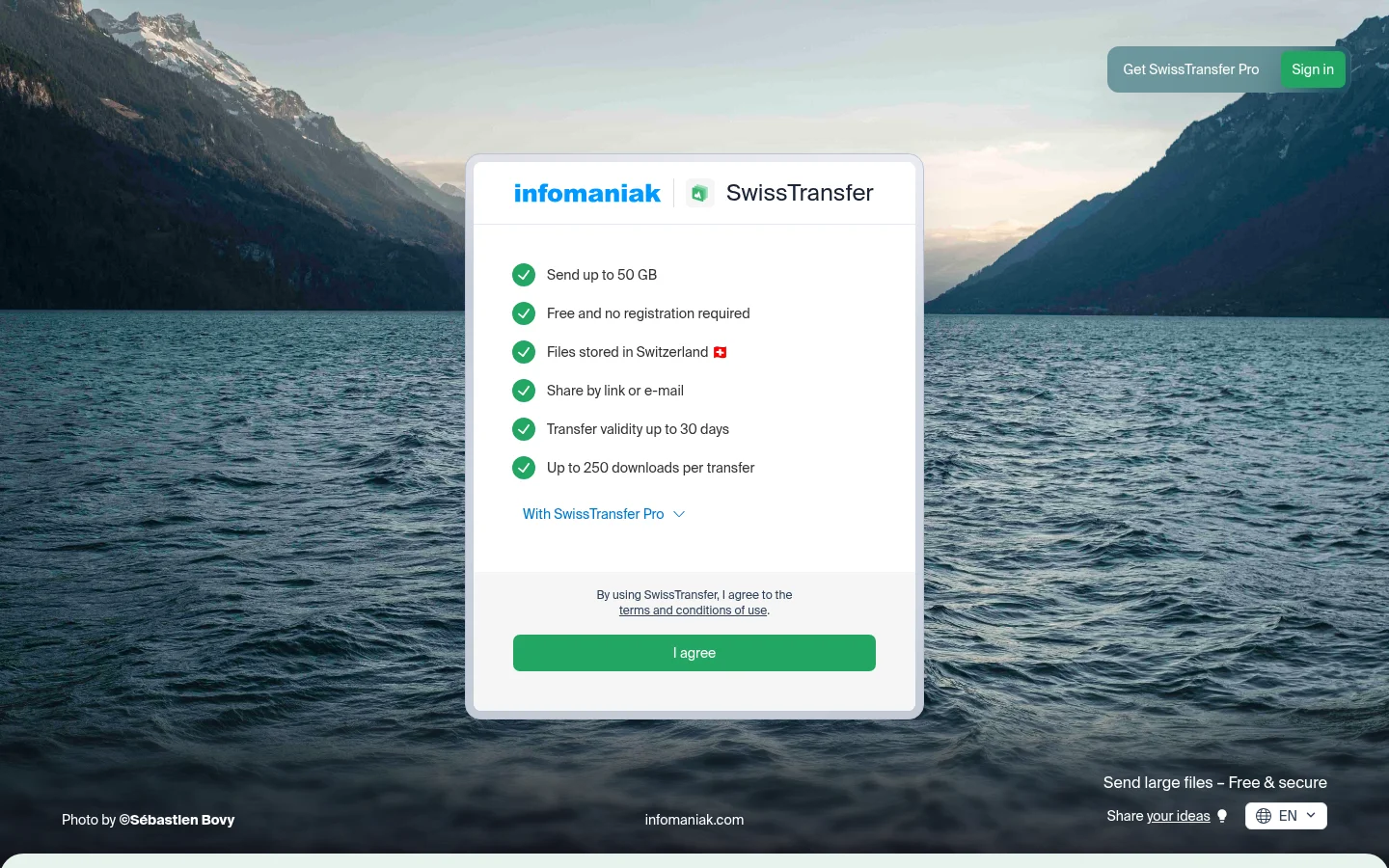
SwissTransfer is a simple choice for a one-off large send where the client only needs to download the files.
WeTransfer
WeTransfer lets a Free account send up to 3 GB per transfer. Its plan limits page lists up to 10 transfers, or 3 GB in total, in any 30-day rolling window.

WeTransfer fits a light, occasional send. For a steady stream of client files, check the monthly limit first.
Which tool fits your work
If you send very large single files, look at TransferNow's Premium and Team plans first. If your work is ongoing, with the same clients coming back each month, weigh the return path, transfer status and client portal against the tools above, because those are the tasks that repeat.
Agency and Reseller are different jobs. Agency is for agencies using Tarkle for their clients. Reseller plans are for selling file sharing to your own customers, billed by you. Compare both before you choose.
Send one real file through each shortlisted tool, then ask a client to open it on a phone and send one file back. A short test like that shows the handover better than any list.
For a closer look at one alternative, read the TransferNow comparison or the SendGB alternatives article. For the setup steps, see the help articles on sharing a transfer and limiting a transfer to one client organization. The file sharing feature shows the whole flow.
What to remember about Tarkle
Tarkle sends files and folders with one branded link, and the sender decides who can open it. A file request collects files from anyone with one link, into the folder you choose, so clients can send files back. Check each plan's limits on the pricing page before you choose.