White label Dropbox alternative for digital agencies
Send client files from your own domain and brand, see where Dropbox fits, and pick the Tarkle plan.

A white label Dropbox alternative lets an agency send client files from its own domain and under its own name. On Tarkle, custom domains and branding are on every plan, and the Agency plan runs the whole platform on your domain with your agency name in place of ours. Dropbox lets you add branding to its own sharing, with links that its help pages describe on dropbox.com.
This guide explains what white label means in practice, where Dropbox is the better tool, and how an agency sets up file sharing on its own domain.
What white label means for an agency
Branding and white label are not the same thing. Branding puts your logo and colours on a page that still belongs to the tool. White label means the address, the sign-in page and the "powered by" line carry your agency instead.
For a client opening a delivery, the difference is small but visible. A link at files.youragency.com with your logo reads as your business. A link on a third-party domain with your logo added reads as a tool you chose.

Where Dropbox fits, and where it stops
Dropbox is strong at what it was built for. Its desktop app keeps files in sync between your computer and dropbox.com, and you can make files available offline so they open without a connection (Dropbox desktop app overview, offline access). For internal working files, that matters.
Dropbox also has branded sharing, and it is worth knowing what it covers. On Professional and Essentials plans you can set a logo, background, brand name, website link and social links. On team plans an admin sets a company logo and background, or lets members set their own branding. Branding can apply to shared files and folders, file requests and transfers, and recipients see it in the email notification and preview. Two limits apply: logos and backgrounds show when you share presentations, documents or image files, and branding is not available for file requests on Standard and Business accounts (Dropbox branded sharing, updated 9 June 2026).
If you want links on your own address, Tarkle is built for that. If your agency only needs a tidy logo on a link, branded Dropbox sharing may be enough, and our honest review of Dropbox covers when staying makes sense.
How an agency runs file sharing on its own domain and brand
Setting up your own domain and branding takes three steps. You can do the first two on Free, because Free includes one custom domain.
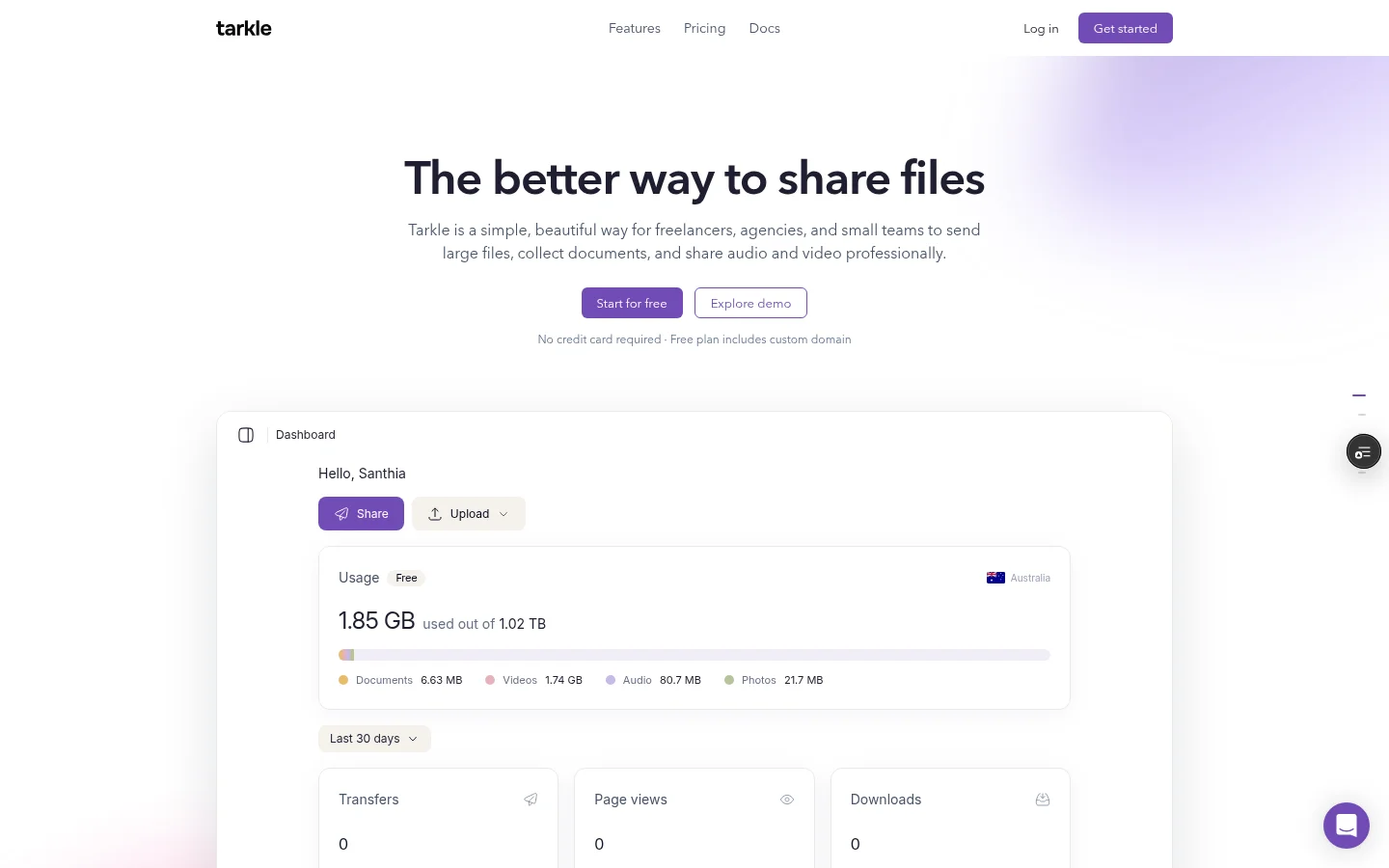
In Settings, open the domains page and add a subdomain you own, such as
files.youragency.com. Tarkle shows the DNS records to add at your DNS provider. Each domain row shows its status: Active once the domain is connected, and Pending or Action required until then. How to set up a custom domain lists each step.In Settings, add your logo, favicon and accent colour, then save them. Logo and favicon take a PNG or JPEG file. A favicon needs a Pro or Agency plan, and on Free you can set the logo and the accent colour. Your logo then shows on every transfer page, request page and client portal.
Send a first transfer to yourself and open it as a client would. Check the address and the logo on the page.
Use a subdomain such as files.youragency.com, not your main site address. Your website stays where it is.
That covers the basics. On Free, the small Powered by Tarkle line stays on your pages and cannot be switched off. The Agency plan goes further: a white-label platform on your own domain, for example cloud.acme.com. Your clients log in and manage their files and team on your own domain, and the "Powered by Tarkle" backlink is replaced by your agency name. Agency also includes 20 client workspaces, 6 TB of cloud storage and a client provisioning portal. The white label for agencies page shows what you can brand, and a workspace for every client explains the per-client setup.
If you want to sell file sharing to your clients under your own plans, limits and prices, that is a different product. See the reseller plans.
Deliver files to clients under your name
Once the domain and branding are set, the daily work is the same as with any file sharing tool, with your name on it.
Send a link. Pick files or folders and send one link. Recipients do not need an account to download.
Request files. A file request gives clients one link to upload to, into the folder you choose, so briefs and assets stop arriving as attachments.
Give each client a home. On Pro and Agency, the client portal is a branded place where each client signs in with their email and finds what you shared with them. Read more on the client portal page.
Control access. Add a password, set an expiry date or revoke access when plans change. Transfer status shows whether a transfer was delivered, viewed or downloaded.
Name transfers after the deliverable and the client, for example "Acme spring campaign, final files", so you can find each one again later.
Keep Dropbox for storage if you want to
Moving what clients see does not mean moving everything. You can import files from Dropbox into Tarkle without downloading them first. How to import files from Google Drive or Dropbox shows the steps.
Dropbox's desktop app keeps your files in sync with dropbox.com and lets you work on them offline. If your team needs that for its working files, keep Dropbox for that part of the job. Tarkle's job here is sharing and delivery.
Which plan fits an agency
Plans belong to your organization. Prices below come from the Tarkle pricing page.
Free: $0 forever, with 5 GB of storage, uploads up to 1 GB, file sharing and file requests, password protection, custom branding and one custom domain. The Powered by Tarkle line stays on Free.
Pro: $29 per month, or $19 per month billed yearly. It has 3 TB of storage, uploads up to 200 GB, unlimited team members and a fully branded client portal.
Agency: $59 per month, or $49 per month billed yearly. It includes everything in Pro, 20 client workspaces, 6 TB of cloud storage, the white-label platform on your own domain and a client provisioning portal.
Start on Free to set up your domain and logo and to see how a client receives a link. Move to Agency when clients should sign in on your own domain. Compare all the plans on the pricing page.
Choosing a white label Dropbox alternative
Choose Dropbox when desktop sync, offline access and internal folders are what you buy it for. Choose a white-label tool when the part that matters is what the client sees: the address, the sign-in page and the name at the bottom of the page.
A quick test: send a file to a friend and ask who they think sent it. If the honest answer is "Dropbox", and that bothers you, set up a custom domain today. If you want the whole platform under your name, look at Agency.
Sign up for Free and connect a domain on the Free plan, then decide whether Agency is worth it. For the wider picture of branded links, read the four layers of branded file sharing links.
What to remember about Tarkle
Tarkle lets an agency send client files from its own domain with its own logo. Free includes one custom domain, a logo and an accent colour, and the Agency plan has clients log in on your domain with your agency name in place of the Powered by Tarkle line. Keep Dropbox for desktop sync and offline work if you rely on them, and import from Dropbox into Tarkle for what clients see. Start for free.