
Tarkle vs pCloud: branded client sharing or cloud storage with sync
pCloud suits a synced drive for your own files. Tarkle suits sending and collecting client files on your own domain.
Tarkle vs pCloud comes down to one question: is the file going to a client, or is it a file you want on every device? pCloud is the stronger fit for keeping your own files in reach on every device. Tarkle fits sending files to clients and collecting files back, on your own domain, with a password or an expiry date on each link. We make Tarkle, so read this as one vendor's view and check the sources we link.
What pCloud is
pCloud is cloud storage that you can access and preview from every device, and it sells a Business plan for teams (pCloud help center). The help center describes pCloud Business as "the secure place in the cloud to store, sync, and collaborate on files with your team."
What pCloud offers
The free Basic plan gives you up to 10 GB of storage and 50 GB of shared-link traffic a month. You start with 2 GB at sign-up (pCloud help center).
A share link opens without a pCloud account, and you can set it to view or download, with a password and an expiry date (file sharing page). File requests collect files from people without a pCloud account. pCloud Transfer sends files up to 5 GB to anyone (pCloud help center).
Business adds access levels, a way to track user activity, and client-side encryption (pCloud help center). Its file sharing page says every link can be memorable with your logo, custom cover image, and a personalised message (file sharing page). For prices, see pCloud's plans and pricing page.
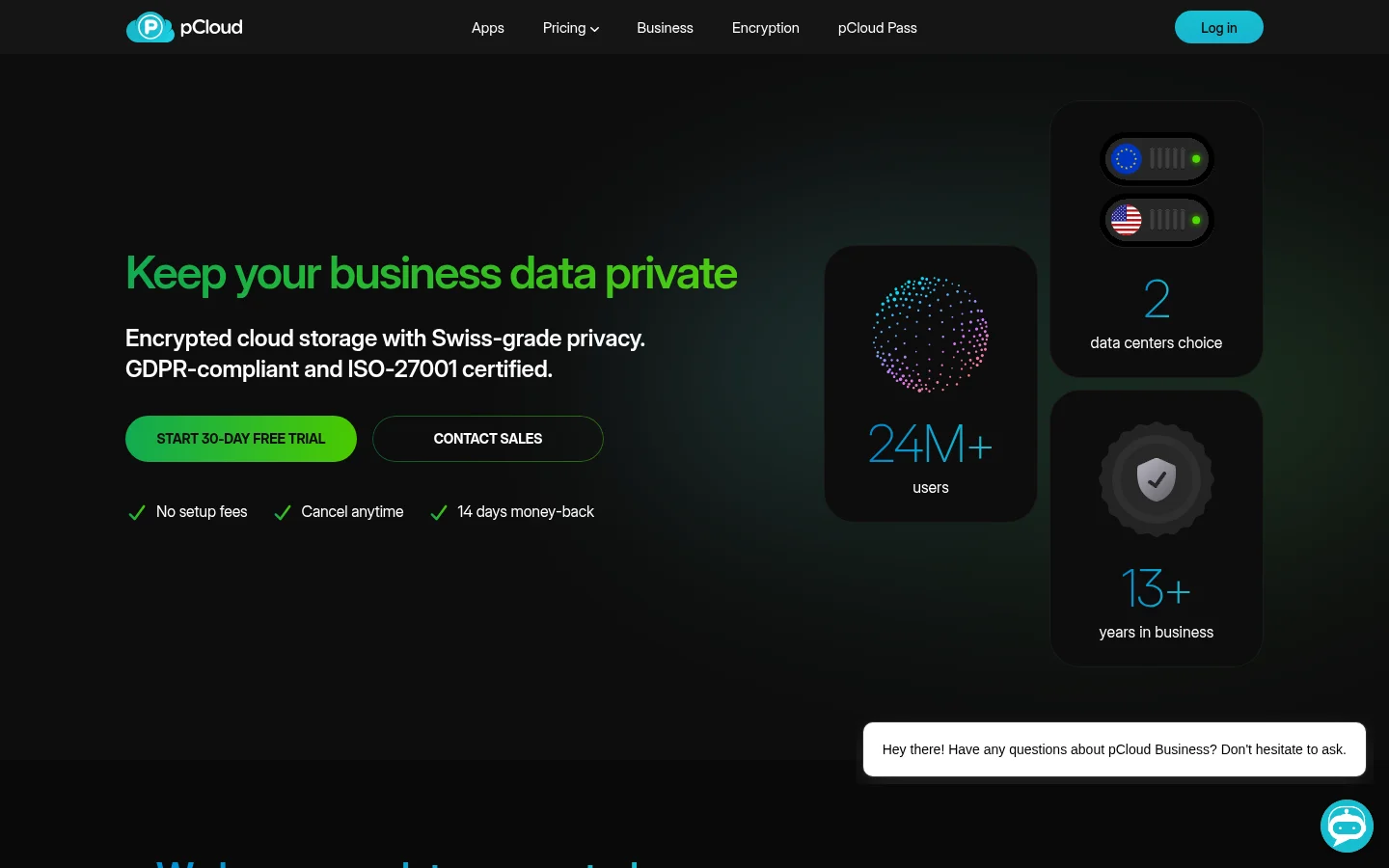
pCloud offers two data regions, Luxembourg (EU) or Dallas (US). You choose one just before you sign up, and a later change carries a one-time fee of $19.99 (data regions page).
What Tarkle does
Tarkle is for freelancers, agencies and client-facing businesses. A file transfer is one link that opens without an account. Before you send it, you can set these:
Password protection requires a password before anyone can open the transfer.
An email capture asks visitors for an email address before a download starts.
Link expiration sets a date after which the transfer or request link stops working.
View only lets people look at files without offering a download.
A one-time link stops working after its first download.
A direct download link starts the download the moment it is opened, with no page in between.
After you send, transfer status shows whether a transfer was delivered, viewed or downloaded. The activity log is a searchable record of what happened across your workspace, with export.
To get files back, a file request collects files from anyone with one link into the folder you choose. You can set a deadline and the most a visitor can upload at once (request deadlines and limits).
Free includes custom branding, and a custom domain for your links (custom domain). Brand pages on their own domain need Pro or Agency. The favicon is a Pro and Agency setting. The "Powered by Tarkle" line stays on Free. Pro can remove it, and Agency replaces it with your agency name.
Pro and Agency include a branded client portal. A client signs in with a 6-digit code sent to their email, with no password, and sees what you shared with them. The portal has Home, Files, Shared, Requests, Brands and Feedback tabs.
Agency includes 20 workspaces for clients and 6 TB of cloud storage. Your clients can log in and manage their business files and teams on your branded platform on your own domain (white label for agencies).
Plans, from the pricing page:
Free: $0 forever, no credit card required. 5 GB of storage, uploads up to 1 GB each, one workspace.
Pro: $29 a month, or $19 a month billed yearly ($228/year). 3 TB of storage, up to 200 GB per upload, unlimited team members, file versioning and 90-day file recovery.
Agency: $59 a month, or $49 a month billed yearly ($588/year). Everything in Pro, plus 20 workspaces for clients, 6 TB of cloud storage and a white-label platform.

Files are protected in transit and at rest. Tarkle offers data residency in Europe, the United States, Asia-Pacific and Oceania.
pCloud vs Tarkle
Feature | Tarkle | pCloud |
|---|---|---|
Built for | Sending files to clients and collecting files back | Storing your files in one secure place, plus a Business plan for teams |
Free plan | $0 forever, no credit card required | Basic: up to 10 GB |
Paid team plans | Pro $29 a month ($19 billed yearly), Agency $59 a month ($49 billed yearly) | Business plan for teams, priced on pCloud's pricing page |
Largest upload | 1 GB on Free, 200 GB on Pro and Agency | pCloud Transfer sends files up to 5 GB to anyone |
Link password and expiry | Yes | Yes |
Branded links | Free includes custom branding | Its links carry your logo, custom cover image, and a personalised message |
Receive files | File requests from anyone with one link | File requests collect files from people without a pCloud account |
Who opened or downloaded | Transfer status, and an activity log | Business: track user activity |
Encryption | Files are protected in transit and at rest | Client-side encryption on Business |
Data location | Tarkle offers data residency in Europe, the United States, Asia-Pacific and Oceania | Luxembourg (EU) or Dallas (US), chosen before sign-up |
Who should choose pCloud
Stay with pCloud if you want your own files in reach on every device, or client-side encryption on a Business plan. Business also lets you track user activity. If most of your work is keeping your own files in reach across devices, pCloud is built for that job.
You can use both: one for the files you keep, and one for the files that leave for a client.
Who should choose Tarkle
Choose Tarkle when a file goes to a client and the client should see your name, not a storage vendor's. Your links can sit on your own domain. You set a password or an expiry date before you send, see whether the client viewed or downloaded, and collect the client's files back with a file request from anyone with one link. On Pro and Agency, the client also gets the portal described above.
For keeping your own files in reach on every device, pCloud is the better fit.
The Free plan is $0 forever, no credit card required, so you can start for free and try the sharing with a real file before you decide.
Switching from pCloud to Tarkle
Download the client folders you share from pCloud to your computer.
Create a Free organization. Free includes custom branding.
Your links can sit on your own domain, so connect your domain before you send.
Upload the folders, keeping each file within your plan's upload limit (send large files).
Send one transfer to yourself with a password and an expiry date, and open it as a client would.
Replace the old pCloud links in emails, proposals and websites.
Files in Google Drive or Dropbox can come in without downloading them first. Import them directly.
Where your files are stored can matter to some clients. Choose the region before you sign up with pCloud, and check which regions Tarkle lists on the pricing page.
FAQ
Is Tarkle a pCloud alternative?
For sending files to clients and collecting files back, yes. For keeping your own files in reach on every device, pCloud is the better fit.
Can I send big files with Tarkle?
Yes. Free uploads up to 1 GB each, and Pro and Agency up to 200 GB per upload. The person downloading needs no account.