File sharing for marketing agencies: a setup per client
Set up file sharing for a marketing agency: a workspace per client, branded links, file requests and when Agency fits.

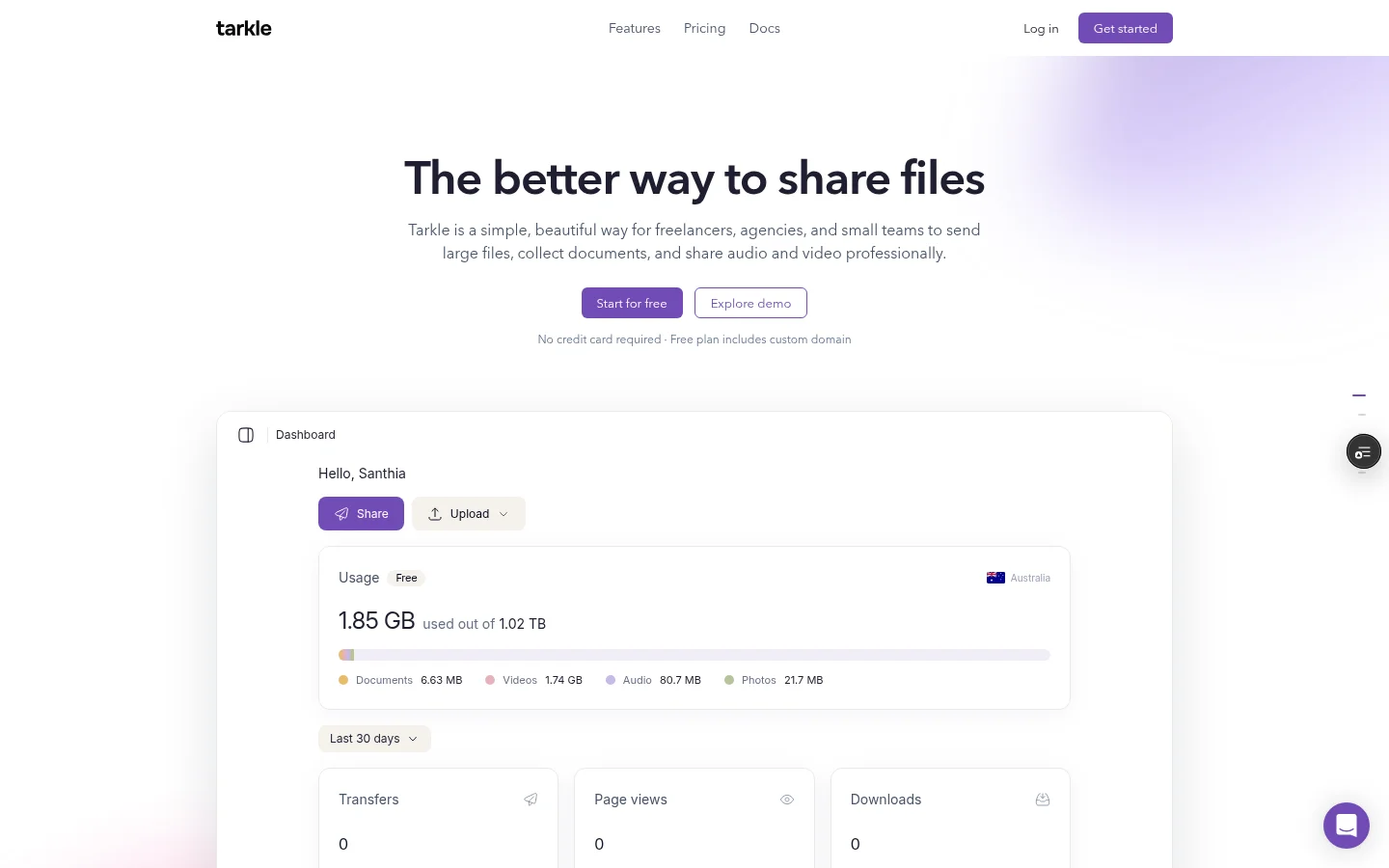
File sharing for marketing agencies comes down to two jobs: getting finished work to clients, and getting brand files, copy and footage back from them. The setup that holds up is one workspace per client, branded links for every delivery, and a file request for everything you need back. This article shows how to build that, and how to choose between Free, Pro and Agency.
Why file sharing for marketing agencies breaks on email and shared drives
A campaign produces a lot of files: design exports, video cuts, ad variants, brand guidelines, raw footage from the client. Attachments hit size limits. A shared drive folder gets mixed up between clients, and every link looks like it came from a generic tool, not from your agency.
Two fixes matter most. Keep each client's files apart, so nobody sees another client's work. And make every link and upload page look like yours, so the client knows where files come from. File sharing gives you one branded link for each delivery. On Agency, each client gets a workspace.
One workspace per client
On Agency, create a workspace for each client from the workspace hub. The client is invited to that workspace by email as an Admin, and accepts the invitation on Tarkle.
You can give a client workspace its own storage amount, so one client with heavy video cannot use the whole shared pool.
Create each client workspace before the first project starts, and name it the way the client says it. Files then go to the right place from day one.

Photo by Vitaly Gariev on Unsplash
Give clients a portal
On Pro and Agency, a client portal gives each client a branded place where they sign in with their email, see only what you shared with them and send files back. Clients sign in through a link sent to their email, so there is no password to remember. On Free, the client portal is not available.
How to request files from clients and freelancers
Most delays in a campaign are missing inputs: the logo in vector format, the product photos, the signed-off copy. A file request replaces the email chase. Share one link, and anyone with it can send files into a folder in your workspace, with no sign-in.
Set a deadline on a request, and a cap on the most a visitor can upload at once, with request deadlines and limits. Use one request per asset type, such as "Brand assets" and "Product photos", not one big request for everything.
Say the exact format in the message that goes with the link: "Logo as SVG or PNG, product photos at original size." Clients upload what you ask for, so spell it out.
Delivering campaign files with branded links
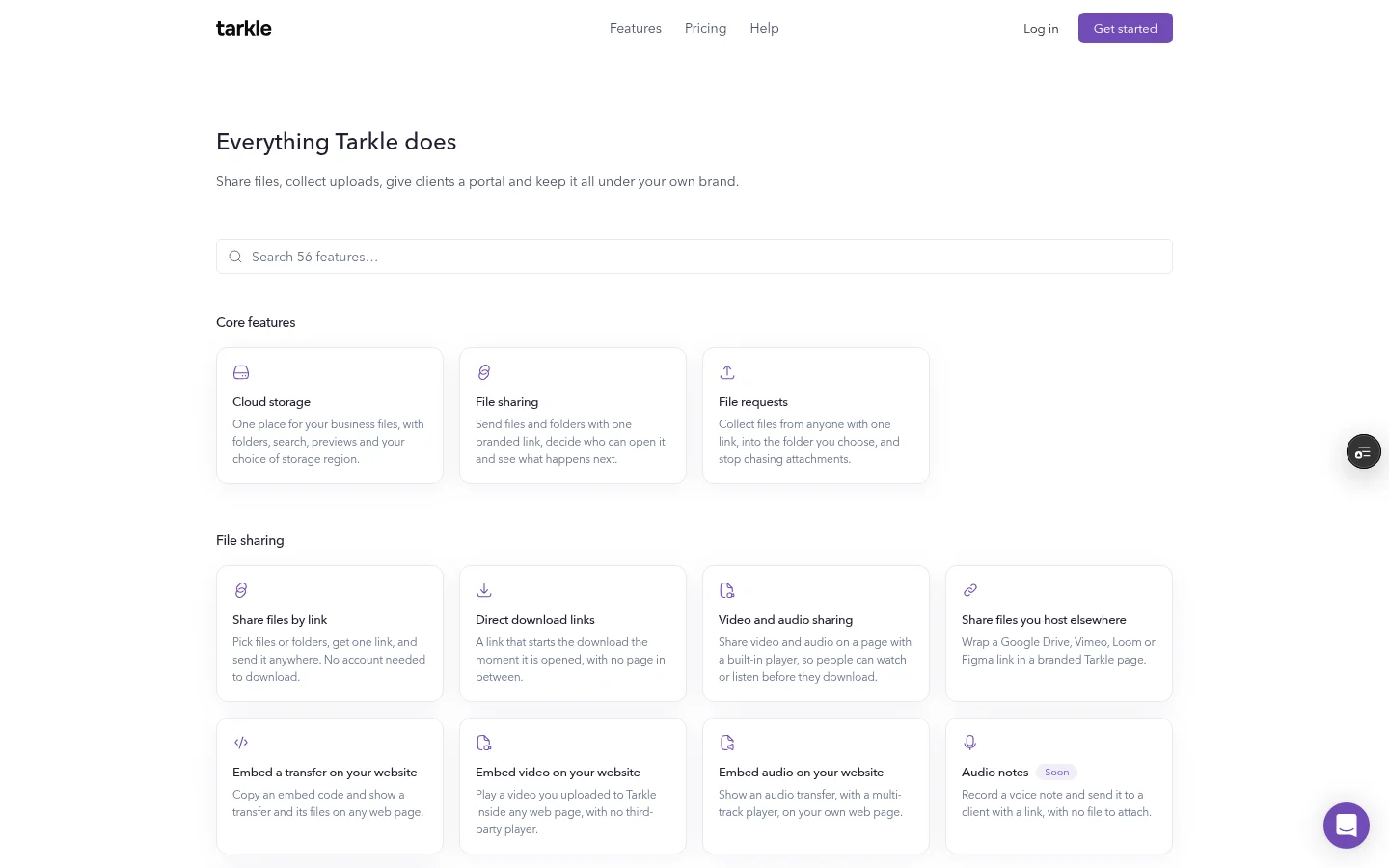
For delivery, pick files or folders and get one link to send. Add a password when the files are not public yet, and a link expiration date when the offer or embargo ends. Transfer status shows whether a transfer was delivered, viewed or downloaded, so you can see where it stands before you follow up.
Your domain, your names
Links can be served from your own domain, for example files.youragency.com, and Free includes a custom domain. You can also name a link with custom transfer links, such as files.youragency.com/t/spring-campaign. The article on branded file sharing links explains the layers in detail.
Big video and design files
Free allows files up to 1 GB each. Pro and Agency allow files up to 200 GB, and the person who downloads needs no account. For a video cut or a layered design file, that is usually the reason to move off Free. Video and audio play on a page with a built-in player, so a client can watch or listen before they download. For a full video workflow, read how to deliver video to clients.
Is this file sharing for creative agencies too?
Yes. A design studio, a video production house and a branding agency have the same two jobs: deliver, and collect. Creative teams also need feedback. Tarkle's client feedback turns images and PDFs into a review board that clients comment on and approve with one link, with no account. Free includes client feedback and approval.
What Free covers, and where it stops
Free costs $0, with no credit card required. It includes 1 workspace, 5 GB of cloud storage, uploads up to 1 GB, file sharing and file requests, client feedback and approval, custom branding, a custom domain, and passwords on shared files. It is for one person.
Free stops in three places that matter to an agency:
Storage and file size. 5 GB in total and 1 GB per file is enough to test one delivery. Campaign video usually needs Pro, with 3 TB of storage and files up to 200 GB.
One person, one workspace. Free is for one person. Adding teammates needs Pro or Agency.
Tarkle's name stays on your pages. The "Powered by Tarkle" line stays on Free. White label, which replaces the name with yours, is part of the Agency plan.
Free is a fair way to test one delivery and one file request before you pay for anything.

When Pro or Agency is the better fit
Pick by how many clients you serve and whose name the client sees.
Free | Pro | Agency | |
|---|---|---|---|
Price | $0 | $29/month, or $19/month billed yearly ($228/year) | $59/month, or $49/month billed yearly ($588/year) |
Workspaces | 1 | 2 | 20 |
Cloud storage | 5 GB | 3 TB | 6 TB |
Largest file | 1 GB | 200 GB | 200 GB |
Team members | 1 person | Unlimited | Unlimited |
Client portal | No | Yes | Yes |
White label on your domain | No | No | Yes |
Pro suits freelancers and small teams. You get the client portal, unlimited team members, team folders, file versioning and 90-day file recovery, with 2 workspaces and 3 TB of storage.
Agency includes everything in Pro, plus 20 workspaces, 6 TB of storage shared across them, and a white-label platform. Your own workspaces and your client workspaces both count toward the 20. Your clients log in and manage their files on your own domain, and the Powered by Tarkle backlink becomes Powered by your agency. The owner turns on White label under Branding in Organization settings, and it stops right away if the Agency plan ends. See white label for agencies for what it changes.
If two workspaces are enough and you do not need white label, Pro covers the job. Full details are on the pricing page.
Set it up this week
Pick one active client and one project.
On Agency, create their client workspace and invite them. On Free and Pro, make a folder for them in folders and library.
Create one file request for the assets you still need, with the format in the message.
Deliver the next file with a password, on your own domain.
Check transfer status before you follow up.
After a month, count clients and storage, then decide between Free, Pro and Agency.
You can Start for free and run steps 3 and 4 on the Free plan today.
What to remember about Tarkle
For a marketing agency, the setup is one branded link for each delivery, one file request for each input and one workspace per client. Free covers one person with 5 GB of cloud storage and files up to 1 GB. Pro adds the client portal and unlimited team members, and Agency adds 20 workspaces and a white-label platform on your own domain. Start for free