A WeTransfer Portals alternative for photographers
Send view-only proofs, collect client feedback and approval, and deliver finals from your own domain with Tarkle.

If you sent proofs and finished galleries through WeTransfer Portals or Reviews, three jobs now need a new home: showing proofs without handing over the files, collecting the client's feedback in one place, and delivering finals under your own name. As a WeTransfer Portals alternative for photographers, Tarkle has a client portal. It also has view-only transfers. It also has feedback boards. This article shows how to set up each one and what to expect from it.
A WeTransfer Portals alternative for photographers: what changed
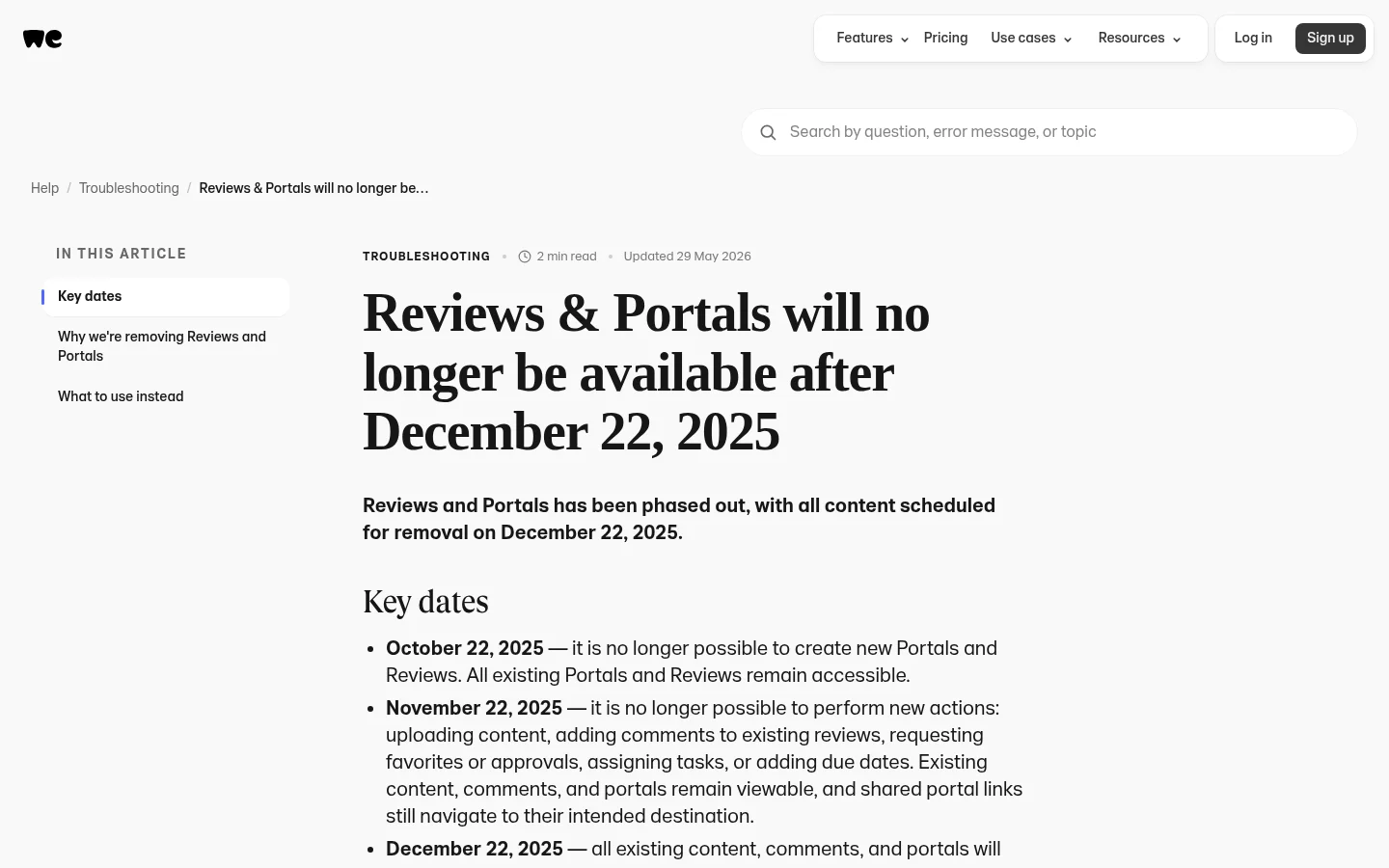
WeTransfer's notice on Reviews and Portals sets the dates. From 22 October 2025 it was no longer possible to create new Portals and Reviews. From 22 November 2025 WeTransfer stopped new actions: uploading content, adding comments to existing reviews, and requesting favorites or approvals. On 22 December 2025 all existing content, comments and portals were removed.
The same notice says Previews is available to all WeTransfer users and replaces the core collaboration use cases that Reviews and Portals covered. Previews is designed to make it easy to review documents without downloading them. If you have questions about saving your content, the notice asks you to contact WeTransfer Support.
This article is for photographers who want a client space, proofing and approval back.

Photo by Evgeniy Bezkorovayniy on Unsplash
Prepare: put your name on everything the client sees
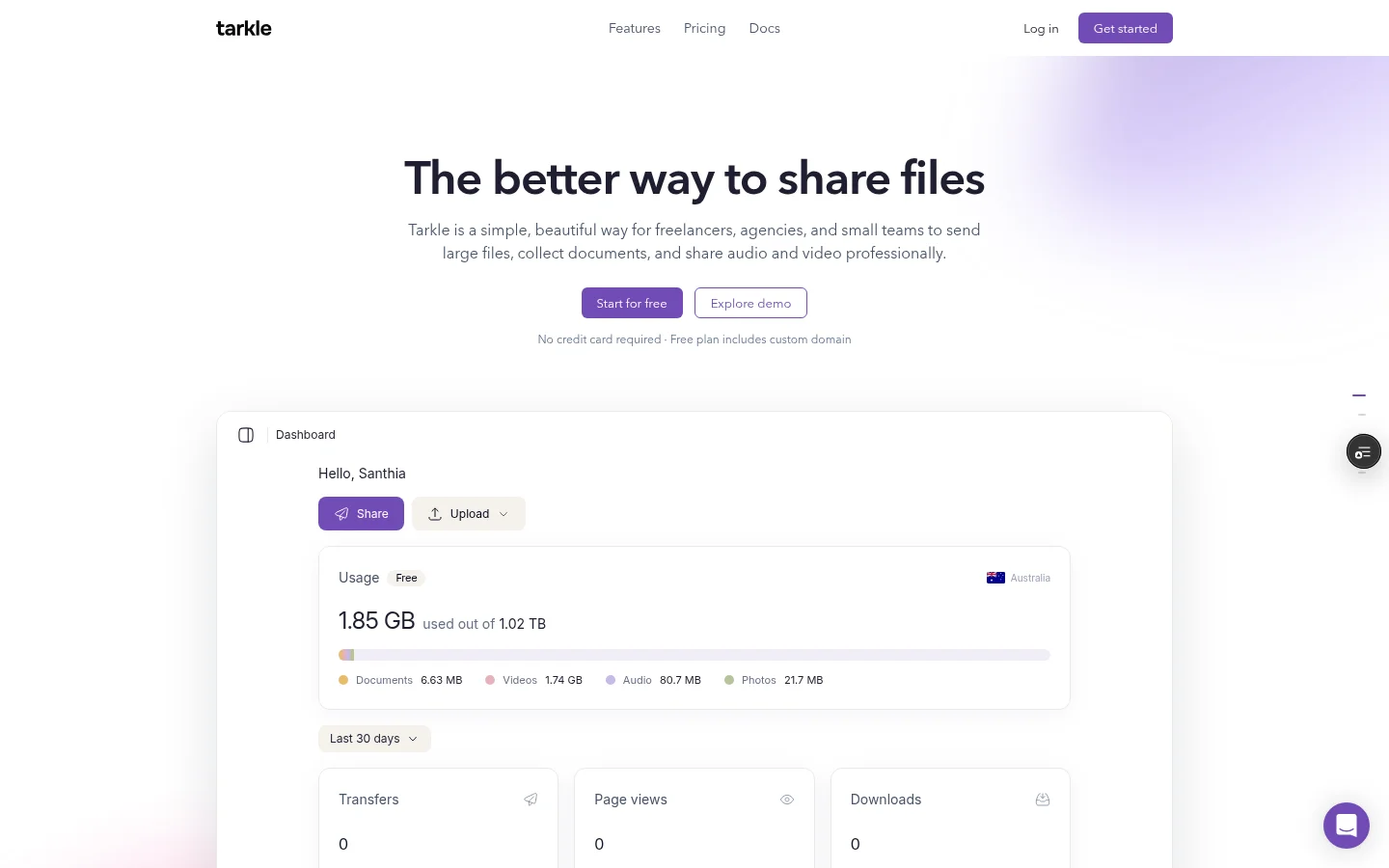
Before you send the first proof, set up your branding. Upload your logo, pick your colours and set a favicon, and the transfer pages, file requests and client portal all use them. Free includes a custom domain and custom branding, and a small Powered by Tarkle line stays on Free pages. Pro removes that line. You can open your links and portal from your own domain, like files.yourdomain.com, with a custom domain.
The client portal is the closest thing to what Portals gave you, and it is on Pro and Agency. On Free, portal access cannot be turned on. Open Contacts, click the contact's name, and in the contact's actions menu turn Portal access on. Tarkle emails the client a single-use sign-in link, and there is no password to set up. Next time they sign in, they enter their email and get a new link.
You set how much each contact may upload. The default is 5 GB. In the portal your client sees Home, Files, Shared and Requests, plus a Feedback item once you have shared a board with them. They can download what you shared and upload files into a private folder.
Add the client to Contacts the day you book the shoot, not the day you deliver. Send the sign-in link with your welcome email, so the client has already used the portal before the first proofs arrive.
Send proofs: view-only first, downloads later
Share the proofs as a view-only transfer. The page shows the files and the download option is removed. View-only reduces casual copying, but it cannot stop someone from taking a screenshot of what they can see, so use it for review rounds and not for secrets.
Add a password so that nobody opens the transfer without it, and set an expiry date when you create the transfer. After that date the link stops working. A paid transfer cannot be view-only, because the buyer pays for download access.
The viewer shows JPG, PNG, GIF, WebP, SVG, BMP, ICO, AVIF and TIFF images, and PDF files. RAW and PSD are not on that list, so export proofs as JPEG before you send them.
Export proofs at web size with a small watermark added in your editing software. A screenshot of a watermarked web-size file is not a usable print file.
Collect feedback and approval on the images
This is the job Reviews did. Client feedback and approval is on Free, Pro and Agency. Open the Get feedback dialog and choose PDF or Image. Website and Video are shown but cannot be selected. Add the files, switch on Add password, Add deadline or Allow downloads if you want them, and click Create board. Then copy the link or use Share by email.
Clients need no account. They can pin a comment on an image or on a page of a PDF, or write a general comment with no pin. They can reply and attach one file to a comment. When they are done, they choose Approve this work or Request changes, with the reviewer's note if they wrote one.
Your team can reply to comments, assign a comment, and move it between Active, In Progress, In Review and Resolved. The owner gets an email at once when a reviewer finishes a review. New comments and replies email the owner and everyone who has commented on the board, at most one email per person per board every five minutes.
A board keeps one review status. If a client finishes a review again, the new decision replaces the old one, so the decision covers the whole board rather than single images. Free has a limit on how many active boards you can have at once. Drawn annotations, several required approvers, side-by-side version comparison, and video or website review are not built.
Set an Add deadline on every board and say it in your email, for example "comments close Friday". After the deadline passes, commenting stops and the board stays visible, so selections stop changing once retouching starts.
If your clients choose favorites image by image, ask them to list the frame numbers in a comment.
Track who opened and downloaded what
Every transfer shows status badges. Delivered means the email was delivered, Viewed counts how many times the page was viewed, and Downloaded shows whether the files were downloaded. Burned, Expired and Disabled transfers are marked too.
Deliver finals and close the job
Free supports uploads and transfers up to 1 GB each. Pro and Agency support files up to 200 GB. Keep one folder per client in Files, which has folders and search, and let the proof links expire.
When a client should lose access, disable the transfer. Revoke access instantly stops the link working straight away and shows a Disabled badge, and you can turn it back on later.
Set this up today
Upload your logo, pick your colours and set a favicon.
Add your next client under Contacts and turn on Portal access. The client portal is on Pro and Agency.
Send five proofs as a view-only transfer with a password and an expiry date.
Create a Get feedback board with a deadline and send it to the same client.
Check the transfer status the next morning, then send the finals.
You can try the branding, custom domain, password and feedback steps on Free. Start for free and run one real client through it before your next shoot.
What to remember about Tarkle
Tarkle has view-only transfers for proofs. Tarkle has feedback boards where clients pin comments and approve or request changes. The client portal is on Pro and Agency. Free includes client feedback and approval. Free includes custom branding and a custom domain. Free includes password protection for shared files. You can test the feedback step on one real client first. Start for free.